Your catalogue, ready to use
Paste product links or upload a spreadsheet. Photos, descriptions and specs come in with each product.
SolutionsE-commerce
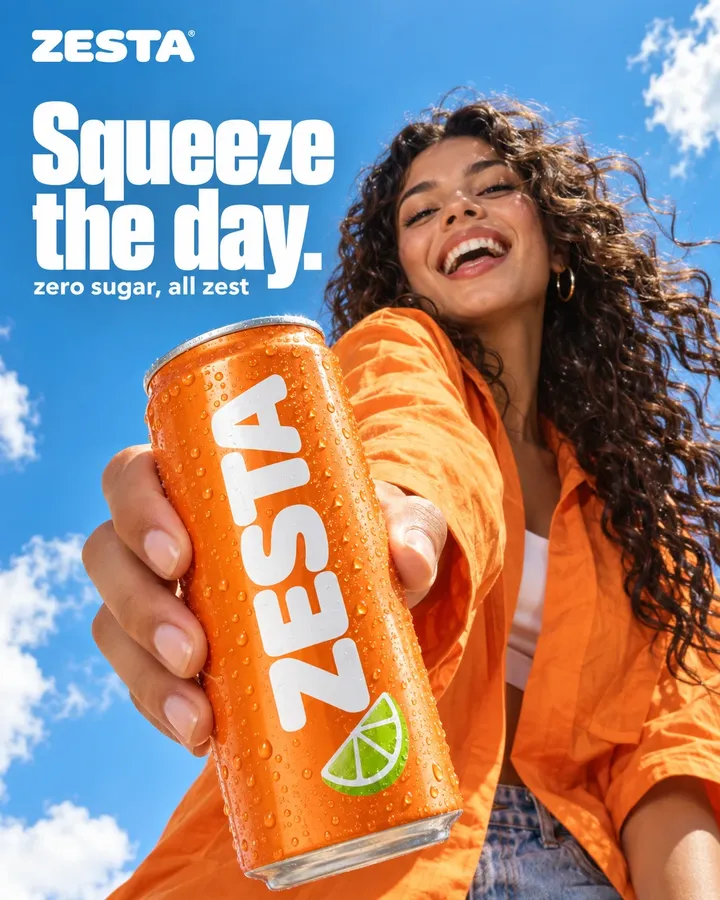
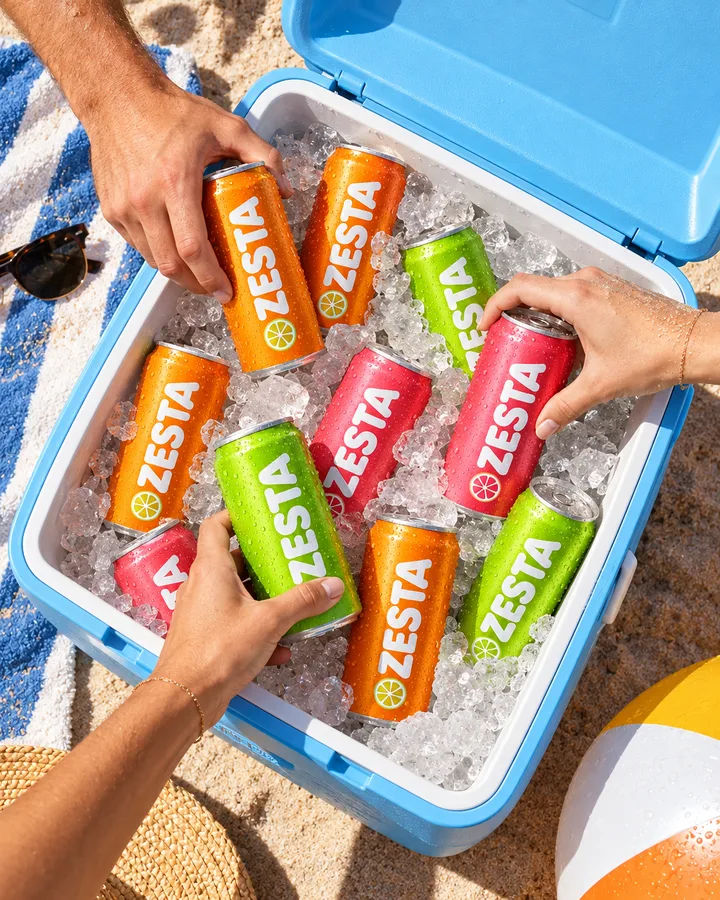
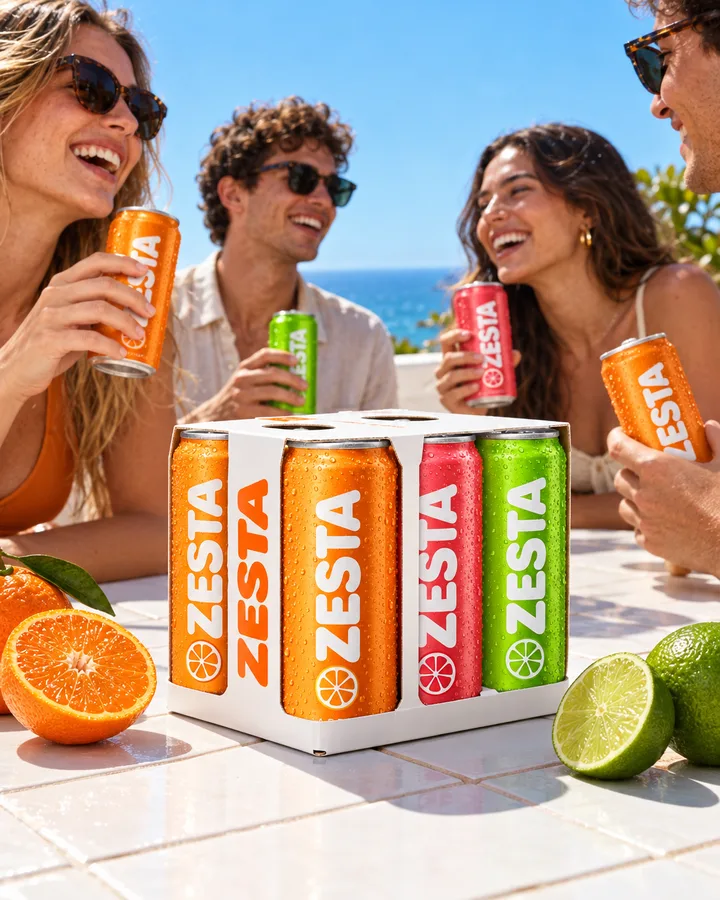
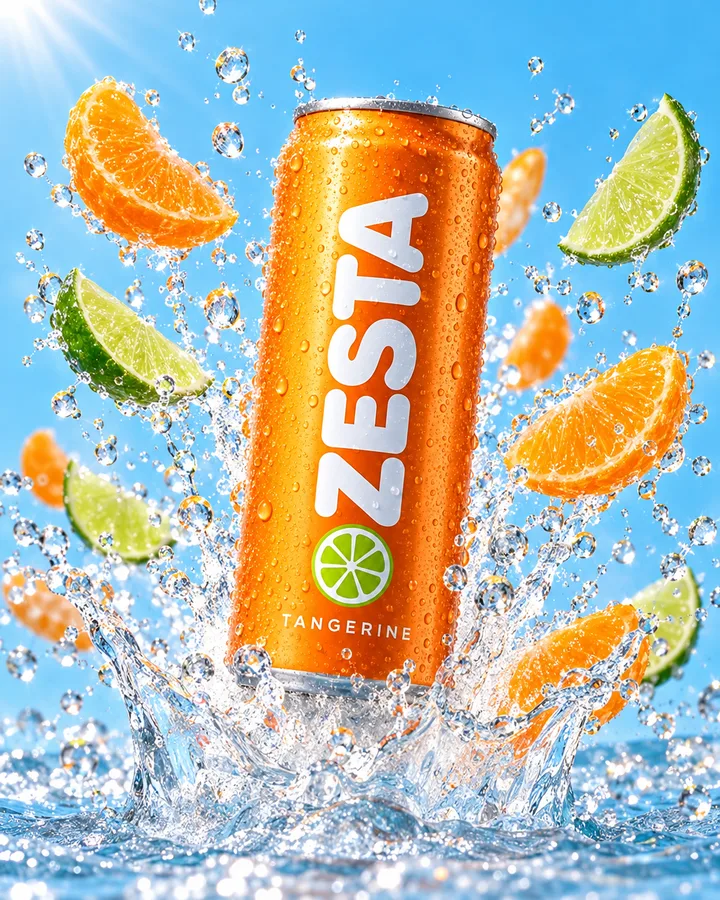
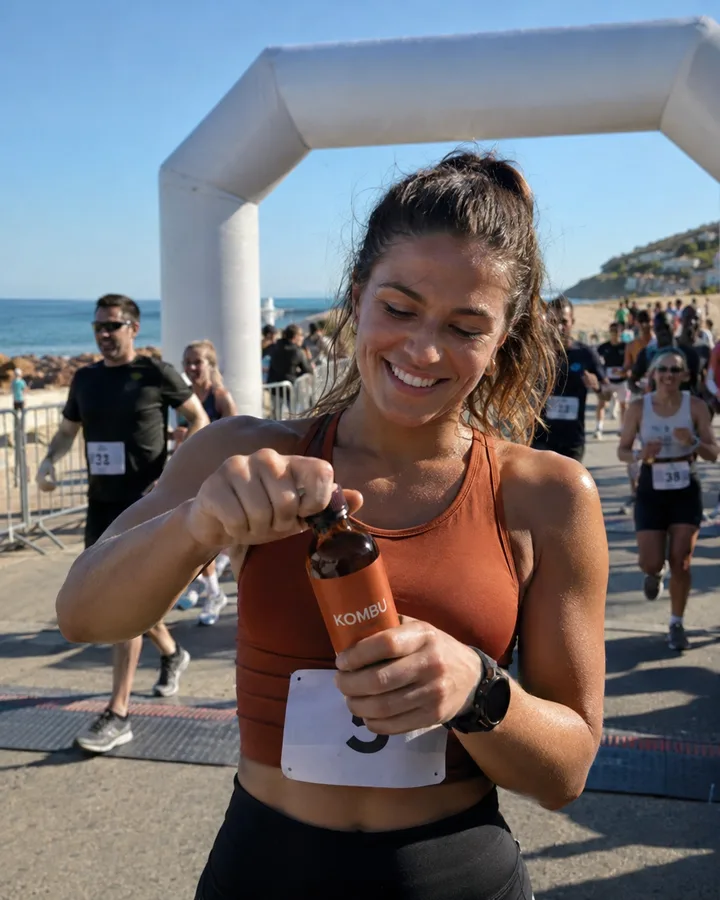
Add your products once, from their pages. DFIRST keeps the photos, descriptions and prices, and every tool works from the real product: the same can in a beach photo, a banner, a four-pack ad and a short film.
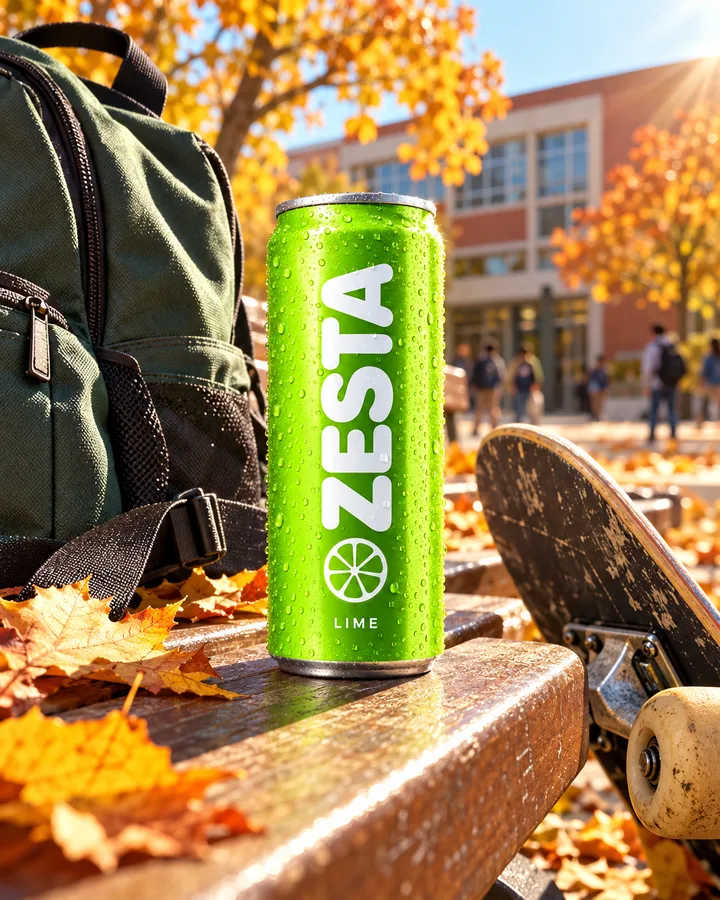
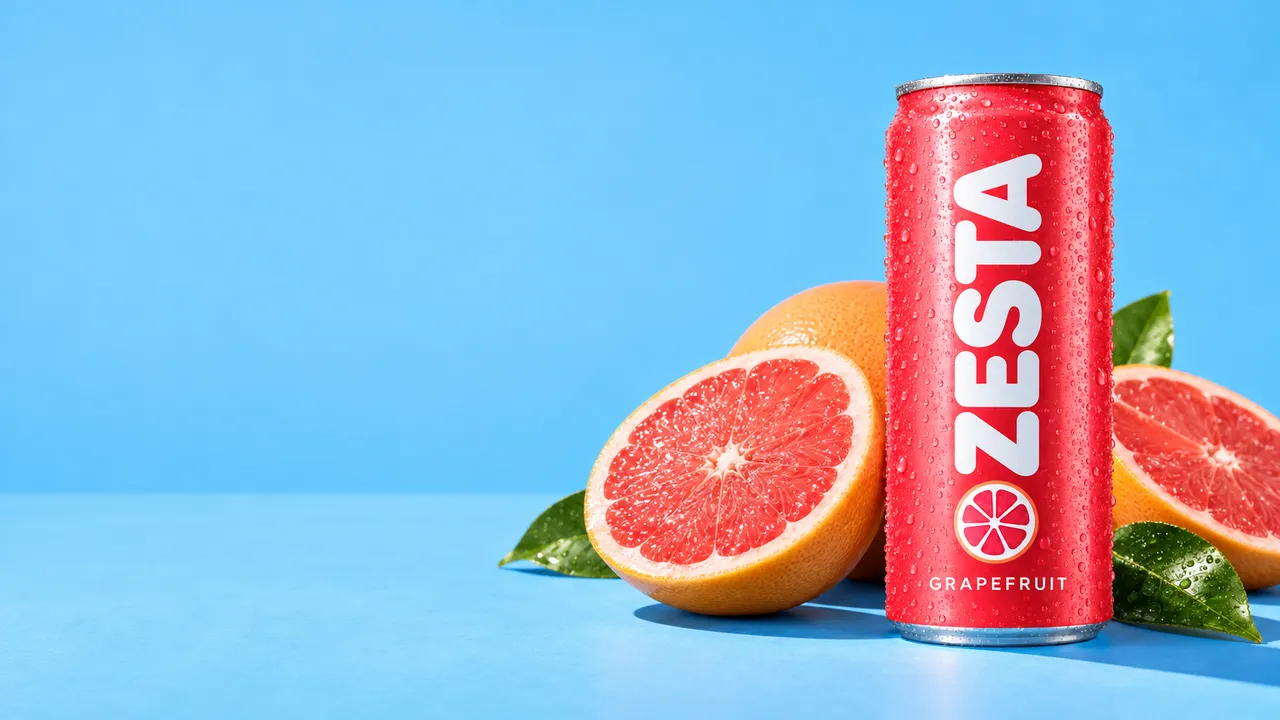
Paste product links or upload a spreadsheet. Photos, descriptions and specs come in with each product.
Type @ and a product's photos and details go into the request, so the work starts from what you actually sell.
Product shots, ads in every size, short videos, descriptions, listings and emails, from one workspace.
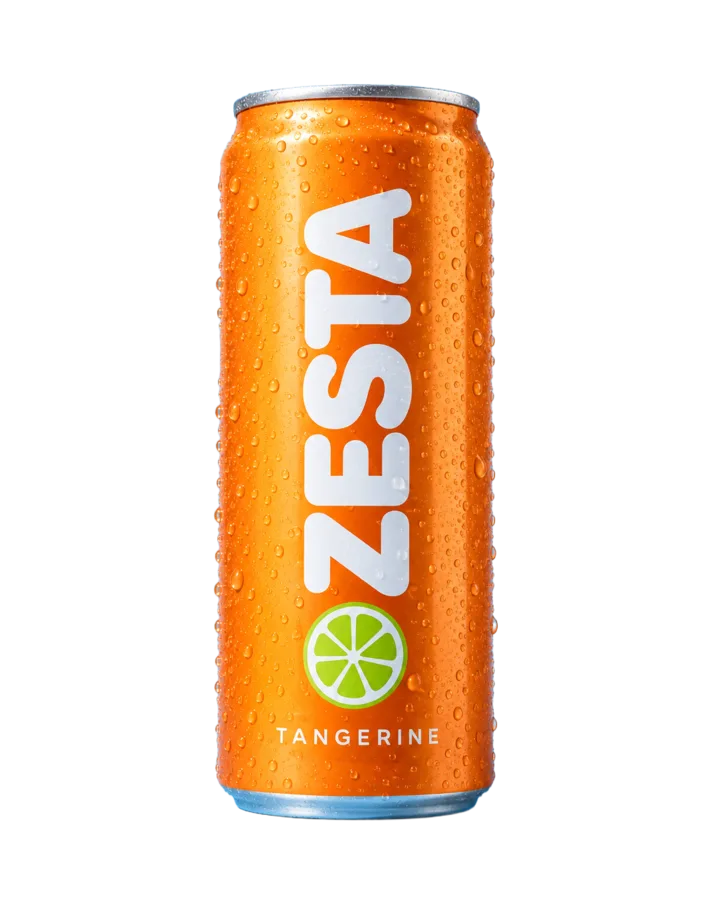
Cut a product out, put it in a new scene, show it for the season or in another colour, or rescue a phone photo. Each tool starts from your product photo.
Clean cut-outs for shop pages and marketplaces.
Seasonal scenes for autumn, winter and every sale in between.
Colourways of the same product, without a new shoot.

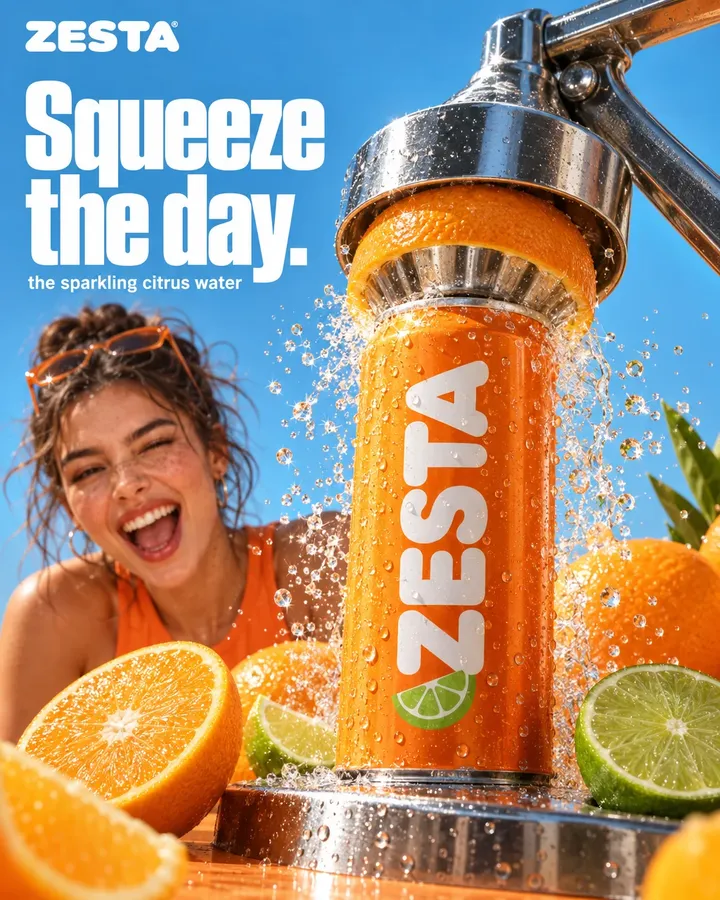
Make a set of ad creatives from a product link, try variations of the one that works, and reformat it for every placement without starting again.
A dozen creatives from one product page.
Variations of the ad you already like.
Every placement from square feeds to tall stories.


Turn a product photo into a short commercial, plan a film frame by frame with Storyboard to video, then add music, sound or a voiceover.
Product descriptions, marketplace listings from a photo, ad copy and email campaigns, written from your product details and your Brand DNA. Ad copy can be localised when you sell abroad.
Barcelona sun in a can: sparkling water with real tangerine, no sugar and nothing artificial. Best ice-cold, straight from the beach bar fridge.
Competitors gathers other brands' launches, posts and the ads they run in the Meta and Google ad libraries. Pick the one that works for them and answer it in your own style.
Their ads, posts and launches in one feed.
What your audience is into, from Trends.


What online shops ask before they start.
Not automatically. You add products from their pages, from a spreadsheet or by hand. Shopify can also be connected in Connections after a one-time setup on our side, so Firsty can look things up there when you ask.
The product tools start from your product photo. Generated pictures can still change small details, so check labels and text before you publish.
Yes. Make one creative, then reformat it for each placement, or make variations of the one that performs.
Your files stay in your workspace's Data Room, where you can download them. Your prompts and files are never used to train AI models.
DFIRST opens to people on the waitlist first. How early access works
Every module feeds the others, so what one learns, the next one uses.
Add a product, ask for the shots and ads you need this week, and keep everything for the next drop. DFIRST opens to people on the waitlist first.