A set without a shoot
A plain packshot is enough. DFIRST places it in the scene you describe, so a product on white can open a summer campaign without a location, a crew or a studio day.
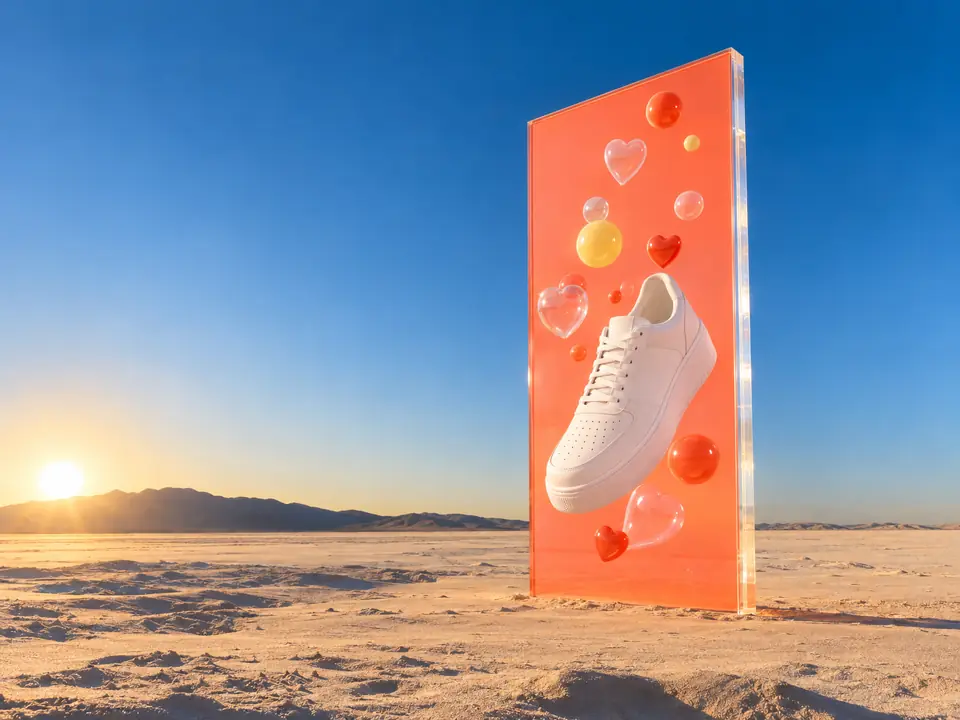
DFIRST Product commercial is an AI tool that makes a product video from a photo. Upload a packshot, and up to three more products if you like, describe the scene and the movement, and DFIRST first creates an opening campaign frame with your products, then films it into a five-second commercial without sound.
First a frame with your product in a scene, then a short film from that frame.
Three steps. The first one starts on this page.
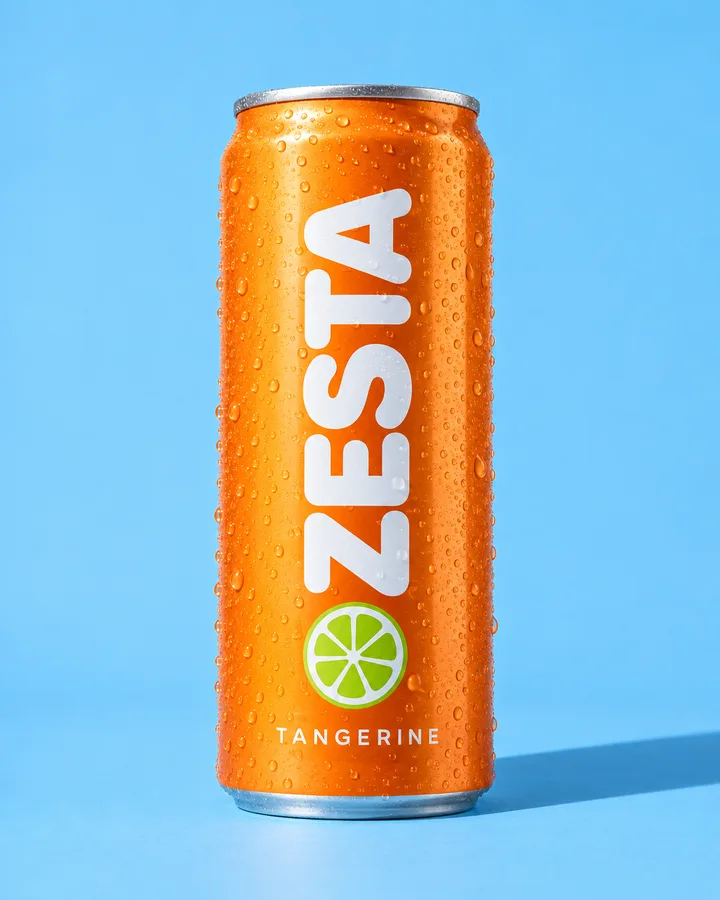
Drop your product photo into the box above and describe the set, the light and the camera move. In DFIRST you can add up to three more products for the same shot.
It first creates a still campaign scene that features every product you added, with the instruction to keep each one exactly as photographed. That still is where the film starts.
Seedance 2.0 Fast animates the frame with subtle camera motion for five seconds. The commercial is saved to your Data Room, ready to download, make again or finish with sound.
A plain packshot is enough. DFIRST places it in the scene you describe, so a product on white can open a summer campaign without a location, a crew or a studio day.
The opening frame is asked to keep your products' shape, colour and label. AI models can still alter small print or fine details, so look closely at the label before the film goes out.
Pick the packshot from References, then run the same brief in wide for the website, vertical for Stories and square for the feed.
From packshot to video ad for product pages, marketplaces and paid social, with the photos you already have.
Launch teasers and seasonal moments for a product, without booking a studio.
Moving concepts around a client's real packshot, to agree the idea before a production budget.
Several scenes for the same product, to test which one earns the click.
The facts about Product commercial, as it works in DFIRST today.
About Product commercial and how it fits the rest of DFIRST.
Upload the packshot in the box above, describe the scene and the camera move, and continue in DFIRST. It creates an opening frame with your product in that scene, then films it into a five-second commercial you can download.
Yes. Next to the main photo you can add up to three more products, and the opening frame is asked to feature every one of them. Four products is the most one shot can take.
The opening frame is made with the instruction to keep each product exactly as photographed, and the film moves gently from there. AI models can still alter small print or fine details, so check the label in the final clip before you use it.
Image to video animates your photo as it is, with your picture as the first frame. Product commercial builds a new scene around the product first, which is better when all you have is a packshot on a plain background.
Five seconds, one shot, in the format you choose. For a longer ad with several shots and your product in each, start from Storyboard to video, which films 10 to 30 seconds from one idea.
No, it is silent, so you can judge the picture on its own first. Then add effects and atmosphere with Add sound to video or a soundtrack with Add music to video once the picture is right.
Your product commercial draft waits on this device until your access starts. DFIRST opens to people on the waitlist first.
Updated