Copy space by design
A banner background with space for copy is not an afterthought here. You decide which side the text takes, and the picture is composed around it.
DFIRST Banner graphics is an AI tool that makes the picture behind a website or display banner. Upload your product, add up to three more, describe the banner and choose 16:9, 1:1 or 9:16, and you get one editorial banner image with your products in place and clean space where your headline and button will go.
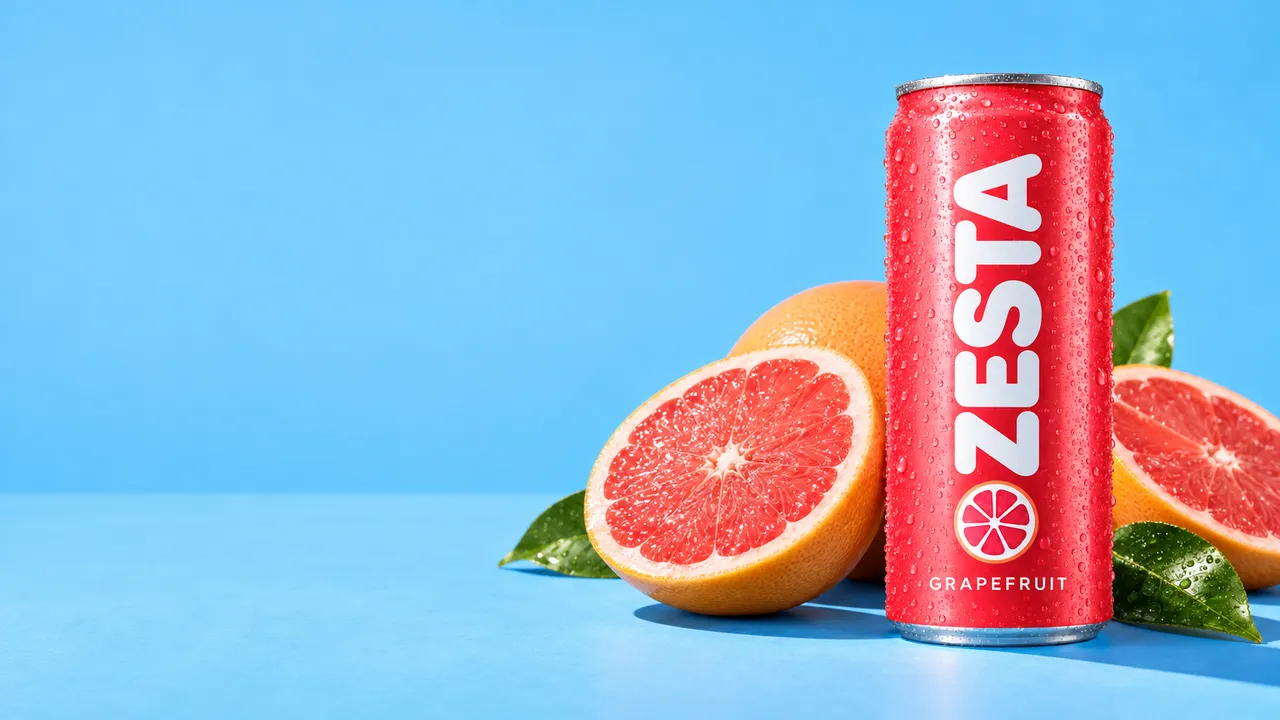
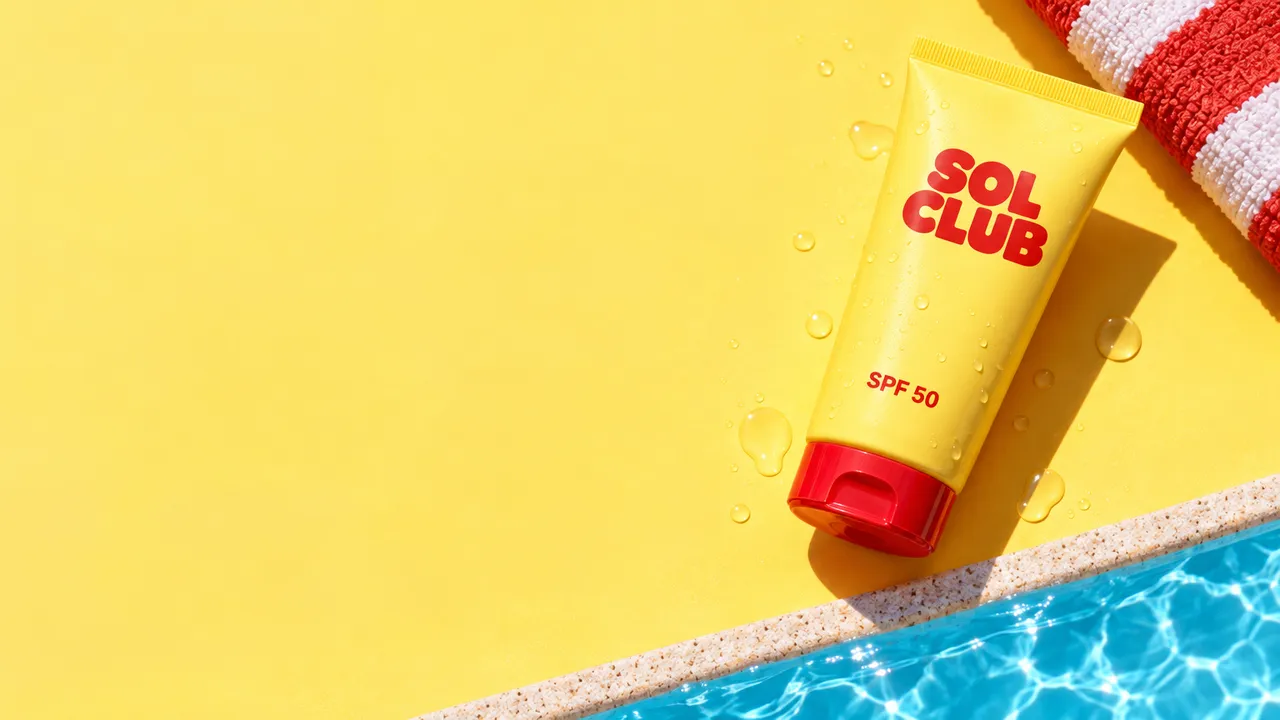
The product sits on one side and the other is left clear for your headline and button. No headline or button is written for you: add them in design, or use 12 ad creatives for finished ads.
Three steps. The first one starts on this page.
Add the product photo and any others that belong in it, then say where the product goes and where the copy will sit. Wide is selected; switch to square or vertical if you need to.
It creates an editorial banner image with every product from your photos and keeps the area you named clear for copy.
Download the image and add the headline, the button and the logo in your site builder or ad tool. For finished ads with the copy already laid out, use 12 ad creatives.
A banner background with space for copy is not an afterthought here. You decide which side the text takes, and the picture is composed around it.
This tool makes the picture, not the text: no headline or button is written for you. For designs with the headline, line and button laid out in three sizes, use 12 ad creatives.
The banner starts from your product photos, so the item in the hero matches the one on the product page. Check its label before the banner goes live.
Homepage heroes and category headers for a new collection or a sale.
Display ad visuals to put copy on, in wide, square and vertical sizes.
Email headers with the product on one side and room for a line on the other.
The facts about Banner graphics, as it works in DFIRST today.
About Banner graphics and how it fits the rest of DFIRST.
Upload your product photo in the box above, describe the scene and say where the copy should go. DFIRST makes one banner image with the product in place and room for your words. Add the headline and button in the tool you publish with.
No headline or button is written for you. The tool makes the picture with clean space for copy, and you add the words. If you want finished designs with copy, 12 ad creatives writes the lines and lays them out for you.
Wide 16:9 is the default, for website heroes and headers. Square 1:1 suits feed and display placements, and vertical 9:16 fits stories. For exact pixel sizes, crop the image in your layout or ad tool.
Yes. Add up to three more product photos next to the main one and describe how they should sit together. The banner features every product you added. Keep it to the products that matter for the message, so the space for copy stays generous.
Yes, say it in your description, for example 'product on the right, clean space on the left for copy'. The picture is composed around that space, so the text never has to fight the product.
Your banner graphics draft waits on this device until your access starts. DFIRST opens to people on the waitlist first.
Updated