It starts from the real product
A packshot to lifestyle photo begins with your own picture, not a description of it. The model sees the product, so its shape, colour and label come from the photo you gave it.
DFIRST Product shots is an AI tool that places your real product in a new scene. Upload one product photo, add up to three more if the picture should show several, describe the setting, and you get one new photo in 1:1, 16:9 or 9:16 with your product at the centre of it.
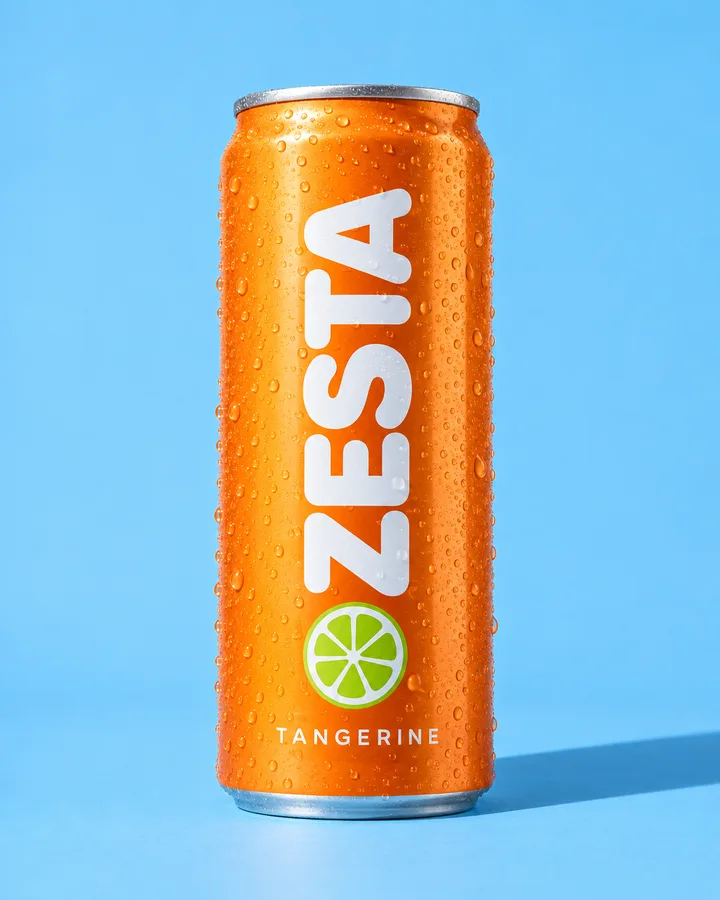
The product photo on the left went into every picture here, with one sentence about the scene.
 The shot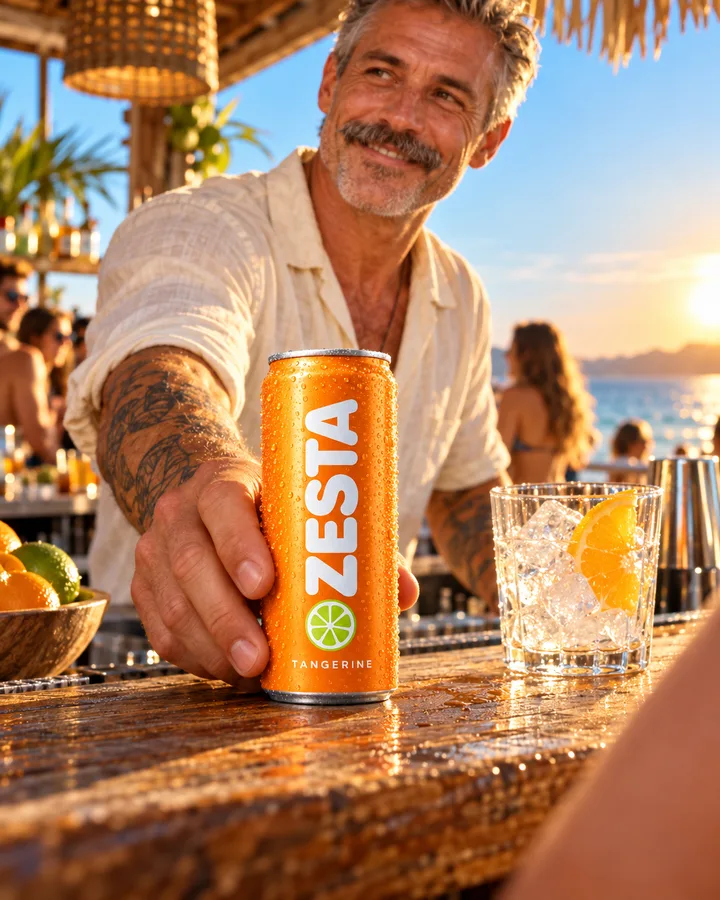
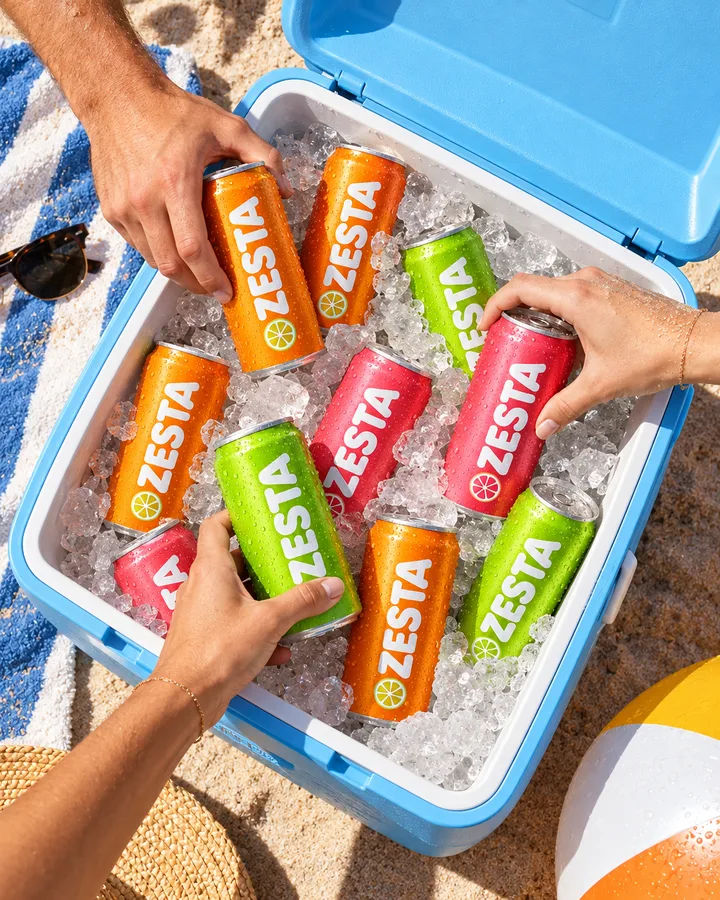
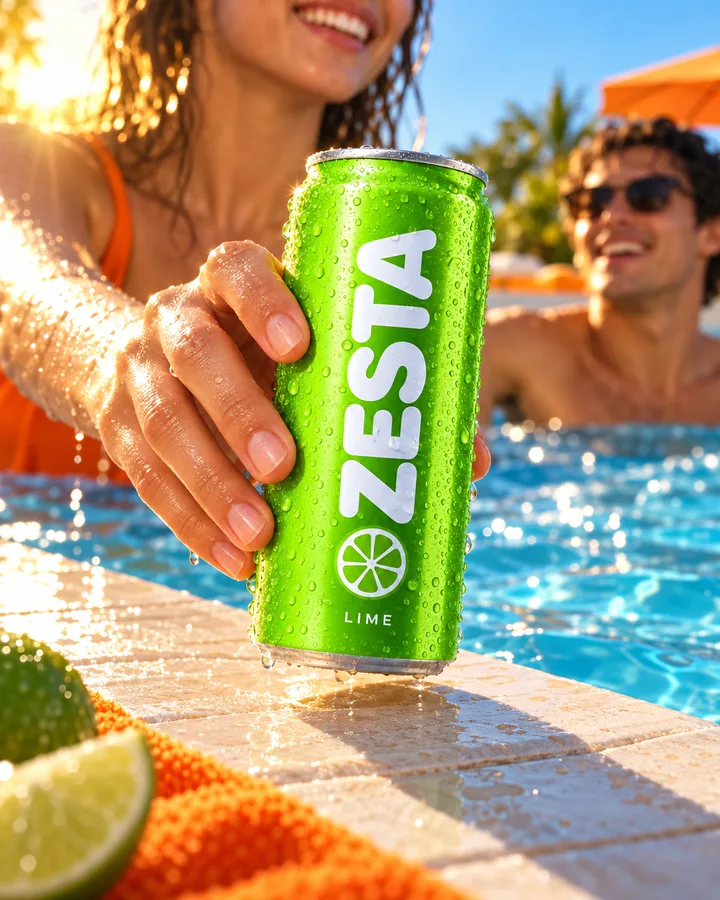
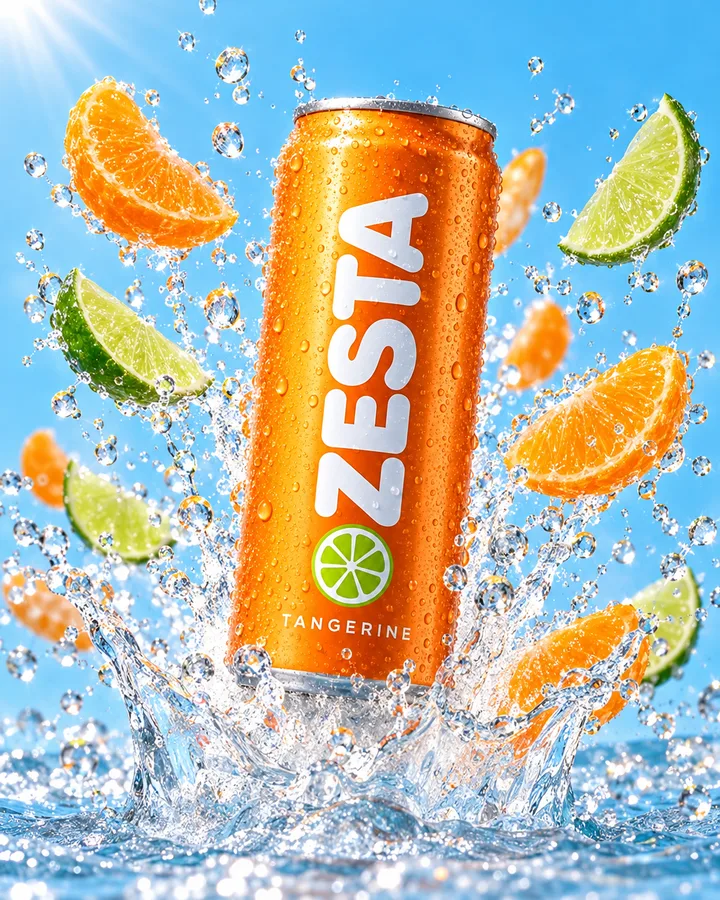
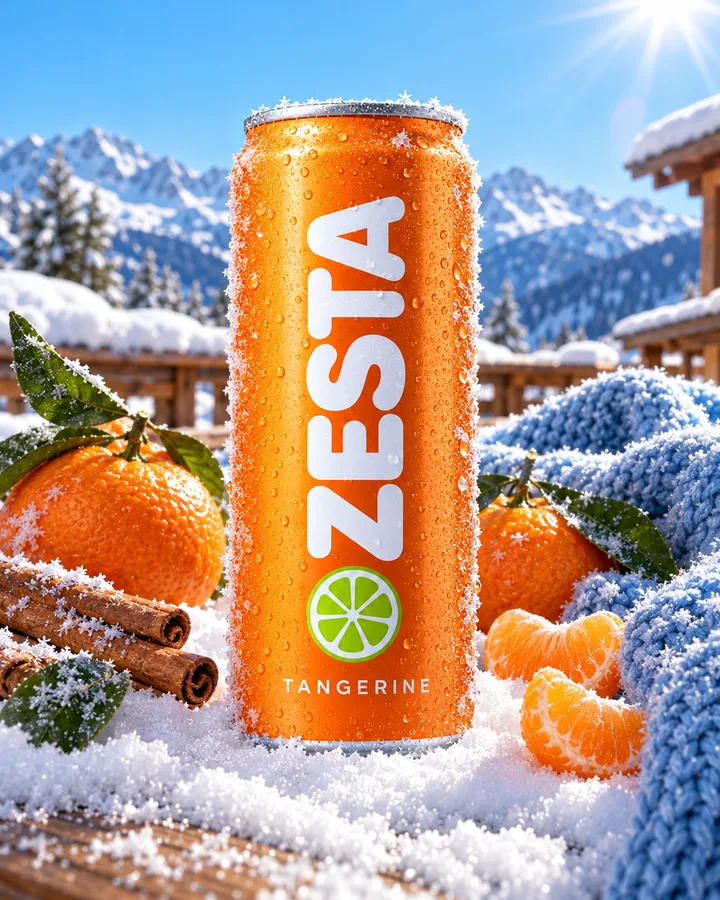
Three steps. The first one starts on this page.
Drop a packshot or a clear phone photo into the box above and describe the scene in a sentence or two: the surface, the light, the mood. Then choose square, wide or vertical.
Your photo goes to the image model as a reference, together with your words. It draws a new picture around the product, from the table it stands on to the shadow it casts.
Download the photo or press Generate again for another take. Open it on the board of a session to try another model or format. Every shot is saved in your Data Room.
A packshot to lifestyle photo begins with your own picture, not a description of it. The model sees the product, so its shape, colour and label come from the photo you gave it.
Add up to three more photos and they share the scene: a can with its four-pack, sunglasses with their case, a small range on one shelf. Pick them from References instead of uploading again.
Product shots draws a new image around your product, so read labels and small print before a picture goes live. When the product must stay pixel for pixel, cut it out with Remove background and set it on your own backdrop.
Lifestyle shots for product pages and marketplaces, without booking a studio for every new item.
Fresh scenes for the same product across a month of posts, in feed and story formats.
Scene ideas to show a client before a shoot, or to fill the gaps after one.
A product photo background generator for the first catalogue, from photos already on the phone.
The facts about Product shots, as it works in DFIRST today.
About Product shots and how it fits the rest of DFIRST.
Upload a photo of your product in the box above, describe the setting you want and pick a format. DFIRST sends the photo to the image model as a reference and returns one new picture of the product in that scene. Press Generate again whenever you want another take.
Yes. A plain packshot on white is the best start, because the model sees the product clearly. Describe the place, the props and the light, such as a terrace at sunset or a marble bathroom shelf, and the product is placed in it.
The tool asks the model to keep your product, and the shape and colours usually come through well. It is still a newly drawn image, so check labels and fine print before you publish. When every pixel must stay, cut the product out with Remove background instead.
Yes. Add up to three more product photos next to the main one and describe how they sit together, for example side by side on a counter. The model places all of them in the same scene.
Square 1:1 for feeds and listings, wide 16:9 for web headers and banners, and vertical 9:16 for stories and reels. To try another size of a shot you like, open it on the board of a session and change the format of its card.
Your product shots draft waits on this device until your access starts. DFIRST opens to people on the waitlist first.
Updated