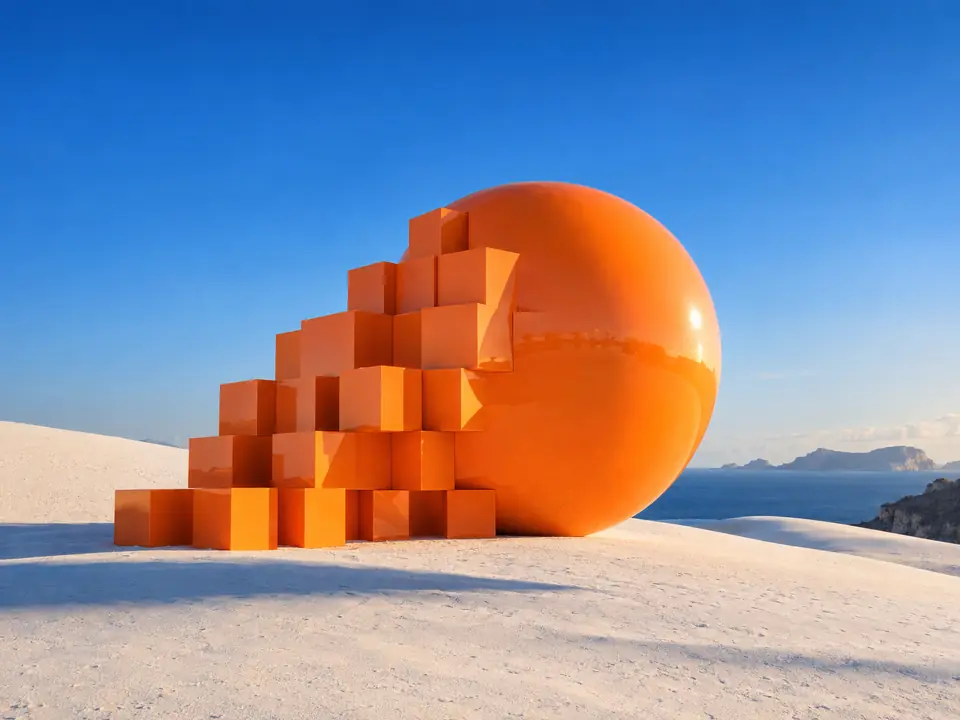
Your product, untouched
Background removal is matting, not generation. The pixels of your product come back as they were, which matters for packshots, labels and anything a customer will compare with the real thing.
DFIRST Remove background is an AI tool that cuts the subject out of a photo and returns it on a transparent PNG. Upload a PNG, JPG, WebP or HEIC image up to 20 MB, and the product, person or object comes back exactly as it was, with a clean edge and nothing around it.
The subject comes back exactly as it was photographed, on a transparent background you can put anywhere.
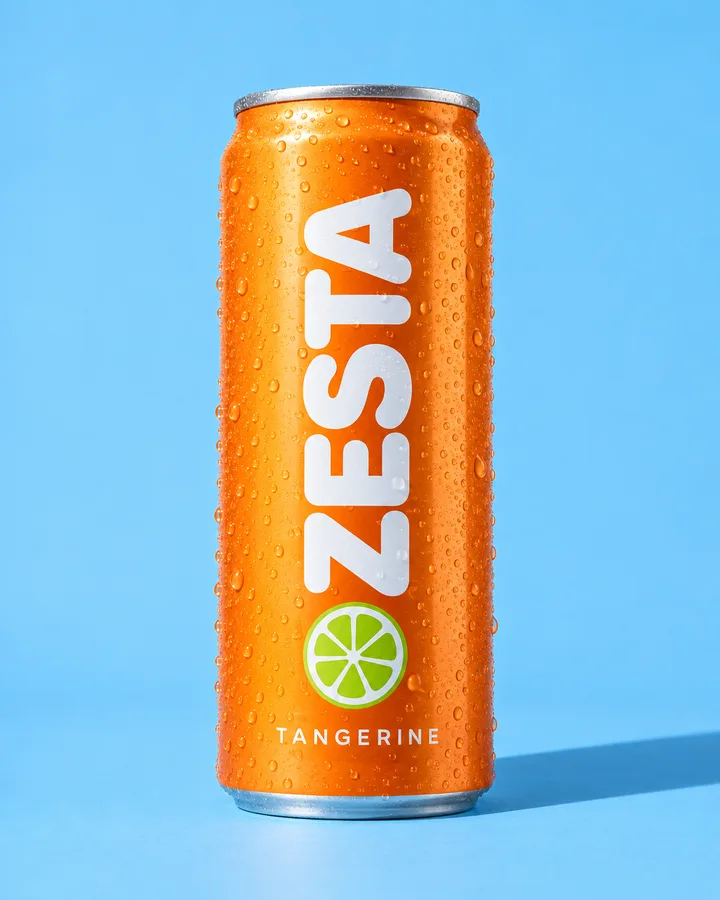 After
After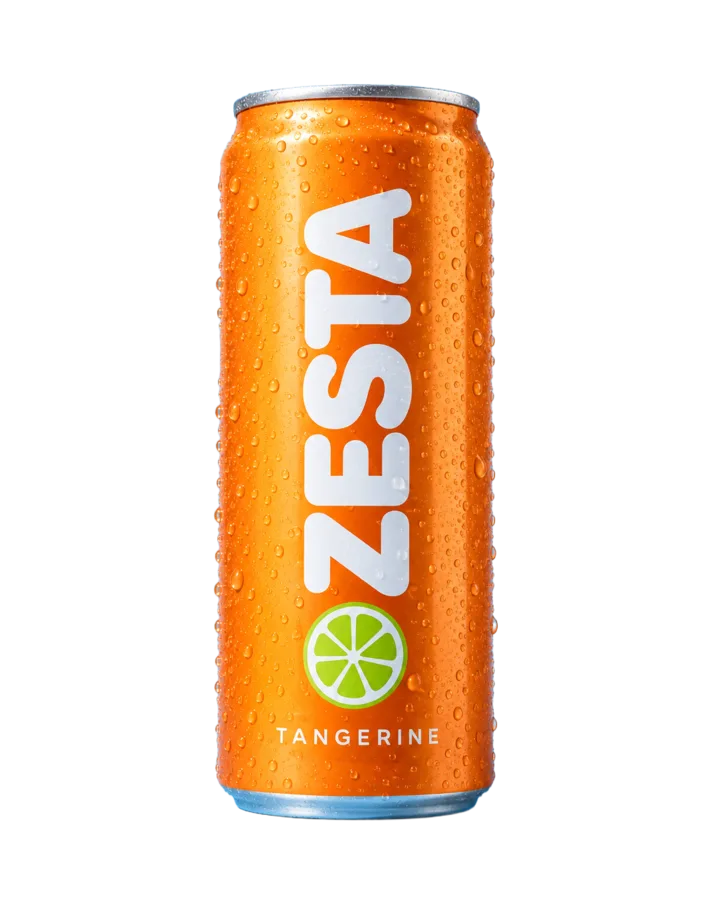
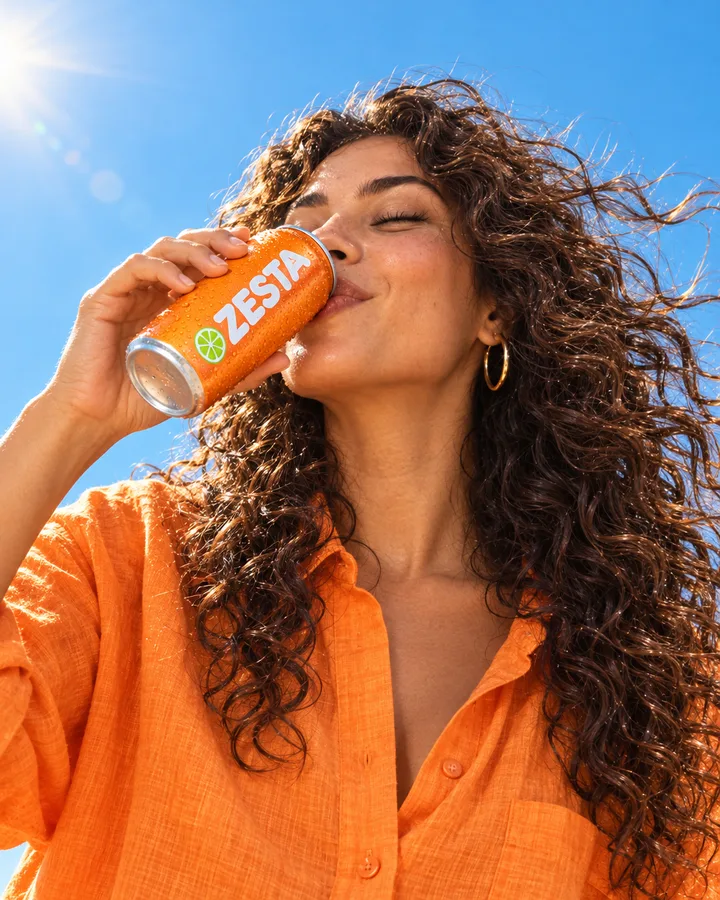 After
After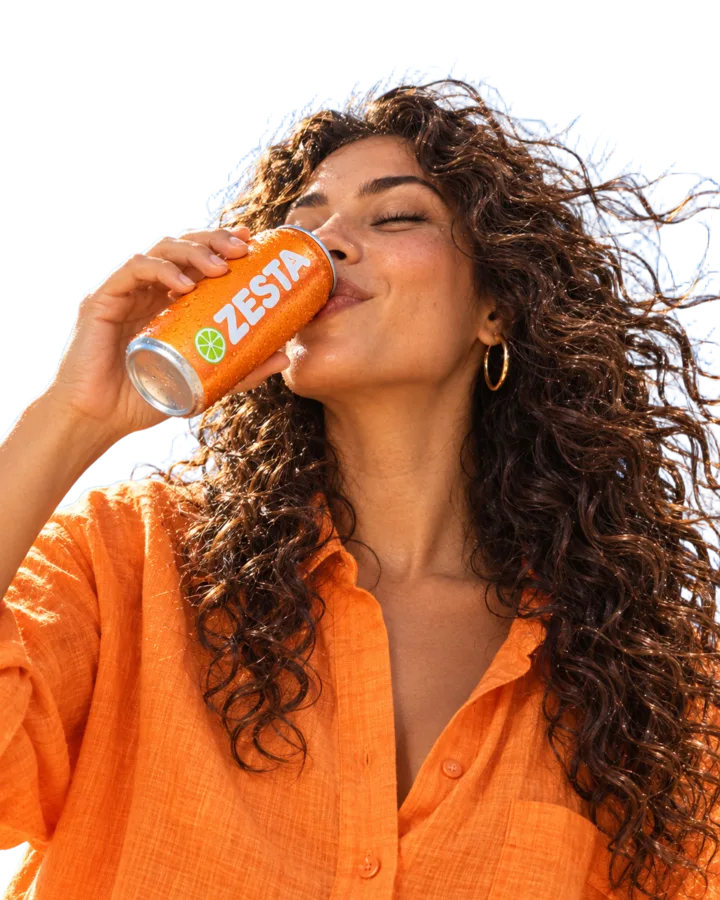
Three steps. The first one starts on this page.
Drop a product shot, a portrait or a phone photo into the box above. It stays on this device until you sign in.
The tool finds the subject and removes everything else. Nothing inside the outline is repainted, so labels, logos and small print stay sharp.
Download the transparent PNG, or keep working: put it on a new background, into a banner or onto the board of a session.
Background removal is matting, not generation. The pixels of your product come back as they were, which matters for packshots, labels and anything a customer will compare with the real thing.
The cut-out is saved in your Data Room and can go straight into product photos, a banner or a whole set of ad creatives.
The model behind it is trained on licensed images, which matters when the cut-out ends up in a paid ad or on a product page.
Clean product images for listings, marketplaces and catalogue pages, one photo or a whole range.
Fast cut-outs for layouts, banners and presentations, without masking by hand.
Products and people lifted from everyday photos, ready for a new scene or a seasonal post.
The facts about Remove background, as it works in DFIRST today.
About Remove background and how it fits the rest of DFIRST.
Upload the photo in the box at the top of this page and continue in DFIRST. The tool returns your product on a transparent PNG that you can download or pass to another tool, such as product photos or a banner.
No. Removing a background here is cut-out work, not image generation, so the product inside the outline comes back unchanged. Labels, logos and fine print stay as they were.
PNG, JPG, WebP and HEIC images up to 20 MB. The result is always a PNG with a transparent background.
Yes. Send the cut-out to Product shots and describe the new scene, or open it in a session and ask the agent for a set of backgrounds in your brand colours.
The tool is built for commercial work: the model behind it is trained on licensed images. Check that you own the rights to the photos you upload.
Your remove background draft waits on this device until your access starts. DFIRST opens to people on the waitlist first.
Updated