See it before you make it
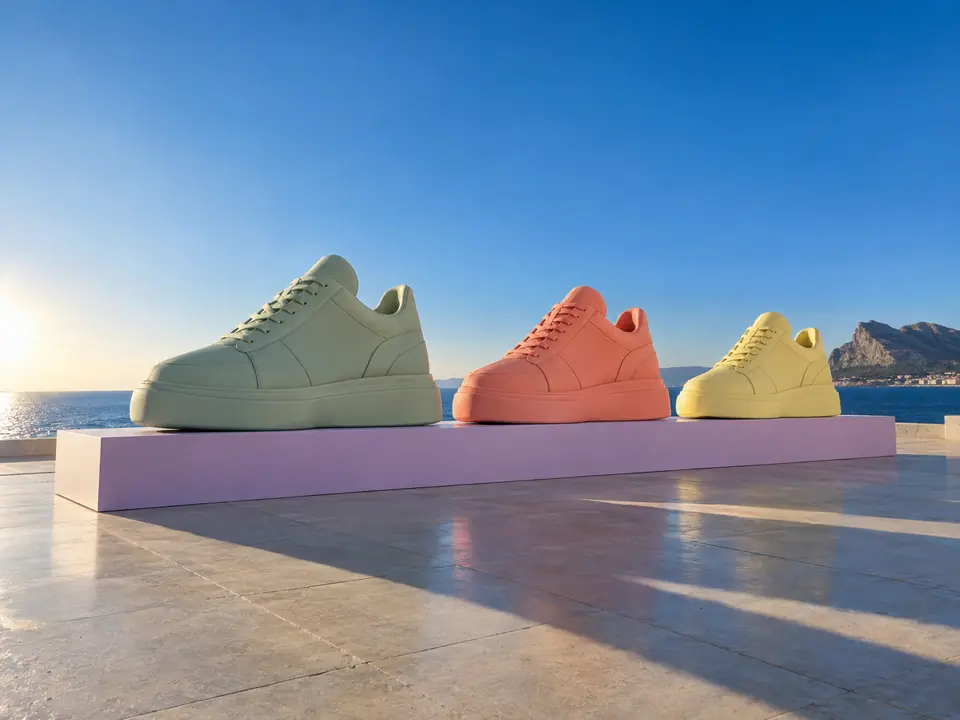
New product colourways usually wait for a sample. A colour concept on the real product shape lets a team agree on a shade before anything is produced.
DFIRST Product colourways is an AI tool that recolours a product photo to show a new colourway. Upload one product image, describe which parts change to which colour, pick a format, and you get one colourway concept in which only the colours you named change, while shape, material and every other detail are kept.
One product photo, one sentence about the colour. The shape, the label layout and the light stay the same.
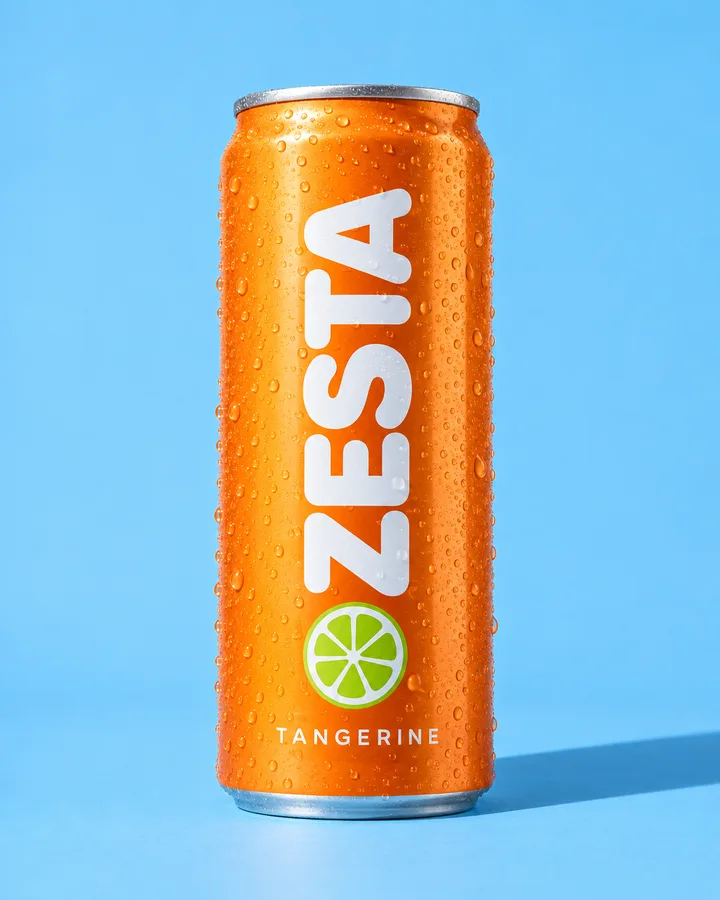 Grapefruit pink
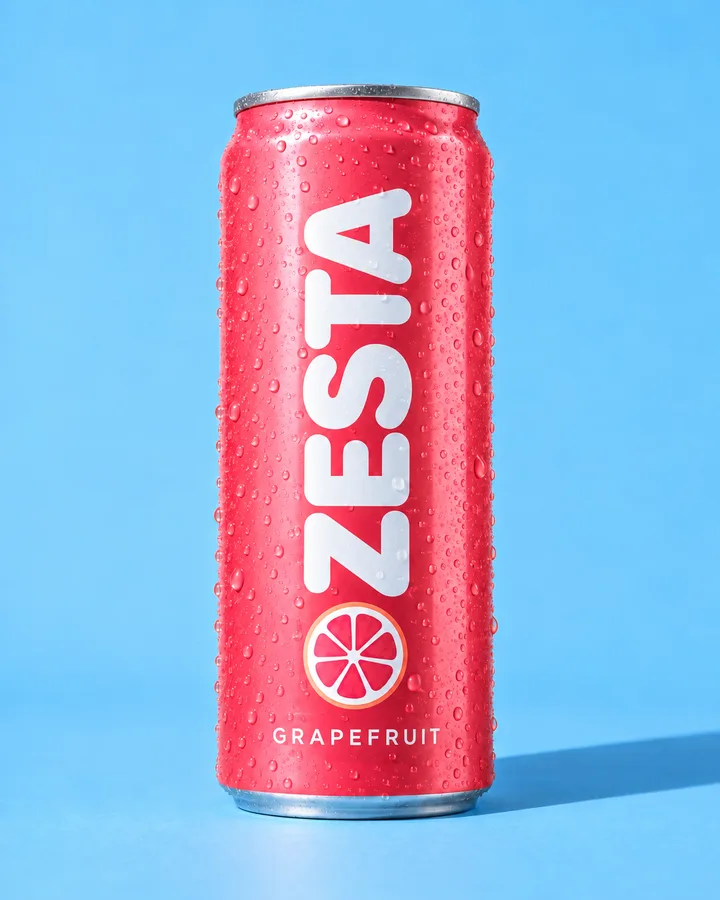 Lime green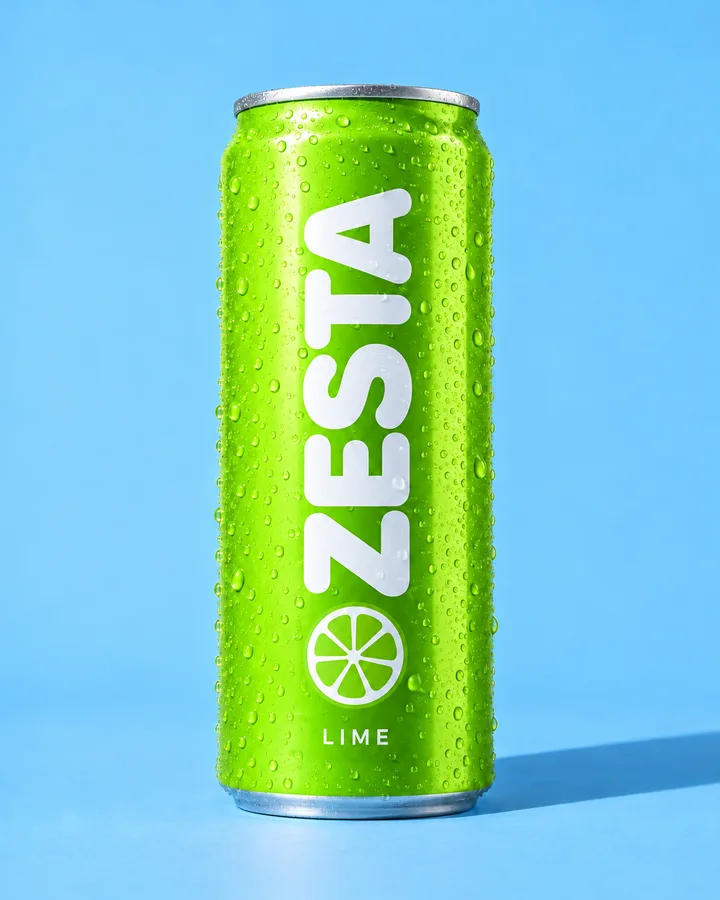
Three steps. The first one starts on this page.
Upload the product and say exactly which parts change and to what, such as 'only the side panels, to muted sage'. Name what must stay too.
Your photo is the reference for a new picture of the same product. Only the requested colours change; the shape, the material and the other details are kept.
Download the concept, try another shade, or line up several colourways on the board of a session to compare them side by side.
New product colourways usually wait for a sample. A colour concept on the real product shape lets a team agree on a shade before anything is produced.
The tool tells the model to change only the colours you ask for and to keep shape, material and the other details. The more exact the part names, the cleaner the result.
A recoloured product photo shows something that may not exist yet. Use it to decide and to share ideas, and say it is a concept if customers will see it before the product does.
Colour options for a range review, shown on the real silhouette.
A first look at a new colour before the photoshoot is booked.
Colourway ideas for a client meeting, or limited editions for a campaign.
The facts about Product colourways, as it works in DFIRST today.
About Product colourways and how it fits the rest of DFIRST.
Upload the product photo above and describe the change, for example 'change only the pink panels to muted sage green'. DFIRST creates a new image of the same product in that colourway, keeping the shape, the materials and the rest of the colours.
Yes. Name the part and the new colour, and say what stays: 'the laces stay white, the logo stays black'. Clear part names give the model less to guess. If another part changes by mistake, name it as fixed and ask for another take.
It is a newly drawn image based on your photo, made as a colourway concept. Shape and materials are kept as closely as the model can, but small details can shift, so check it before customers see it.
You can name a colour as precisely as you like, including a colour code, but an image model gets close rather than exact. For colour-critical decisions, compare the result with a physical sample. Screens and printers also show colour differently.
Run the tool once per colour, or open the first result on the board of a session and make the others next to it, so every option sits side by side. A team can then pick a favourite before anyone orders a sample.
Yes, in two steps. Make the colourway here, then send the result to Product shots and describe the scene. Keeping the colour and the setting in separate runs makes each one easier to check and to change.
Your product colourways draft waits on this device until your access starts. DFIRST opens to people on the waitlist first.
Updated