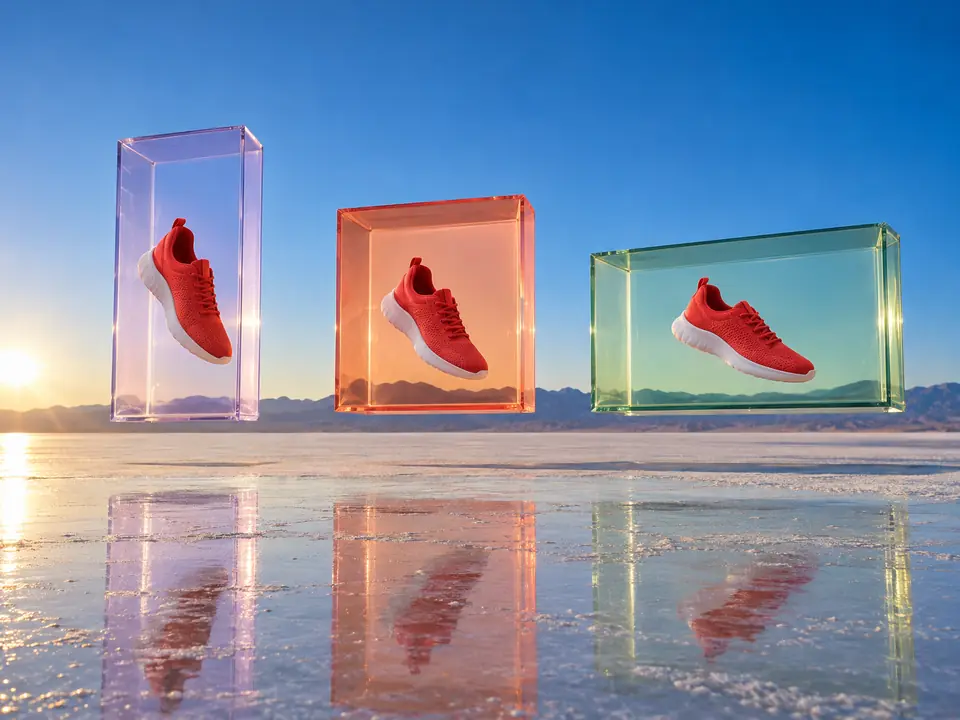
Recompose, don't crop
Cropping a square ad to 9:16 cuts off the product or the space for the headline. Reformatting extends the scene instead, so the frame grows around what matters.
DFIRST Reformat a creative is an AI tool that resizes an image for ads and social media. Upload your creative, say what must stay in focus and pick 9:16, 1:1 or 16:9. Instead of cropping, it recomposes the picture for the new shape and extends the background naturally, keeping the main subject as it was.
Not a crop: the scene is extended and the layout set again, so nothing important falls off the edge.
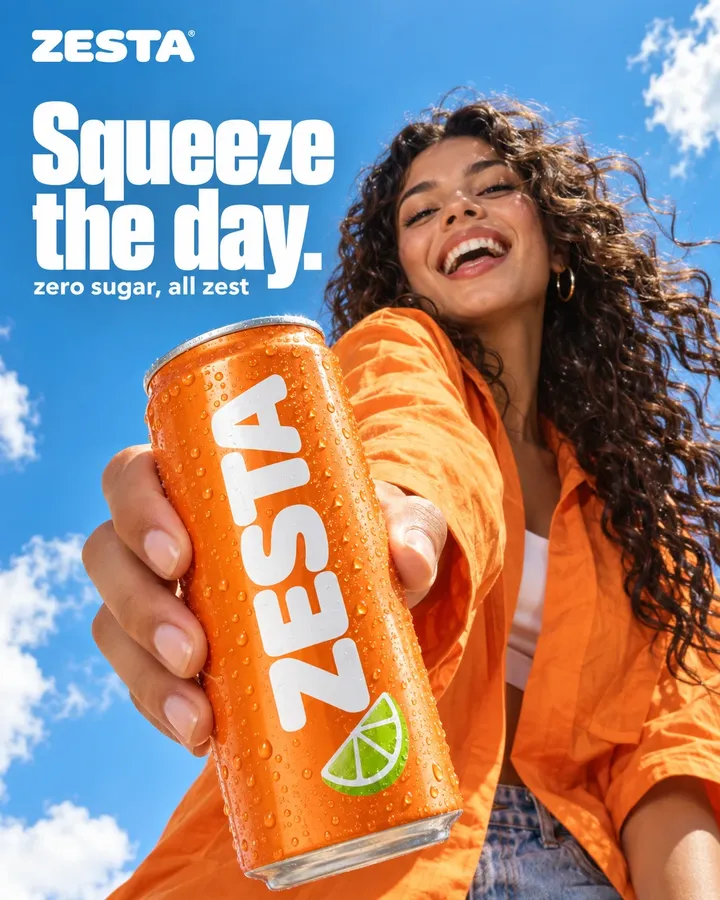


Three steps. The first one starts on this page.
Add the image you already have, square or wide, and say what must stay in focus: the product, the face, the hand holding it. Pick the format you need; 9:16 is set.
The picture is rebuilt for the new shape. The background grows where the frame grows, and the main subject keeps its place and identity.
Download the new version for Stories, Reels or a display placement, or ask for another take. Your original file is not changed.
Cropping a square ad to 9:16 cuts off the product or the space for the headline. Reformatting extends the scene instead, so the frame grows around what matters.
One line, such as 'keep the can exactly as it is', tells the model where to be careful. Everything else is allowed to stretch.
The picture is redrawn for the new format, so words baked into the original can shift or soften. Put the copy back on afterwards, or use 12 ad creatives, which keeps text on its own layers.
Feed ads reworked to 9:16 for Stories and Reels without a new shoot.
One post adapted for the feed, for stories and for a wide header.
A client's approved key visual adapted to every placement in the media plan.
The facts about Reformat a creative, as it works in DFIRST today.
About Reformat a creative and how it fits the rest of DFIRST.
Upload the creative in the box above, write what must stay in focus and choose the format: 9:16 for Stories and Reels, 1:1 for feeds, 16:9 for wide placements. DFIRST recomposes the image for that shape and extends the background where the frame grows.
9:16 is already selected. Upload your square or wide ad, say which subject must stay and continue. The scene is extended and recomposed to fill the tall frame instead of being cut off at the sides.
It is told not to. The tool recomposes the picture and extends the background naturally, keeping the main subject and its identity. Check the result before it runs, because a newly drawn picture can differ in small details.
Lettering in the original is redrawn with the rest of the picture, so it can move or lose sharpness. The safest route is a clean visual without text: reformat it, then add the copy in your ad tool.
Each run makes one image in one format. Run it again for the next format, or open the image on the board of a session and change the format of its card there. Keep the same line about what stays in focus for each run, so the versions match.
Your reformat a creative draft waits on this device until your access starts. DFIRST opens to people on the waitlist first.
Updated