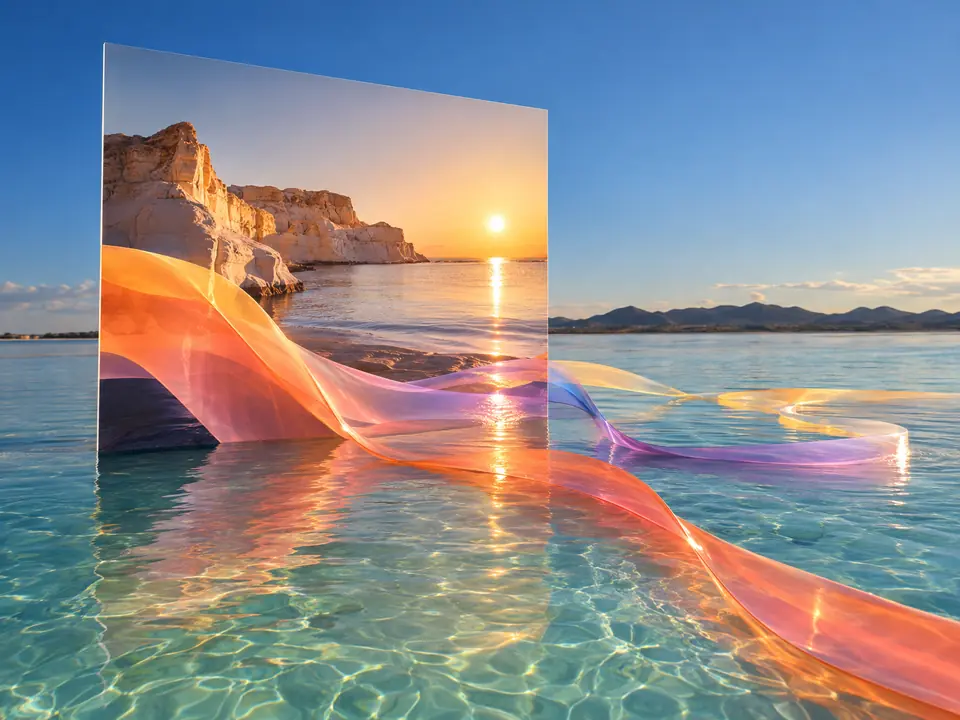
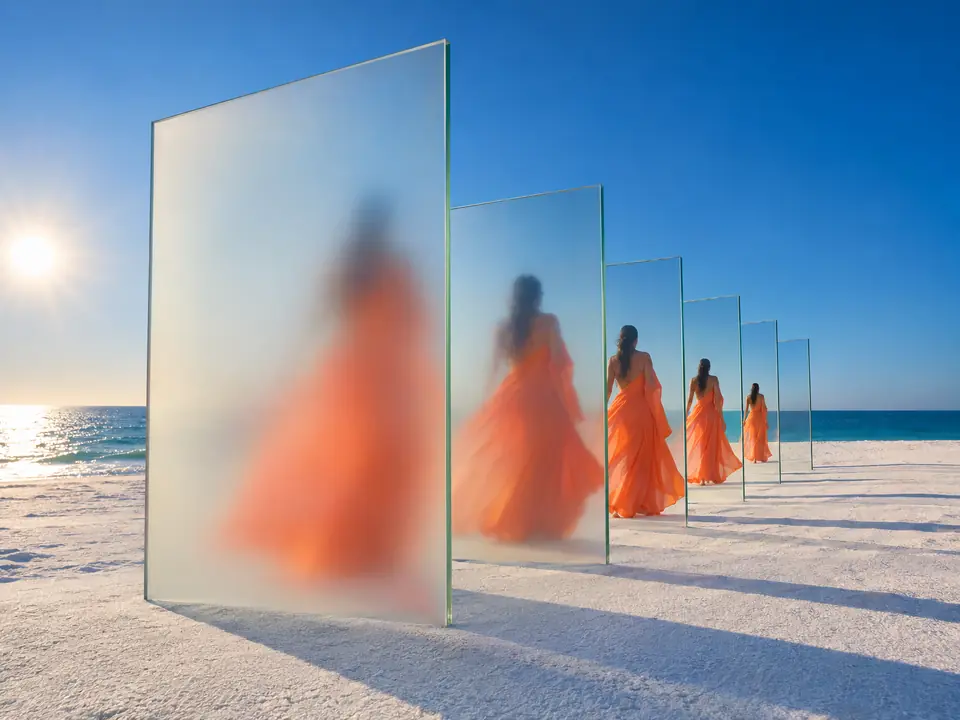
Nothing is filmed before you agree
A storyboard is cheap to change and a film is not. You see every frame first, which is how agencies work with clients and how you avoid surprises.
DFIRST Storyboard to video is an AI tool that turns one written idea, or your own storyboard, into a short film. It first draws the shots as storyboard frames for you to approve, then films them into a 10, 15, 20 or 30 second video in 16:9, 9:16 or 1:1, with sound if you want it.
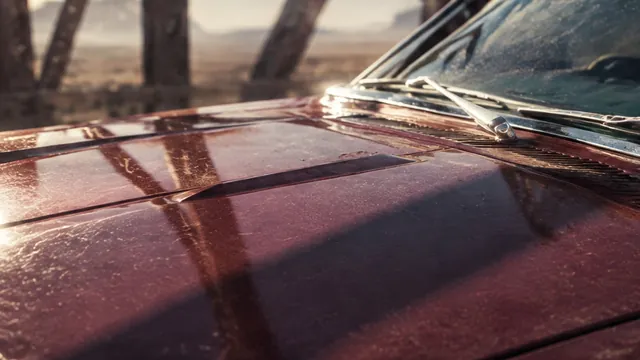
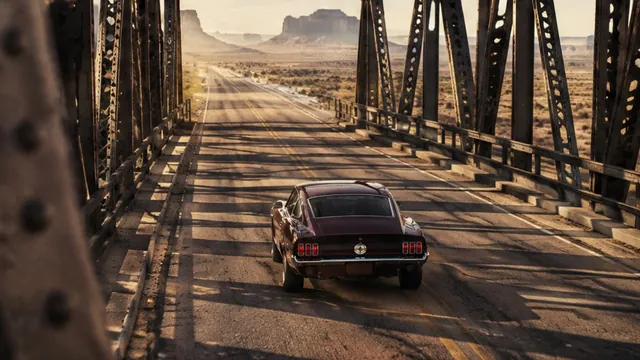
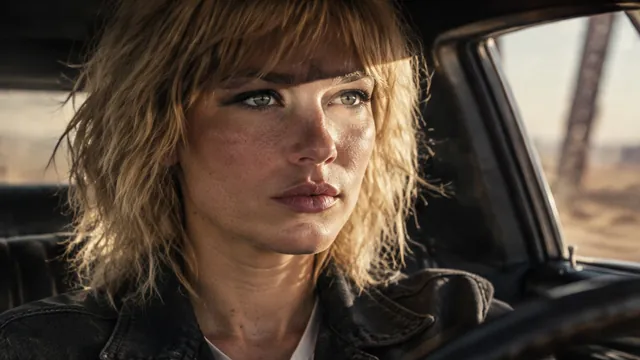
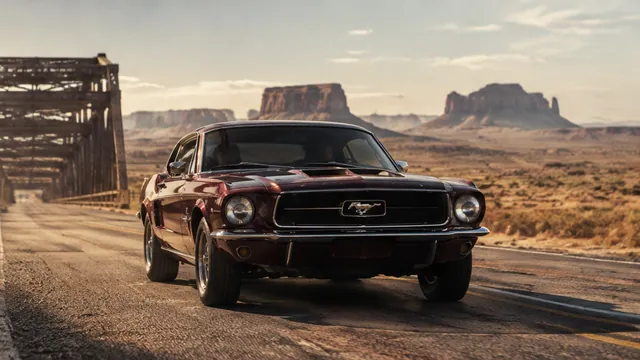
Six storyboard frames drawn from one idea, then the film made from them.
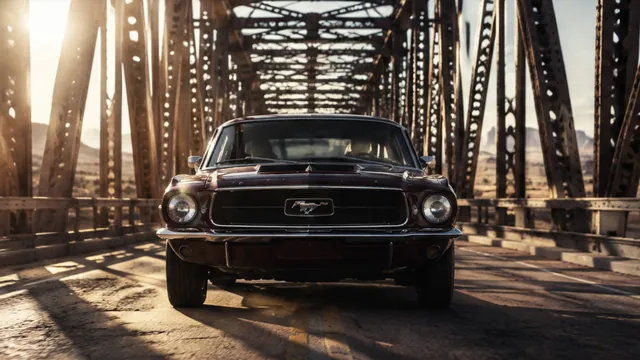
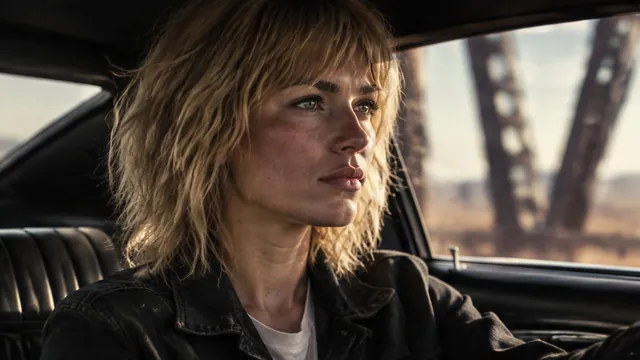
Three steps. The first one starts on this page.
Describe the film in a sentence or two, choose the length and the format, and add a product photo if you have one. Or start from a storyboard you already drew.
DFIRST plans the shots and draws each one as a frame. Change a frame or the order before anything is filmed, so nothing is filmed that you did not sign off.
It films the approved frames into one video with a closing card, and sound if you switched it on. Keep the film, change a shot, or make another version.
A storyboard is cheap to change and a film is not. You see every frame first, which is how agencies work with clients and how you avoid surprises.
Add up to four products, two people, a place, a look and your logo from Products and References, and switch on your brand so the film follows your Brand DNA.
A draft takes about a minute to check the idea. Studio takes about six minutes and renders in 2K for the version you publish.
Launch films, product ads and social cuts from a single idea, in the formats each channel needs.
Storyboards a client can approve before production, then the film from the same frames.
Several 9:16 versions of one concept to test, without a shoot.
The facts about Storyboard to video, as it works in DFIRST today.
About Storyboard to video and how it fits the rest of DFIRST.
Write your idea in the box above, or upload the frames of a storyboard you already have. DFIRST plans the shots, shows you the frames to approve, and then films them into one video with an end card.
You can choose 10, 15, 20 or 30 seconds. From an idea, the film has up to eight shots; from your own storyboard, up to ten.
Yes. Add product photos, people, a place and a look as ingredients, and switch on your brand to bring in your logo. The frames are drawn with them, so the film shows the real product.
Yes. That is the point of the storyboard step: change a frame, reorder the shots or ask for another idea, and only then make the film.
Wide 16:9 for YouTube and websites, vertical 9:16 for Reels, TikTok and Stories, and square 1:1 for feeds.
If you switch sound on, yes. For a richer mix of effects, music and a voice-over, send the film to Add sound to video.
Your storyboard to video draft waits on this device until your access starts. DFIRST opens to people on the waitlist first.
Updated