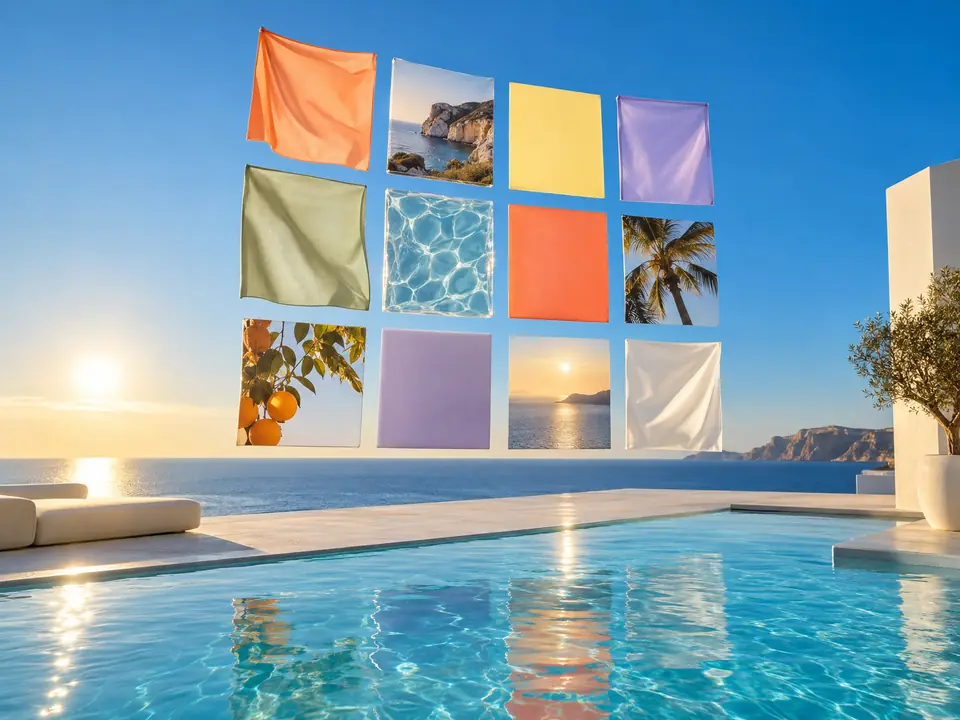
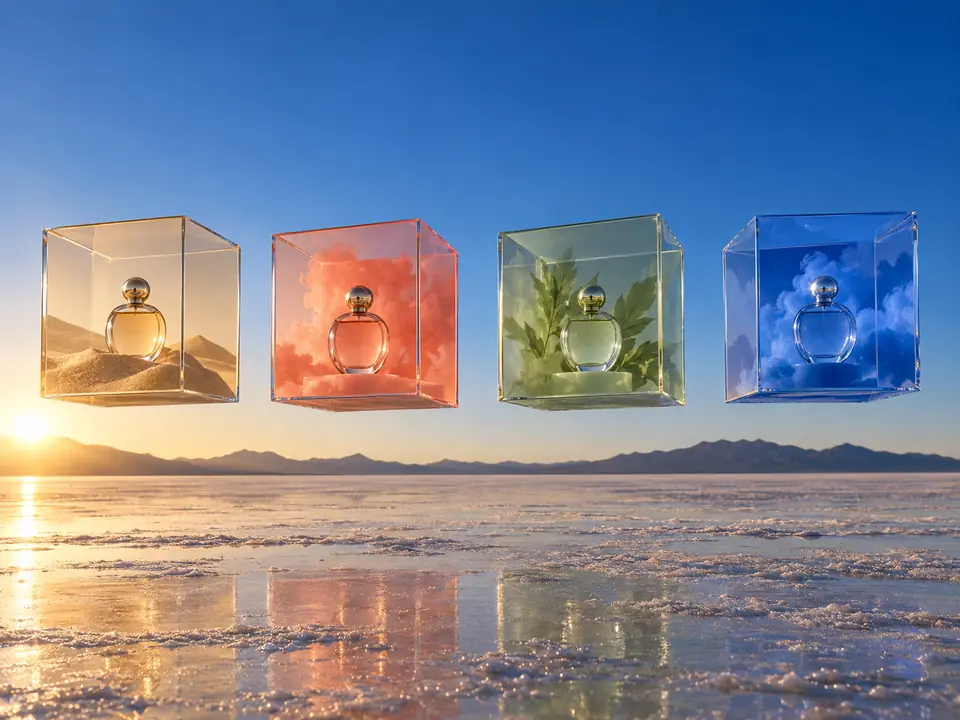
It looks at the product first
The plan is written by a model that sees your product photos, not just your words. That keeps the product in the panels close to the real one instead of an invented lookalike.
DFIRST Creative variations is an AI tool that shows one product in four visual directions at once. Upload your product photo, add up to three more, describe the campaign, and you get one contact-sheet image with four panels, each placing the same products in a different set, background, light and mood.
The tool looks at your product, writes four different directions and draws them side by side, so the team can pick one before going further.
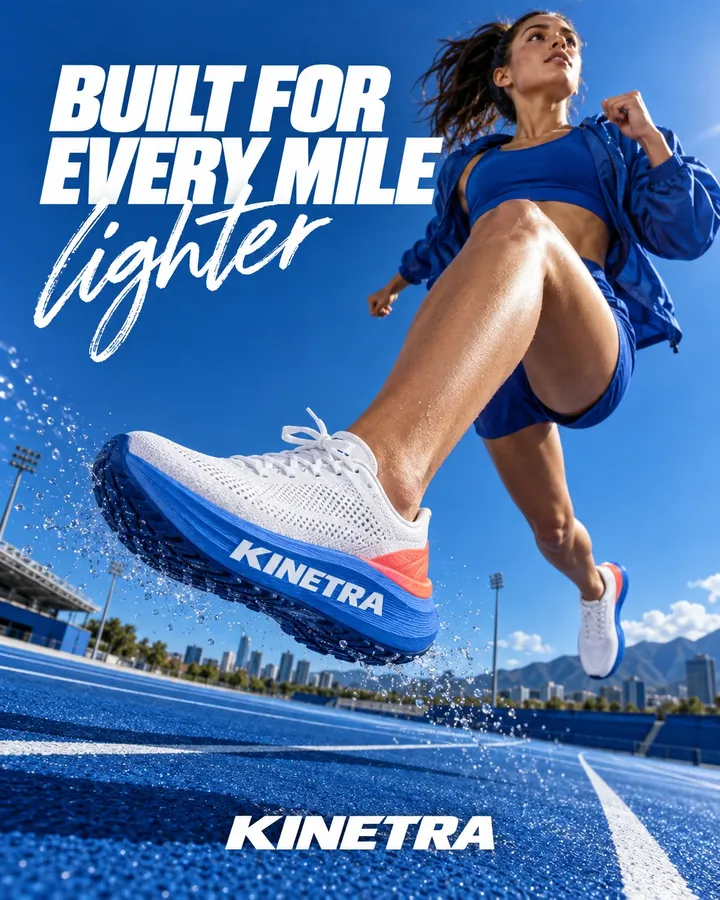
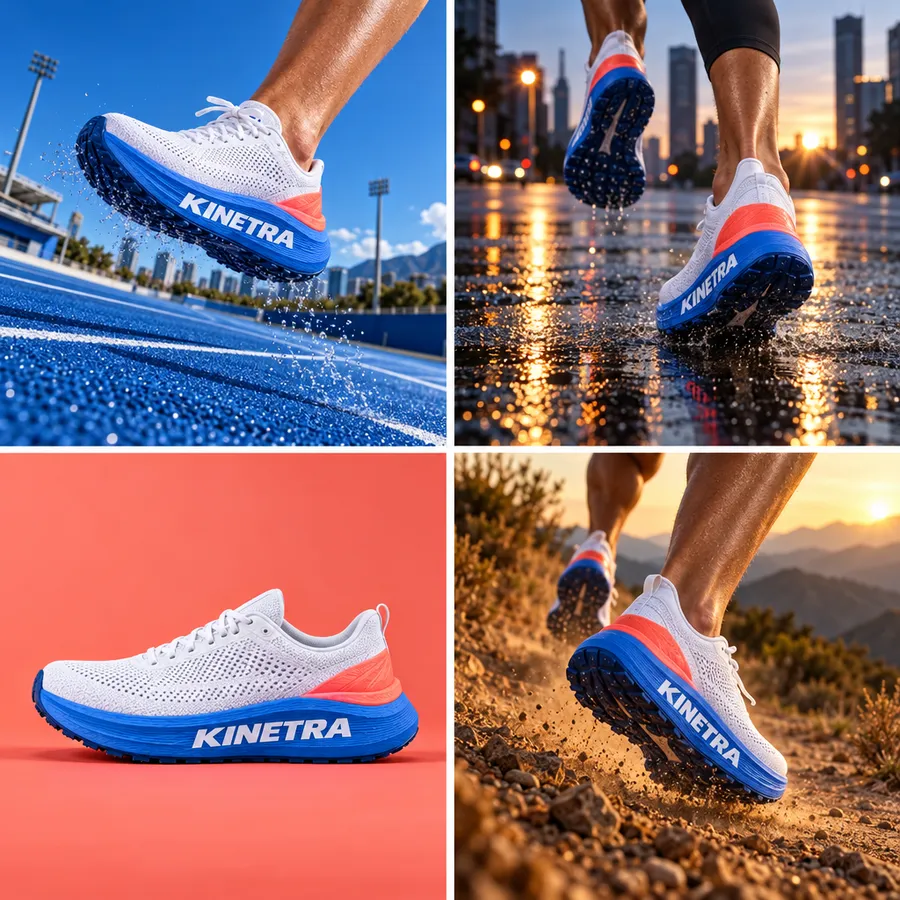
Three steps. The first one starts on this page.
Upload the product, and the rest of the range if needed. Name the four directions you want to compare, or describe the campaign and let DFIRST choose them.
A language model first looks at your photos and writes one prompt for a four-panel contact sheet. Then the image model draws it: the same products in four different sets, backgrounds, lights and moods.
Download the sheet, share it with your team or client, and take the winning direction further as a full product shot, a banner or a set of ad creatives.
The plan is written by a model that sees your product photos, not just your words. That keeps the product in the panels close to the real one instead of an invented lookalike.
A contact sheet puts four creative directions side by side, which is how teams choose: one look, one conversation, one decision.
Once a direction wins, make it properly with Product shots, or turn it into a full set of ad creatives with copy.
Concept testing visuals to decide which direction deserves a full production.
Four creative directions for a pitch or a first client review.
A quick check of which world suits a new product before a shoot.
The facts about Creative variations, as it works in DFIRST today.
About Creative variations and how it fits the rest of DFIRST.
Different versions of one ad idea, shown side by side so a team can choose. In DFIRST, Creative variations makes four visual directions for the same product in one contact-sheet image, so you can compare sets, light and mood before the final ads are made.
A contact sheet keeps the four directions consistent and easy to compare at a glance. When one wins, make it at full size with Product shots or Create image. One file is also easy to share: drop it in a chat or a deck and everyone sees all four directions.
That is the aim. The prompt is written by a model that has seen your photos, and it starts by asking to keep the exact products unchanged in shape, colour, label and proportions. Small details can still shift, so treat the sheet as a concept.
Yes. Name them in your description, for example 'studio geometry, urban concrete, natural stone and colour-blocked editorial'. If you only describe the campaign, the four directions are chosen to fit it. Each one gets its own set, background, light and mood.
They are made for choosing, not for running: each panel is a quarter of one image. Use the winning direction as the brief for full-size visuals or for 12 ad creatives, which makes finished ads with copy.
Your creative variations draft waits on this device until your access starts. DFIRST opens to people on the waitlist first.
Updated