


Brand identity01 / 06


Beta launches October 2026
AI for marketing & creative work
The creative workspace for people building brands.
Turn your brand knowledge into campaigns, content and websites. Create and refine it all in one workspace.
What do you
want to create?
PRODUCT LAUNCH
Create materials for your product launch.
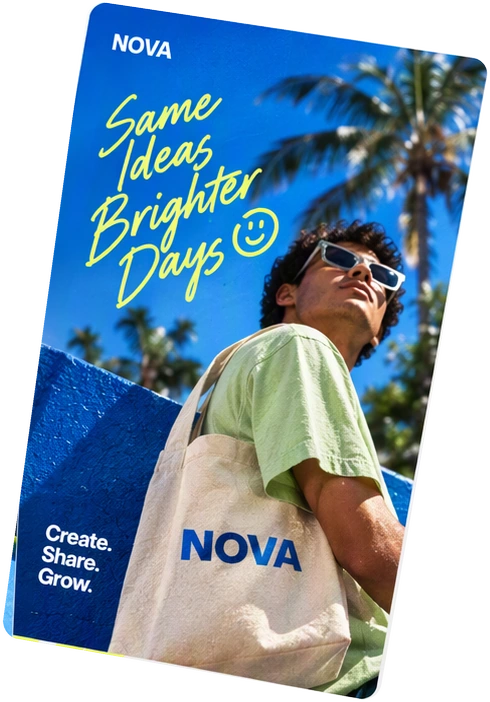
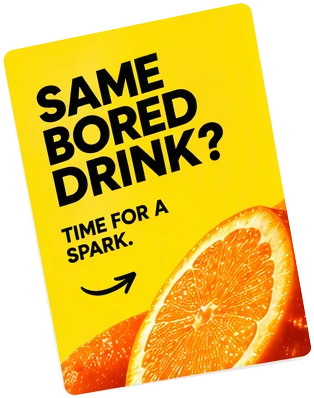
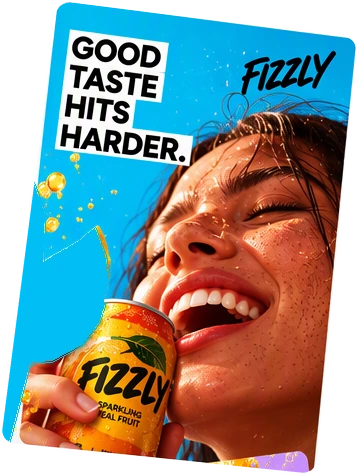
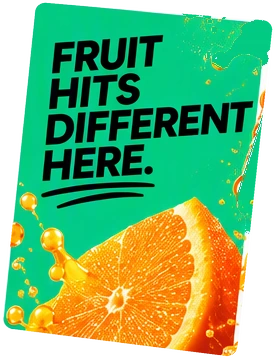
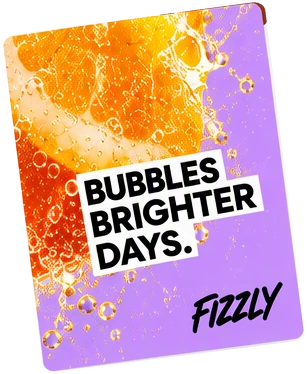
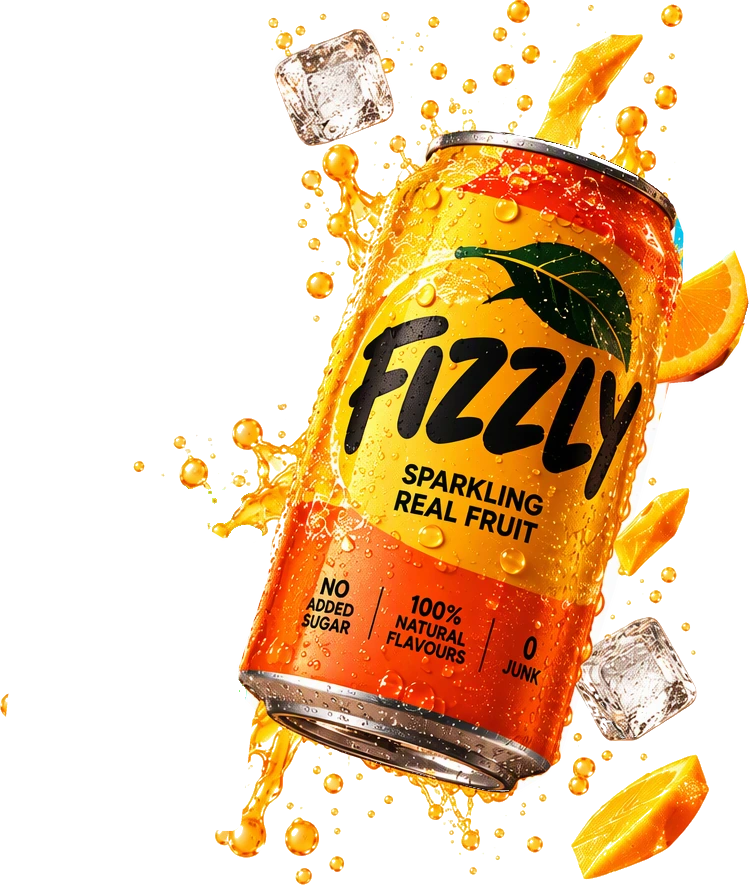
Add your product page, photos and a description of what you want to promote. DFIRST can research the market and create images, a landing page and a short video.
AI Agent prompt
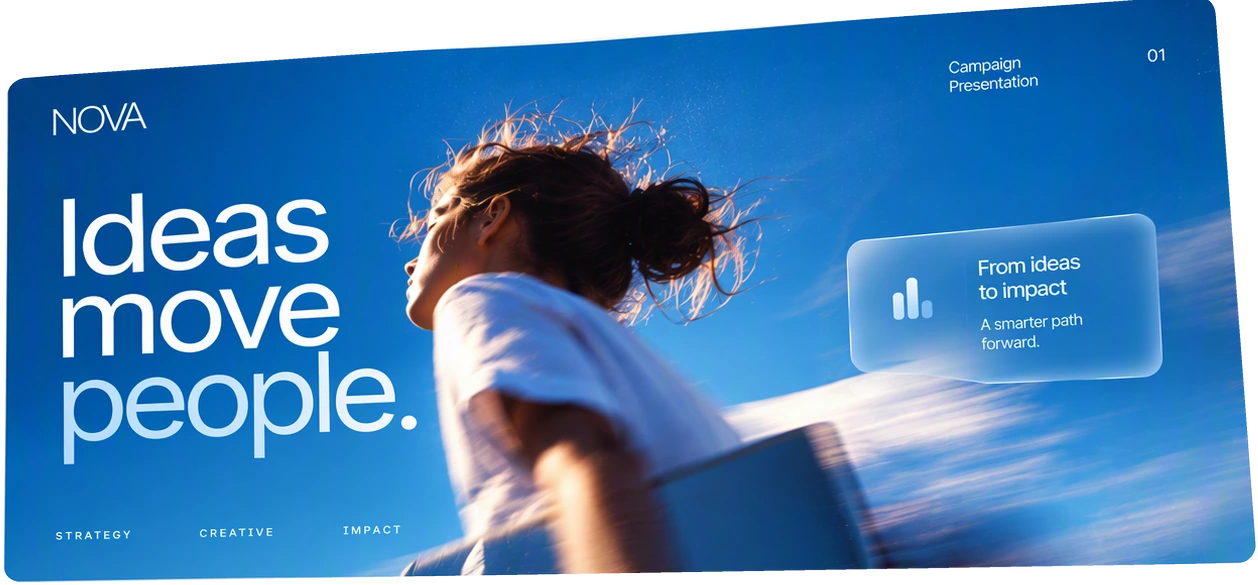
Here’s the product page and photos of NOVA’s new fruit drink. Research the market, then create a launch campaign: product images, social posts, a landing page and a short video.

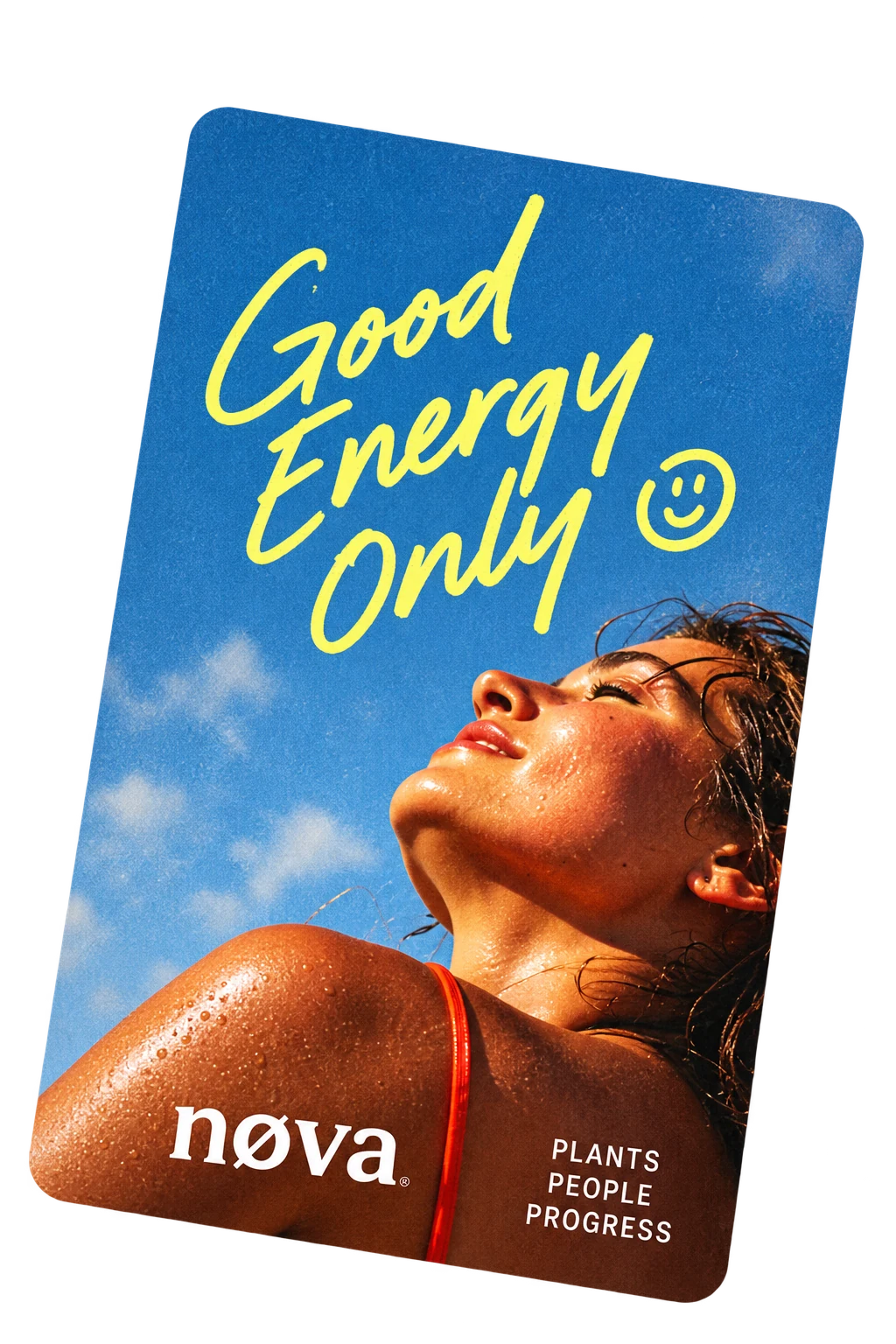

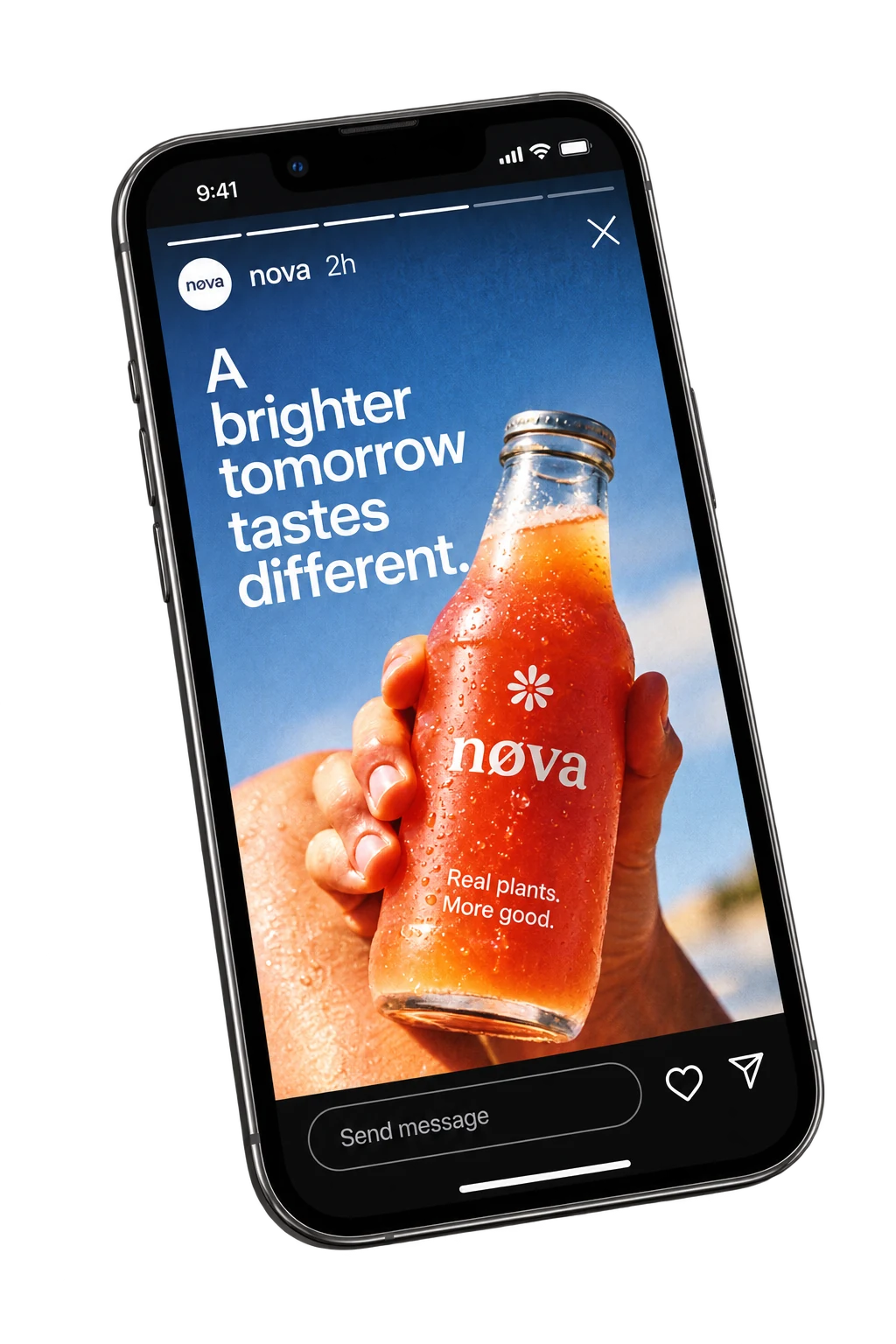
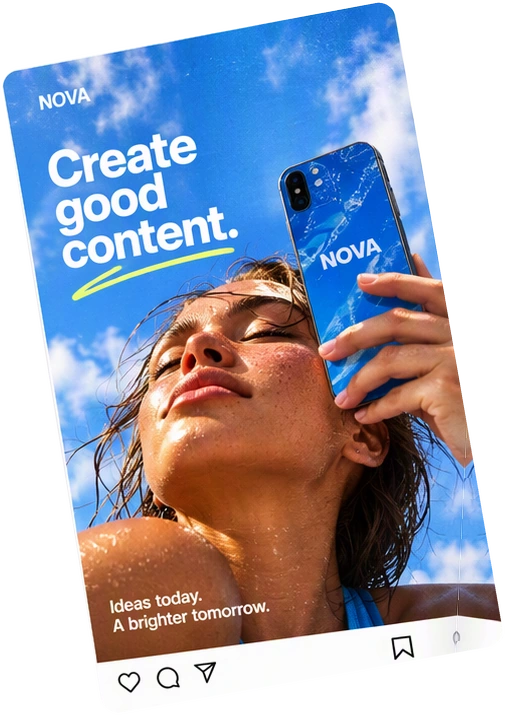
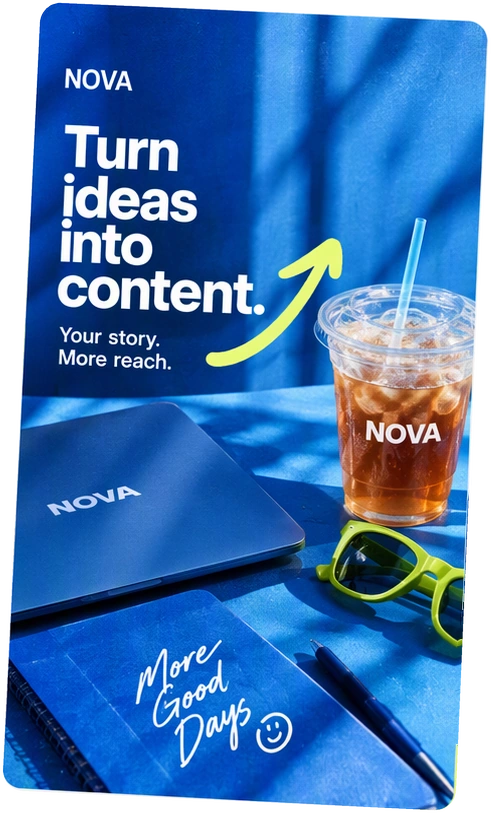


Your product
- Product link
- Product photos
- Launch details
Your edits
- Choose an idea
- Edit the text and images
- Approve the result
Your campaign
- Campaign images
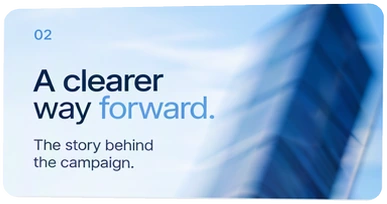
- Landing page
- Short product video
Selected work
Made with DFIRST.
Product images, ads, social content and videos.
Explore the work, the reference and the idea behind it.
Product advertising02 / 06
Beauty campaign03 / 06
Brand imagery04 / 06
Campaign design05 / 06
Social content06 / 06
Video creationFilm
Your creative toolkit
60+ AI models. One workspace.
Images, video, text and audio. All in one place.
- Image
 Nano Banana Pro
 - Image
 GPT Image 2.5
 - Image
 FLUX 2
 - Video
 Seedance 2.5
 - Text
 Claude Opus 5.5
 - Voice
 ElevenLabs
 - Video
 Kling
Kling - Text
 Gemini
 - TextGPT-6 Astra
- TextClaude Fable 5.1
- Image
 Ideogram
 - Video
 Luma
Luma - MusicEleven Music
- Image
 Recraft
 - ImageSeedream
- Video
 Veo 3.1
 - Video
 Runway Gen 4.5
How it works
From research
to finished materials.
Use what you know about your customers and business to create your marketing. Keep useful files and research for the next project.
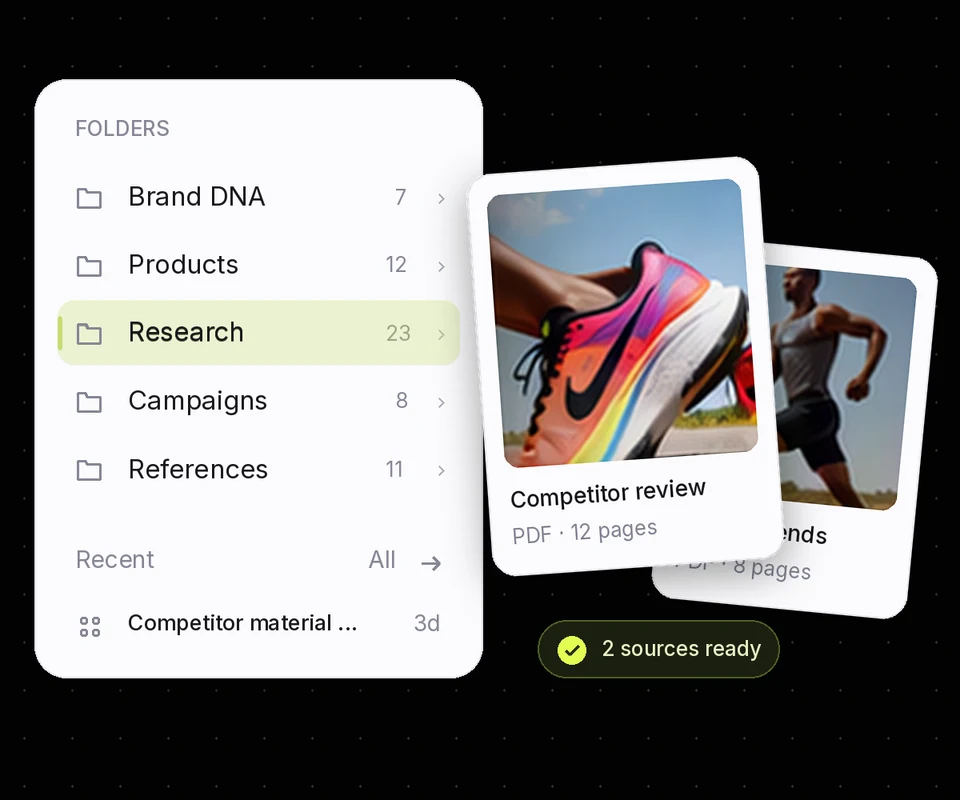
01 Research
Compare competitors, research your customers and use your company files to decide what to create.
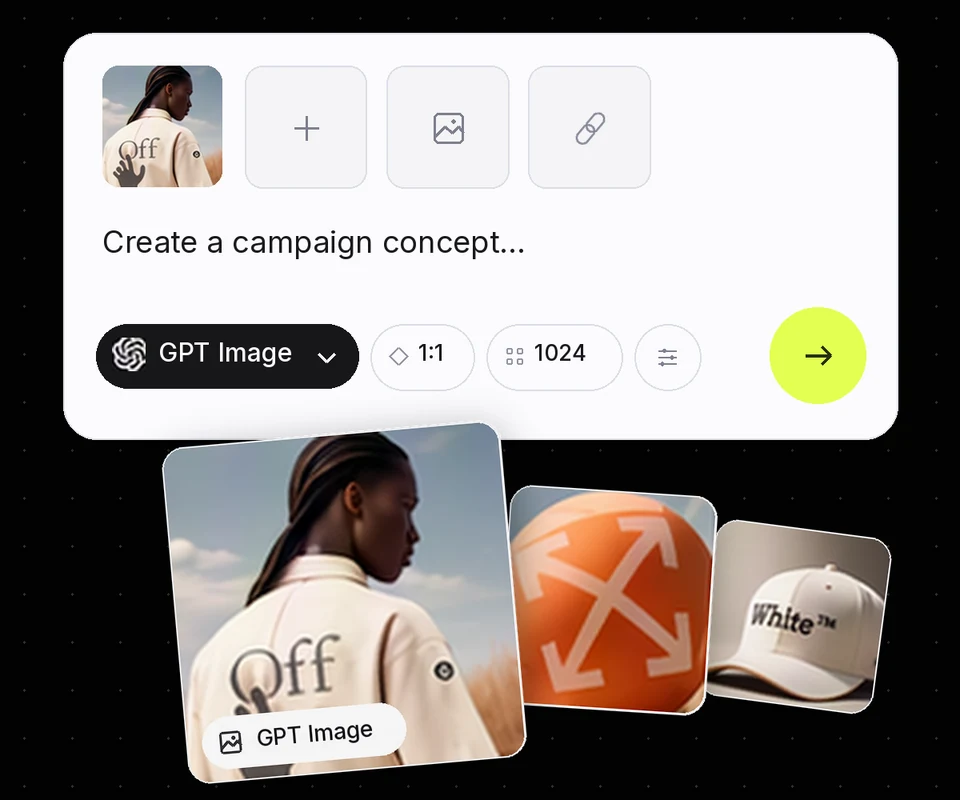
02 Create
Ask for ads, images, videos, web pages, emails or presentations. Review the result and ask for changes.
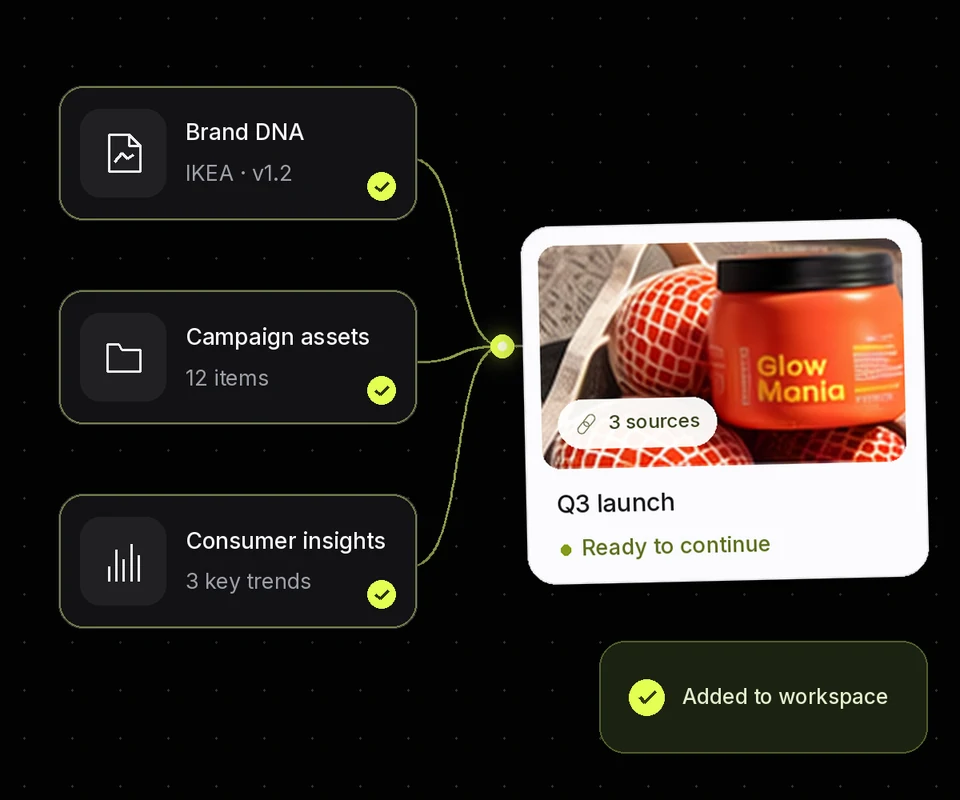
03 Reuse
Use files, research and previous work in your next project. Add new information when your plans change.
HUMAN IN THE LOOP
Choose what works.
Change what doesn’t.
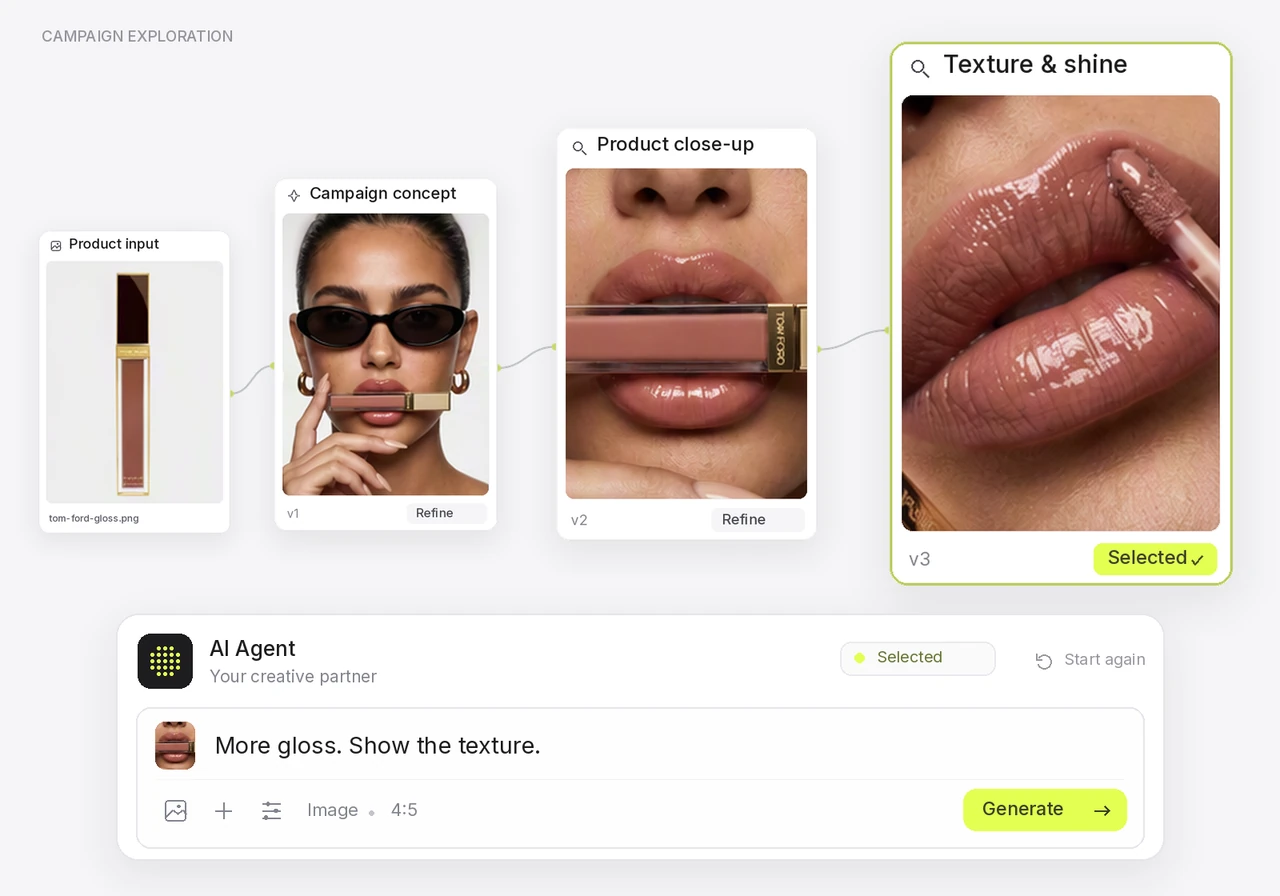
Ask for a different image, a shorter headline or another version. Review the result before you use it.
- 01
Pick an option.
Compare the ideas and choose the one that fits your goal.
- 02
Ask for changes.
Describe what to change in the text, images or layout.
- 03
Review the result.
Check the details and decide which version to use.
Your workspace
Your brand and market, in one place.
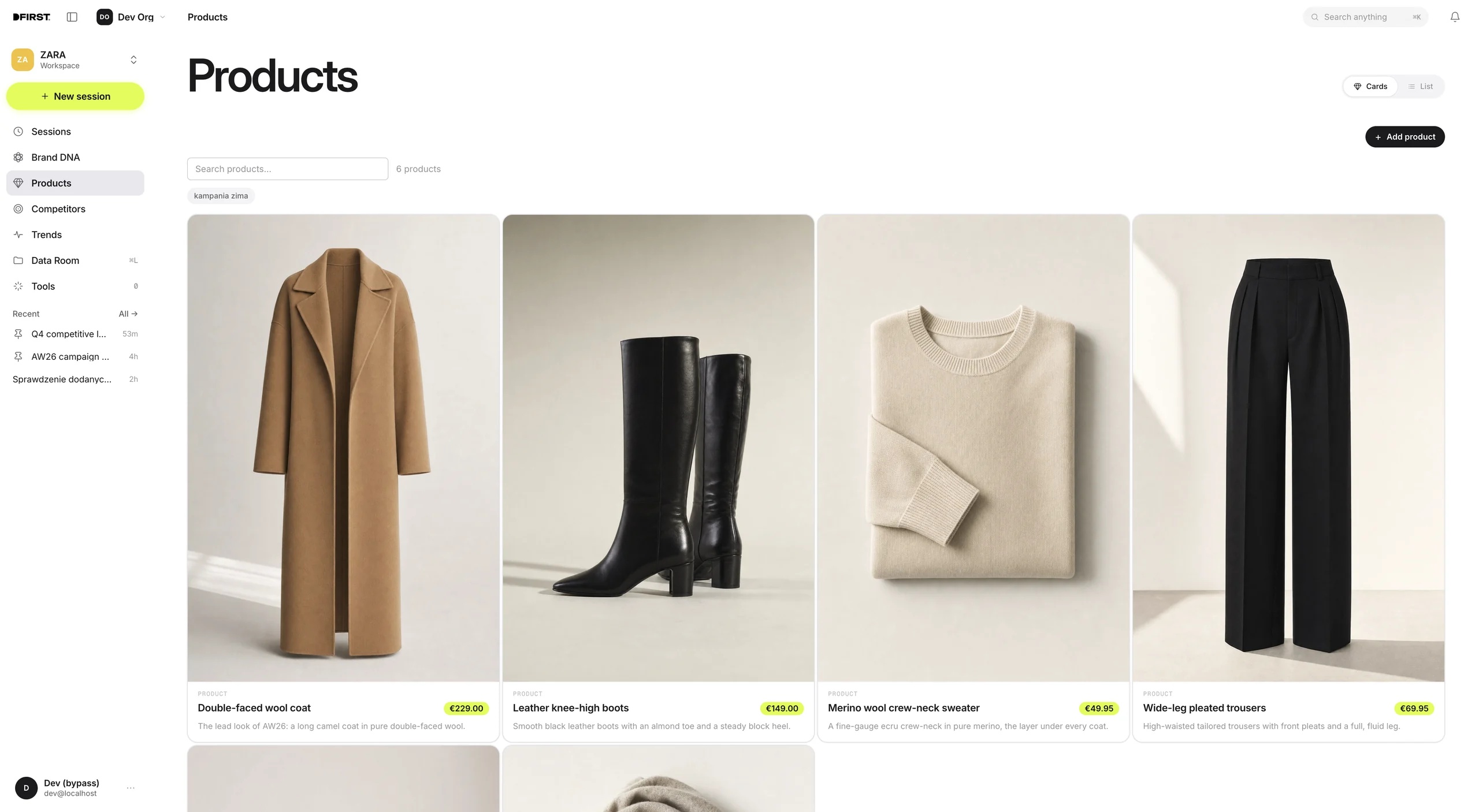
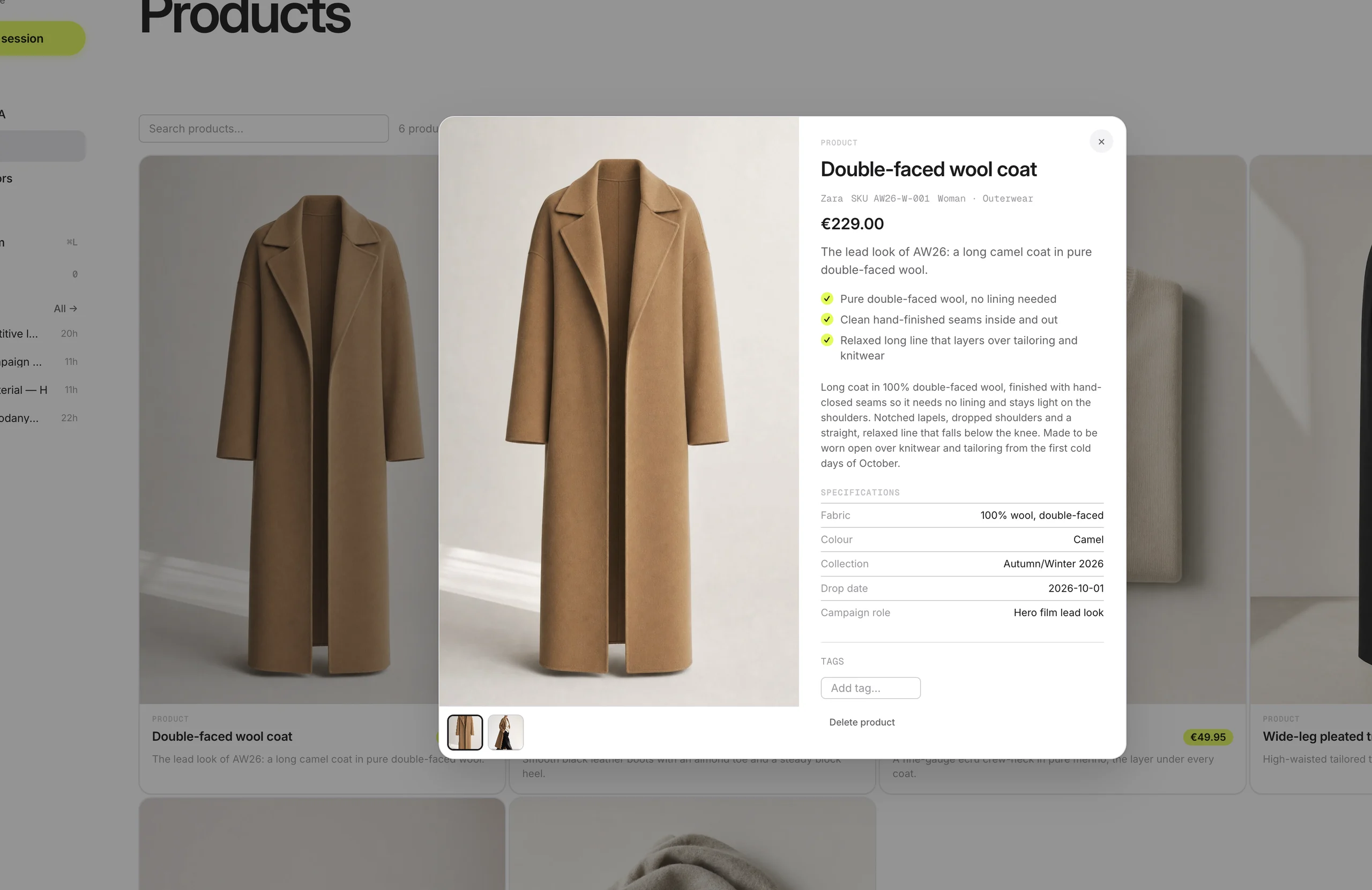
Add your website or files. DFIRST brings together your products, brand style and existing materials, so you can build on them in every project.


Your
brand+
brand+
ProductsDFIRST workspace
Brand DNA
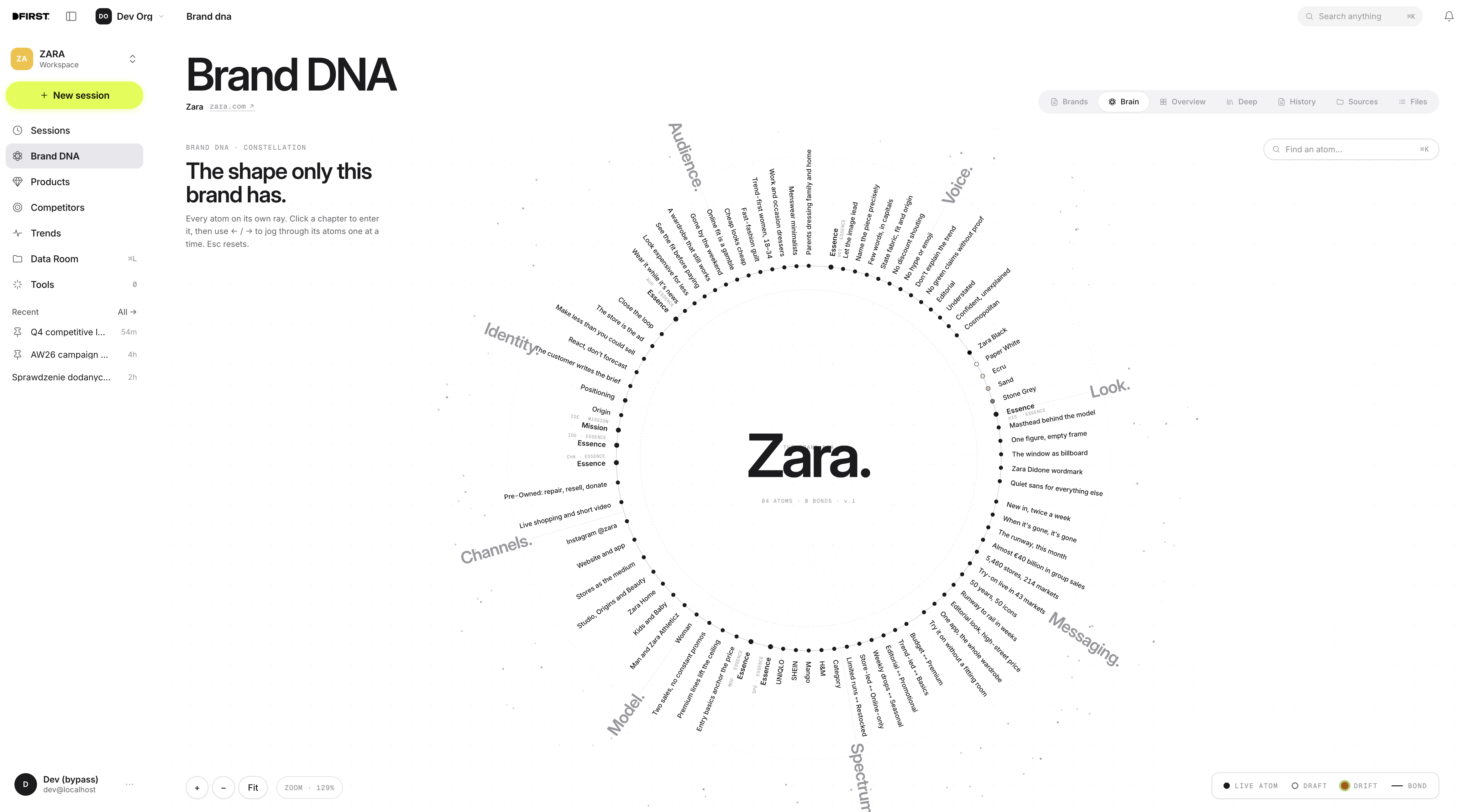
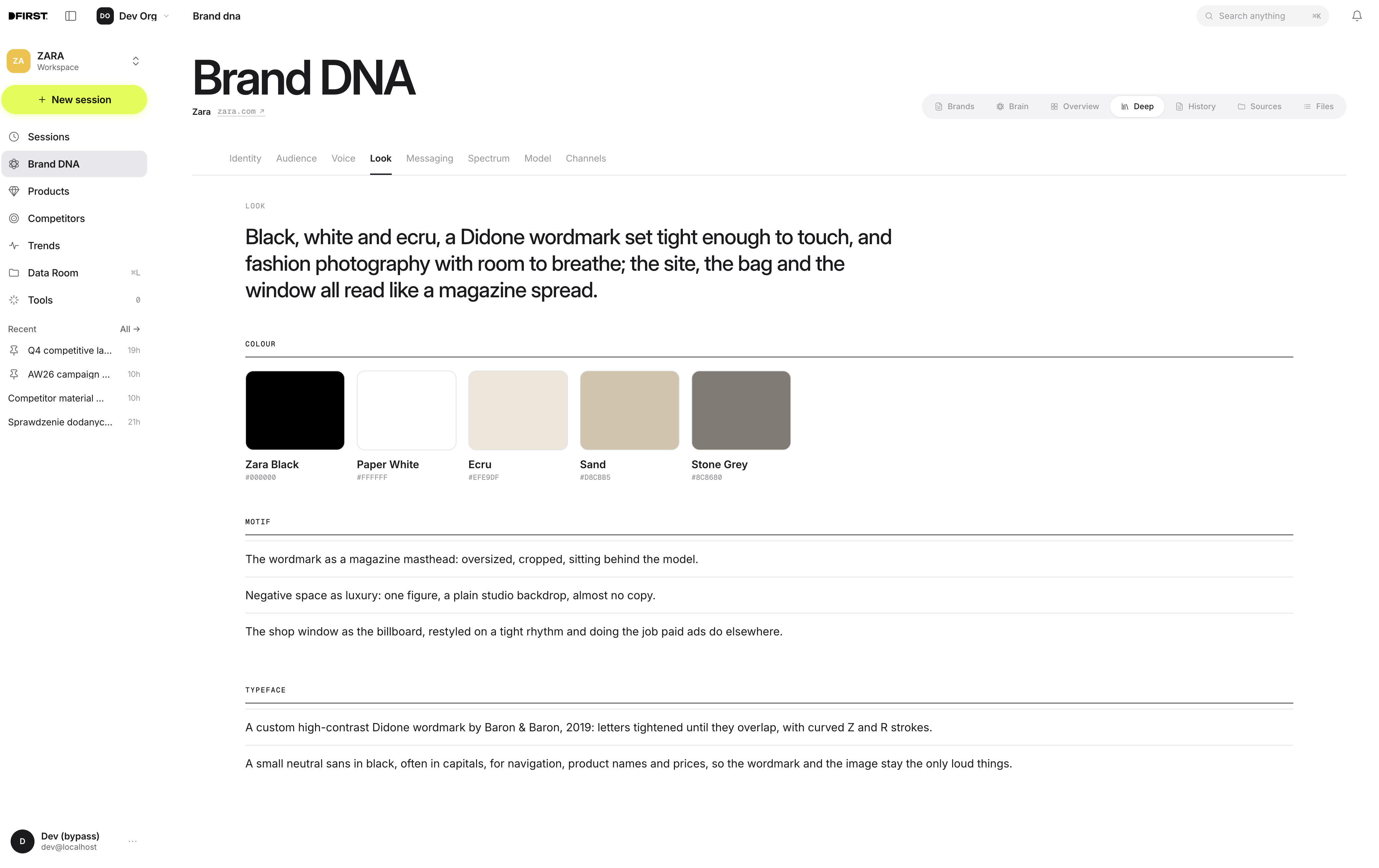
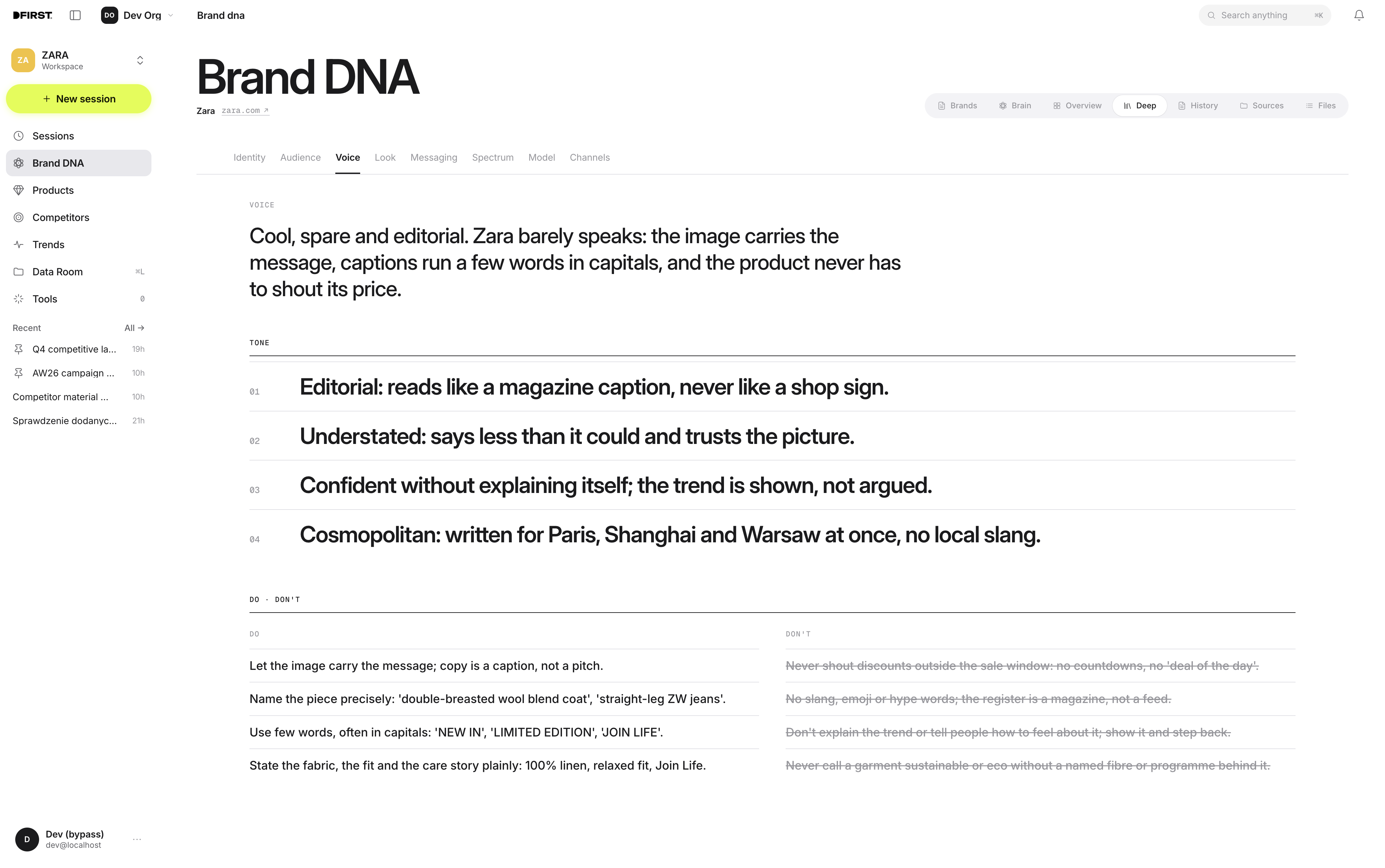
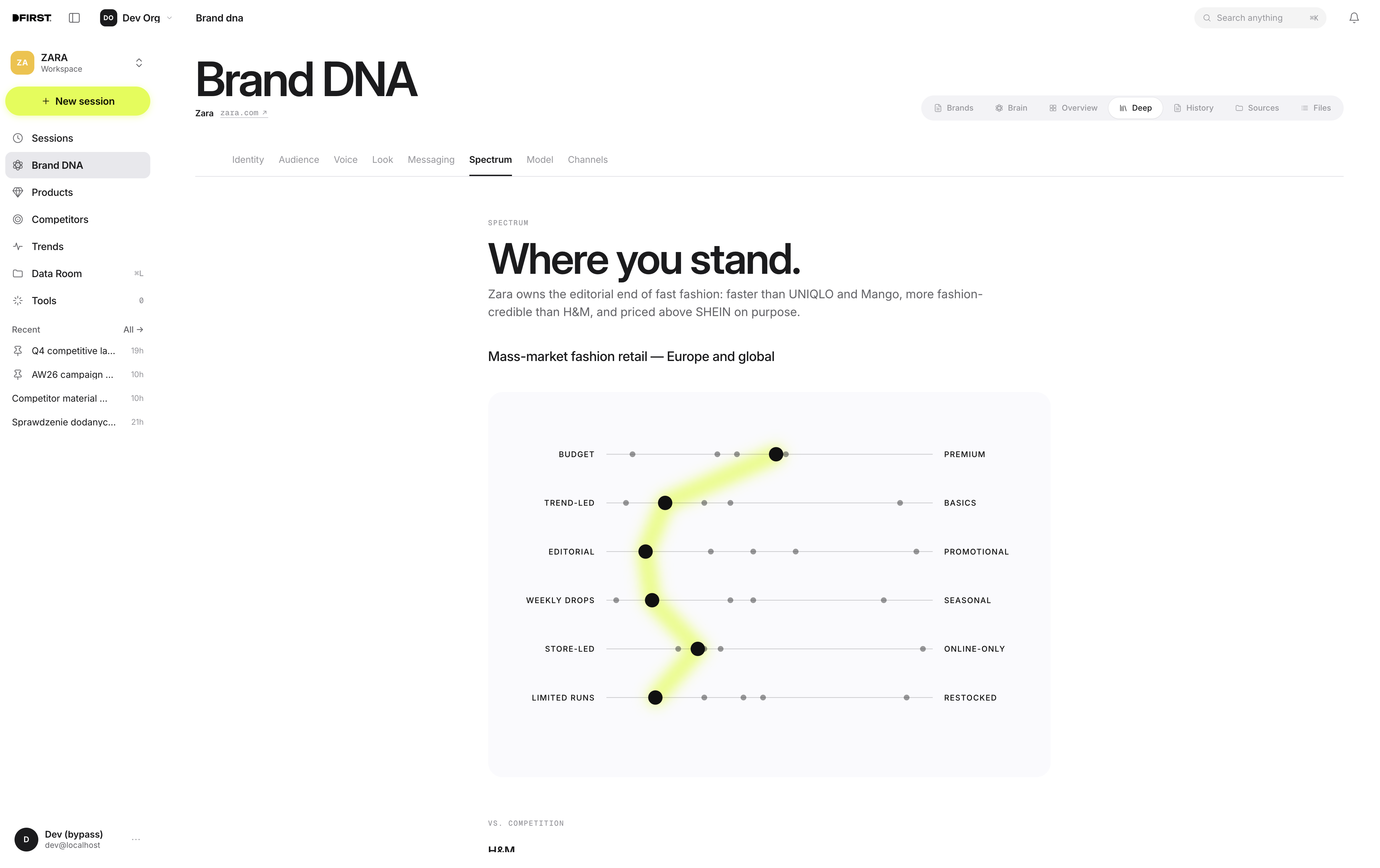
Brain01 / 04
Competitors
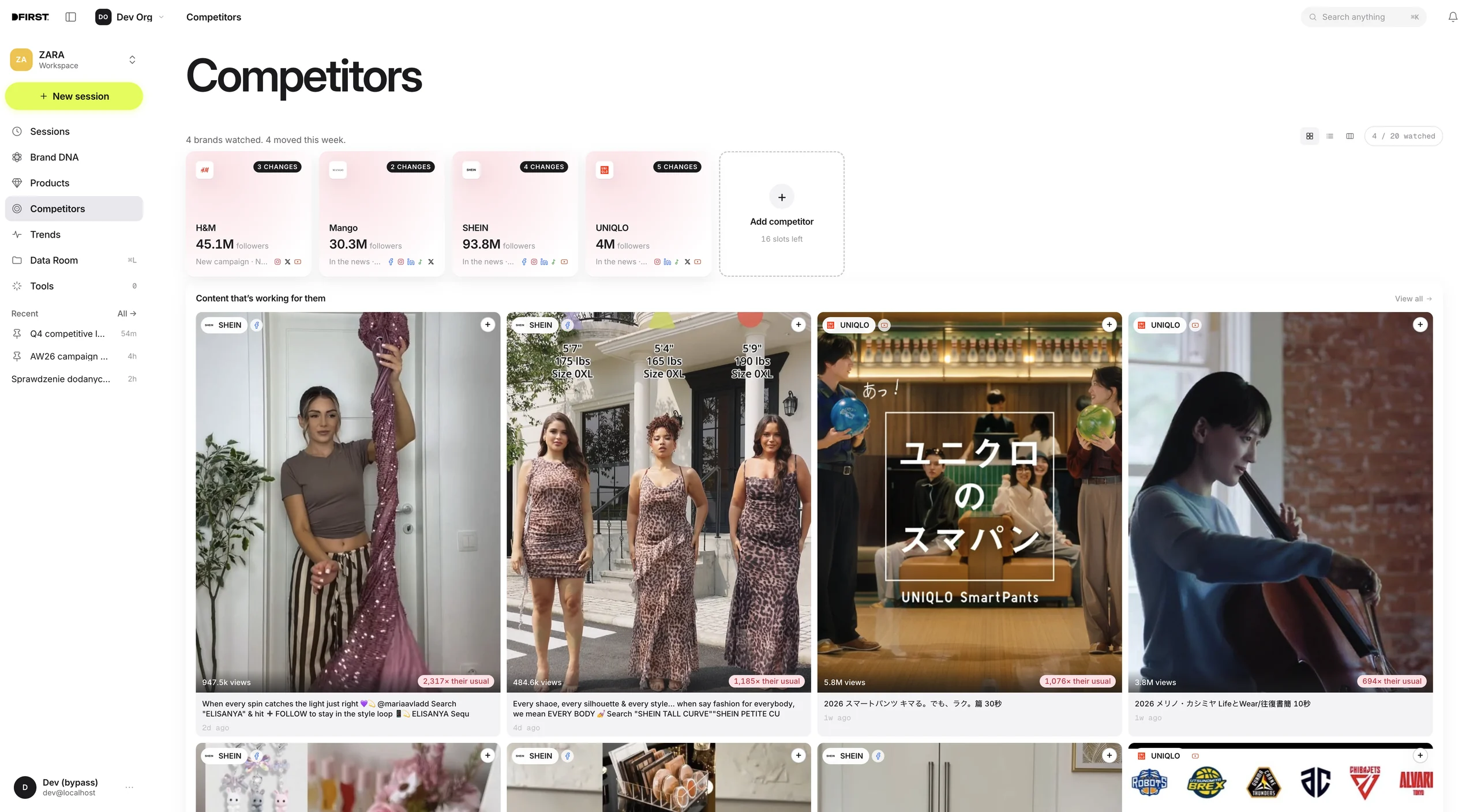
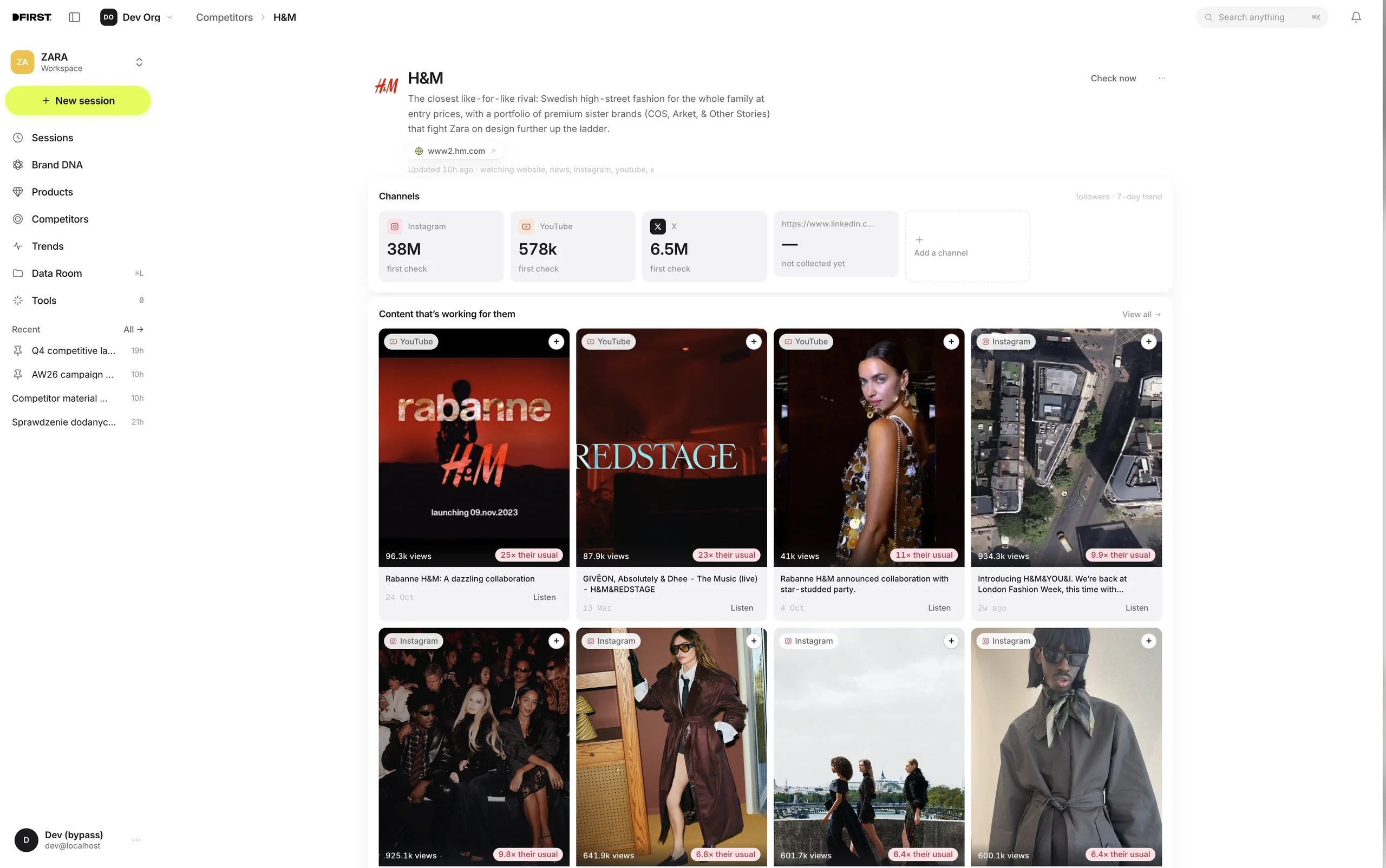
Overview01 / 02
Trends
Fashion trends EU
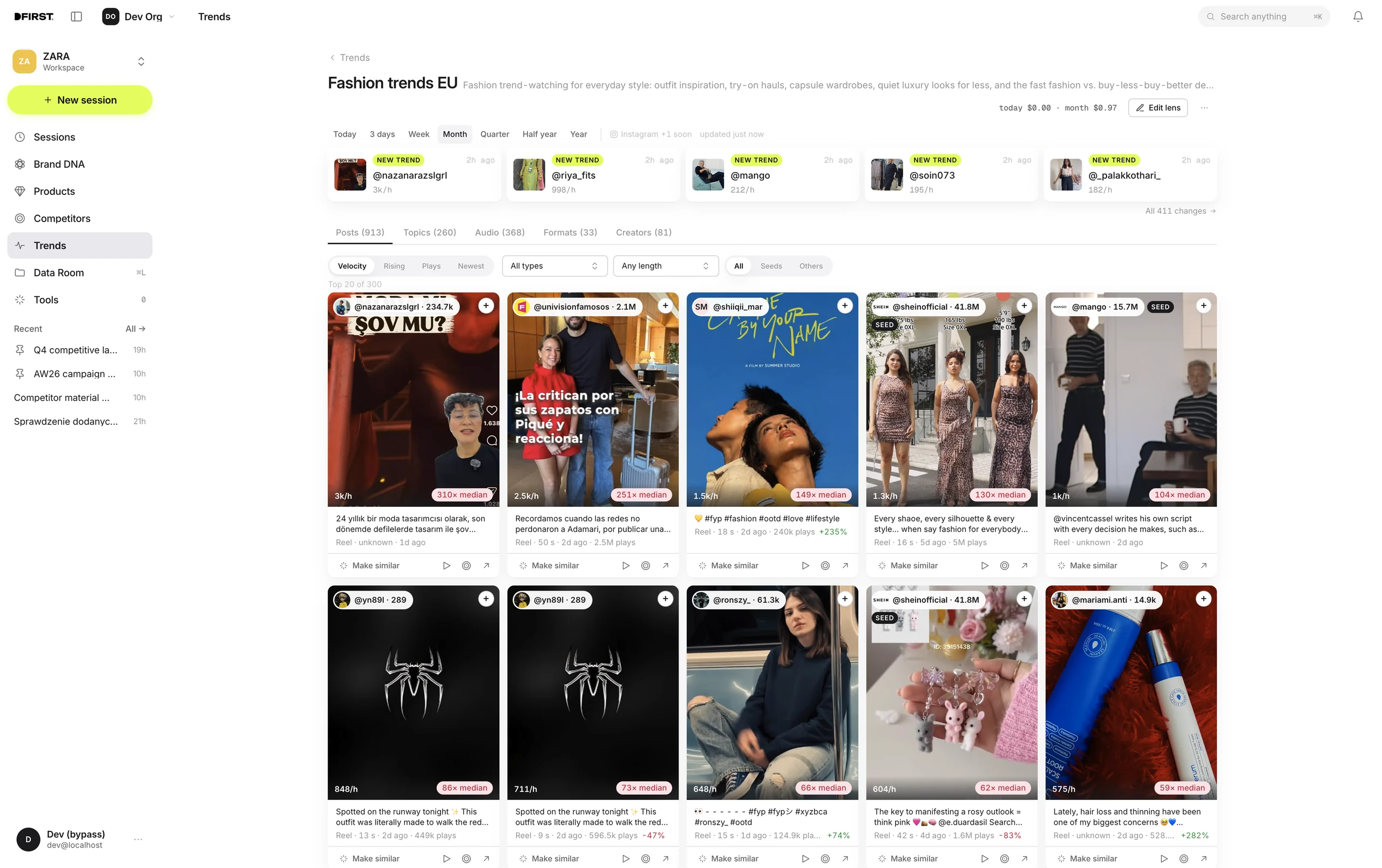
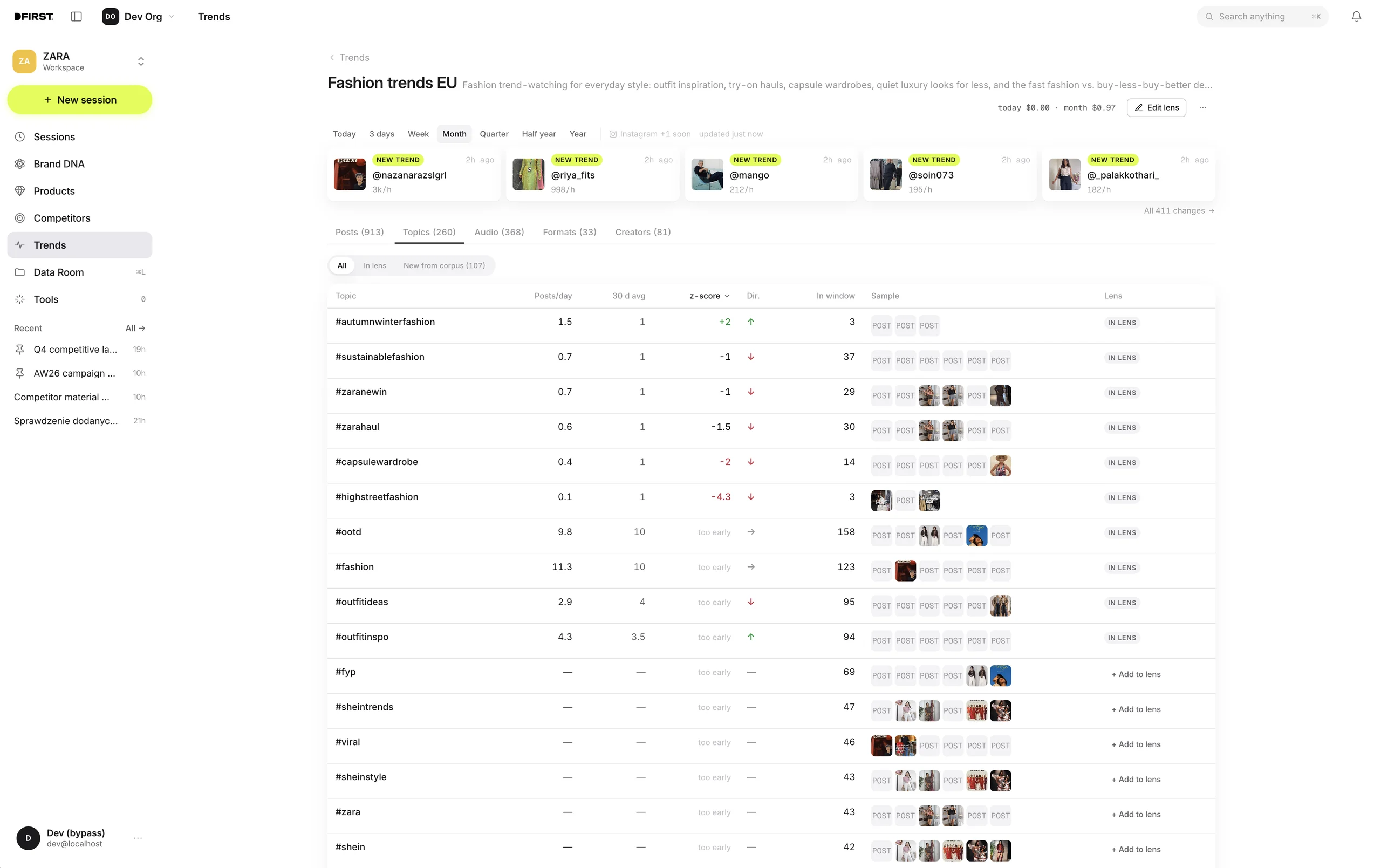
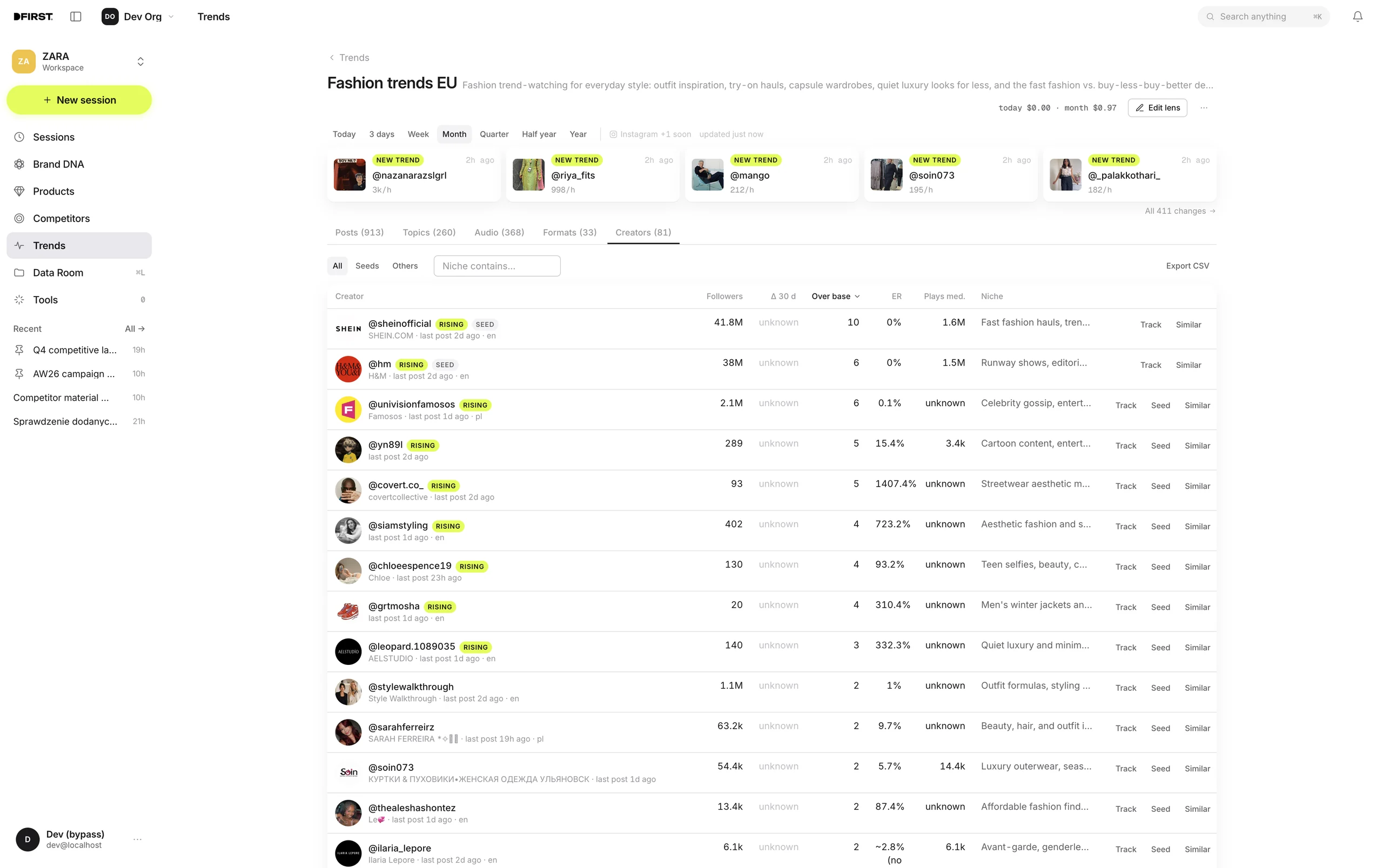
Posts01 / 03
App connections
Use files from the apps
you already work with.
Connect your apps so DFIRST can use the files and information you choose.
You decide what it can access and where to send the results.
 Pinterest
 Instagram
 Google Drive
 Gmail
Gmail Slack
Slack Notion
 Meta Ads
 Google Analytics
 YouTube
 TikTok
 LinkedIn
 Shopify
 HubSpot
 Google Calendar
 WordPress
 Dropbox
 Facebook
 X
X
Behind the work
Powered by Claude Code.
Made for marketing
Claude Code,
under the hood.
It reads your files, plans the steps and uses tools to carry out the work. You describe the outcome and review what it creates.
A virtual machine.
Your project inside.
Your agent works in a dedicated cloud environment, with files and tools in one place. It creates, edits and organises materials as your project develops.
Your apps.
Part of the workflow.
Bring in information from your apps and use AI models suited to each task. Keep research, brand knowledge and creative work together.
Who is DFIRST for?
Small businesses with regular marketing work and limited time or team capacity.

Small
business
owners
You run an e-commerce brand or service business and handle marketing alongside running the company.
- Product launches
and promotions - Website copy
and landing pages - Ads and social content

Lean
marketing
teams
You’re an in-house marketer or part of a small team managing campaigns, content and the brand.
- Market and competitor
research - Campaign ideas
and creative - Newsletters and
social content

Agencies
& studios
You’re a boutique agency or independent studio developing and delivering work for several clients.
- Client research
and briefs - Pitch concepts
and presentations - Campaign assets
and variations

Get started