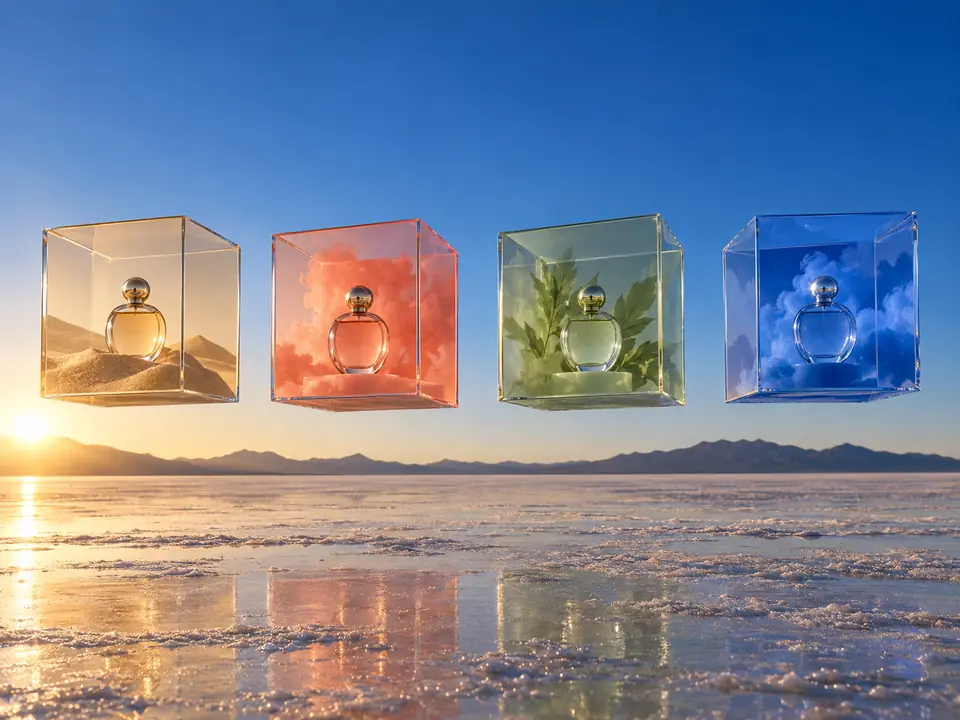
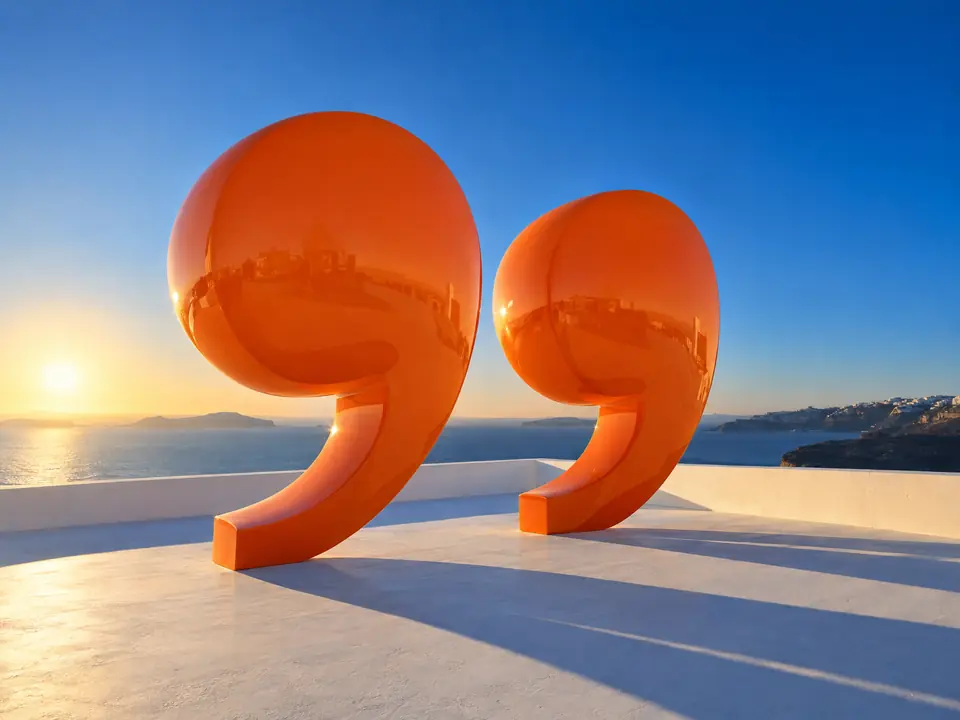
Checked against the photo
Copy written from a product page is easy to get wrong: the page says red, the photo shows blue. A reviewer model checks every concept against its own photo and rewrites anything that does not match.
DFIRST 12 ad creatives is an AI tool that turns a product page into a set of finished ad designs. Paste a product link or upload up to four photos, say what you are promoting, and you get 12 ad concepts, each with a headline, a short line and a button, designed in 1:1, 4:5 and 9:16: 36 PNG files.
The kind of set it makes: product, headline, line and call to action in a consistent system. The tool delivers twelve designs, each in square, 4:5 and 9:16.
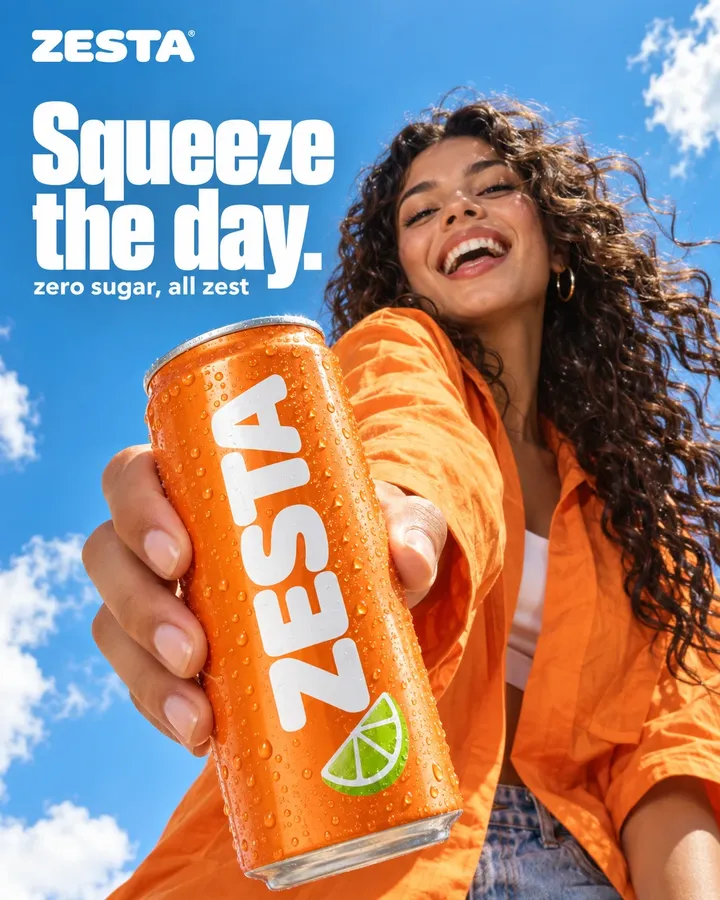
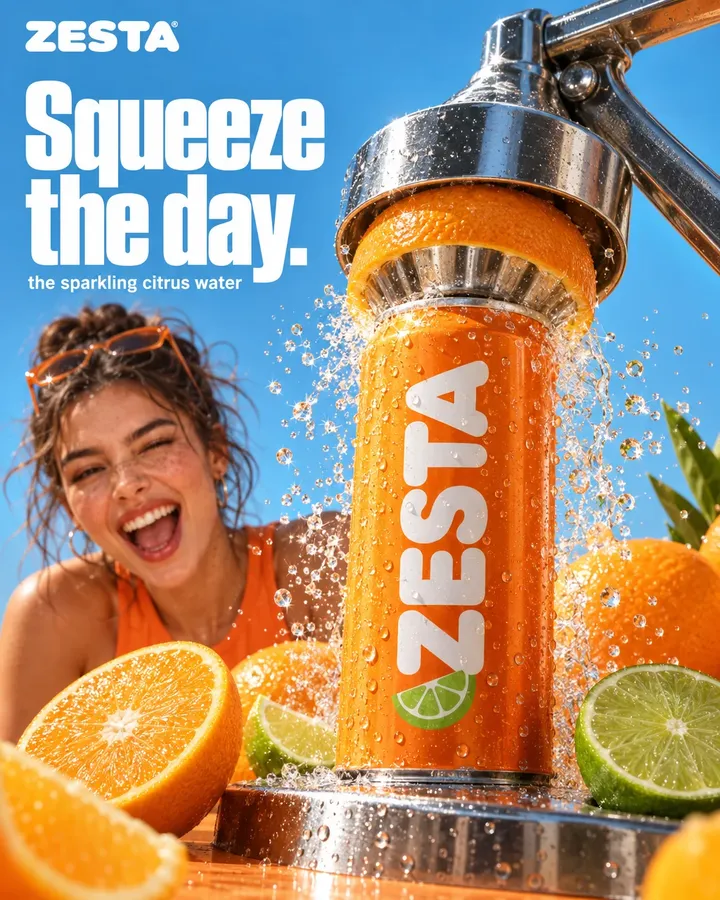
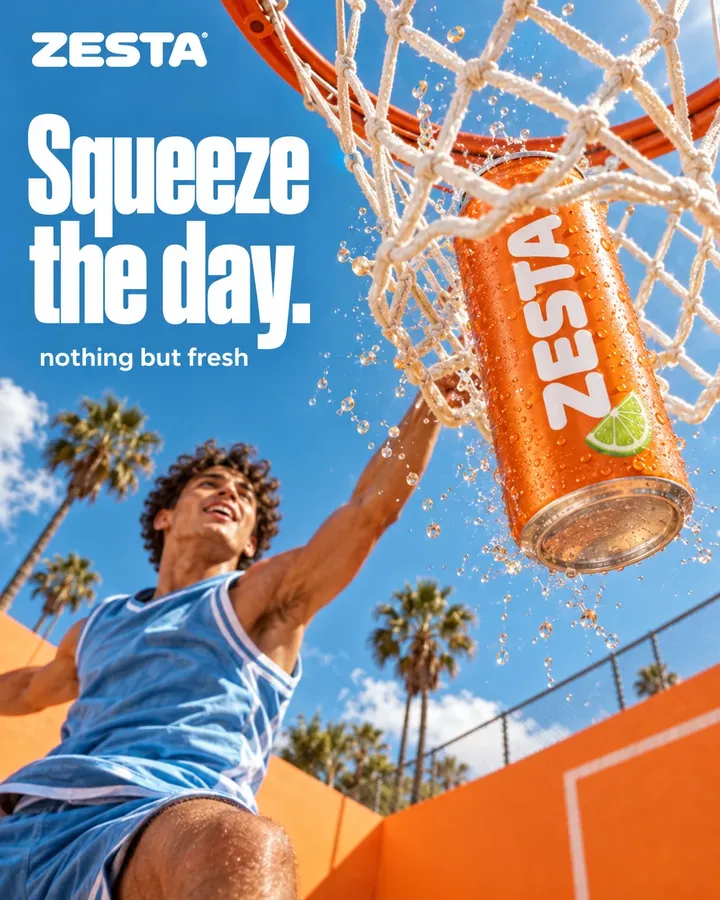
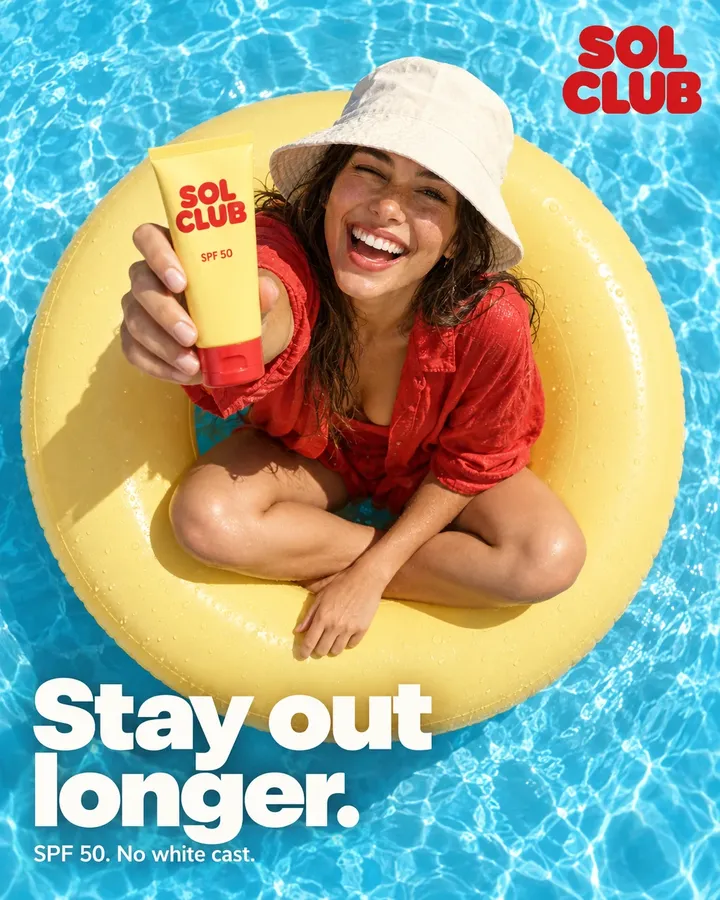
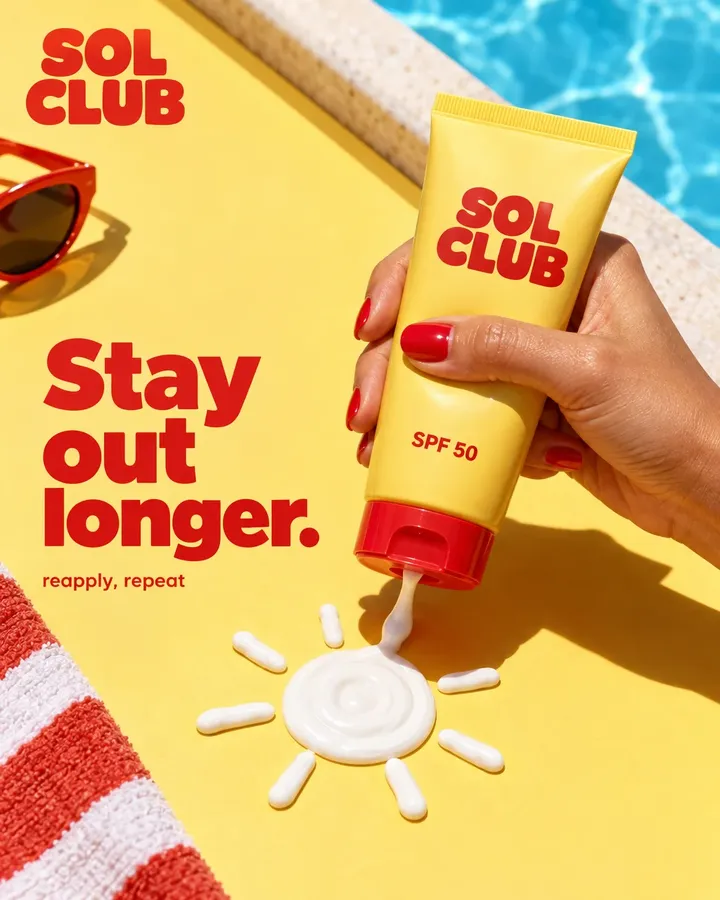
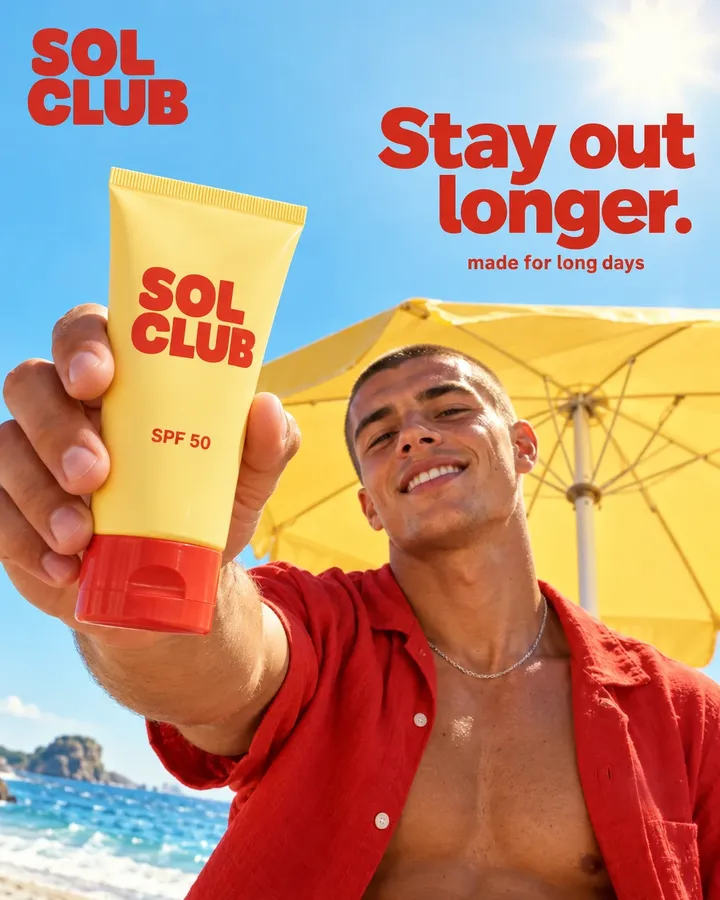
Three steps. The first one starts on this page.
Add the link to a product page and a line on what you are promoting. In DFIRST, choose up to four of the photos found on the page, or upload your own, and add a logo if the page has none.
It reads the product page and writes 12 advertising concepts, each with its own angle and art direction. A second model then looks at every photo and corrects any line that does not match the product in it.
Banner Creator designs the 12 squares at 1080 × 1080. Review them, then create the 4:5 and 9:16 versions from the same layers and download all 36 PNGs in one file.
Copy written from a product page is easy to get wrong: the page says red, the photo shows blue. A reviewer model checks every concept against its own photo and rewrites anything that does not match.
The concepts never invent benefits, reviews, guarantees, prices, discounts or scarcity. Without evidence on the page, a line invites people to look at the design instead of making a claim.
Your product photography stays the hero of each design, and the headline, line, button and logo sit on their own layers. Change a word before you download, and the 4:5 and 9:16 versions follow.
Meta ad variations for testing: 12 angles of one product in feed, portrait and story sizes.
A first round of on-brand ad creatives for a client's product, ready for review.
Fresh ads for a launch or a bestseller, straight from the product page.
The facts about 12 ad creatives, as it works in DFIRST today.
About 12 ad creatives and how it fits the rest of DFIRST.
Paste the product page link in the box above, add what you are promoting and continue in DFIRST. Choose the product photos, and DFIRST writes 12 ad concepts, checks them against the photos and designs each one in square, portrait and story sizes.
Yes. The three sizes match Meta placements: 1:1 and 4:5 for the feed, 9:16 for Stories and Reels. You get 12 different angles of the same product for a test with real variety. Nothing is uploaded to your ad account for you.
No. A link is the quickest start, because DFIRST collects the photos, the product facts and often the logo from the page. Without one, upload up to four product photos and describe the product in your brief.
No. The concepts are written without prices, discounts, percentages, reviews or scarcity, and without benefits the page does not support. If you have an offer to run, add it yourself by editing the text layers.
Yes. Every design keeps its text and logo on separate layers. Open a creative, edit the headline or the button, and then create or update the other formats so all three sizes match. A wording change is made once, not three times.
Yes. Say the language in your brief, for example 'write in Polish', and the 12 concepts are written in it. The product facts still come only from the page and the photos. Ask a native speaker to read the lines before the ads run.
Your 12 ad creatives draft waits on this device until your access starts. DFIRST opens to people on the waitlist first.
Updated