Your photo, not a generated one
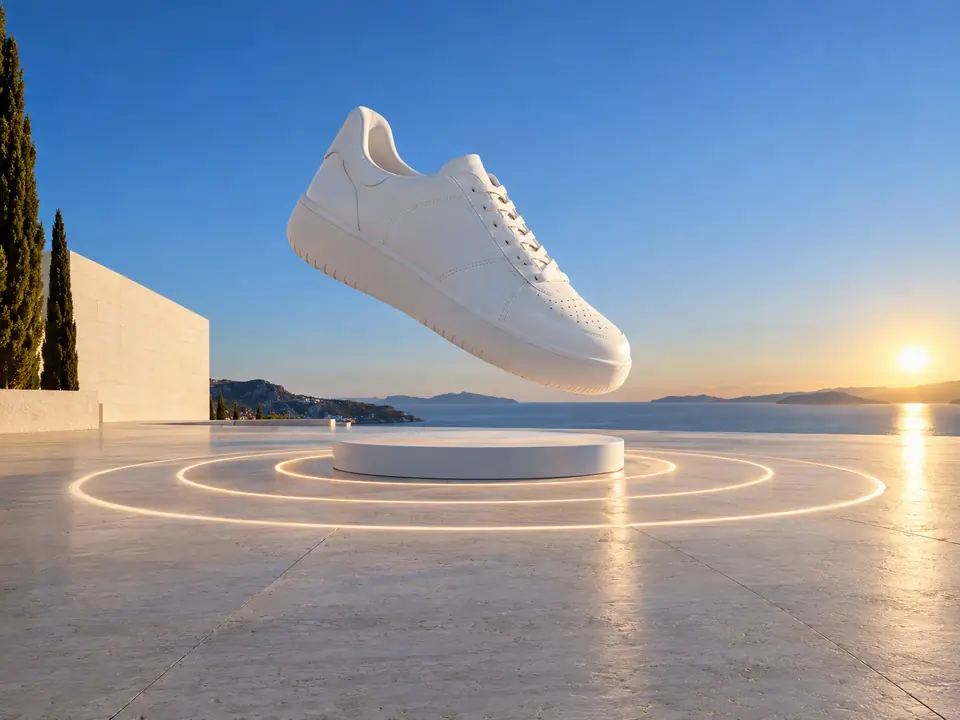
This is motion design, not video generation. Your product photo is placed and moved on screen as it is, so the label, the colour and the shape are the ones you photographed.
DFIRST Product demo is a product demo video maker that animates your own photo and words. Upload a product photo, write two or three features, choose a motion style and a length of 12, 16 or 20 seconds, and DFIRST plans the scenes and records them as an animated film at 30 fps, without sound.
Three steps. The first one starts on this page.
Drop a product photo into the box above and write two or three features, one per line, up to 180 characters each. Choose premium, calm, playful or punchy, a length and a format.
An agent lays out the film: the product first, then each feature as a callout, then the whole product to close. The scenes are recorded as an animation at 30 frames per second.
The film is saved to your Data Room. Download the video, or the HTML version and the composition file, and generate again for a different arrangement.
This is motion design, not video generation. Your product photo is placed and moved on screen as it is, so the label, the colour and the shape are the ones you photographed.
The feature lines appear as you wrote them. The agent is told to keep every word and not to add product claims of its own, so the film says what your team approved.
Choose 16:9, 9:16 or 1:1. The video and its HTML version are saved to your Data Room, so the same demo can go into a product page, a deck or a post.
Feature films for product pages and listings, made from the packshot already on the shop.
Launch demos that show what is new about a product, in the words the team signed off.
Vertical feature clips for Stories and Reels, from 12 seconds.
Quick animated drafts of a product story to show a client before a full production.
The facts about Product demo, as it works in DFIRST today.
About Product demo and how it fits the rest of DFIRST.
Upload a product photo above, write two or three features, choose a style, a length and a format, and continue in DFIRST. It plans the scenes and records an animated demo of 12, 16 or 20 seconds that you can download.
No. Product demo animates the photo you upload: it moves, frames and reveals it with your feature callouts. It does not generate new footage of the product. For that, use Image to video or Product commercial.
Two or three, one per line, each up to 180 characters. Short lines read best in a callout, so name the feature in a few words rather than a full sentence.
No. The agent that plans the film is told to keep every word you wrote and not to invent product claims, so the film says what your lines say and nothing more.
No, it is recorded without sound, at 30 frames per second. Add a soundtrack with Add music to video or effects with Add sound to video once you are happy with the picture.
An HTML version of the animation and its composition file, both ready to download next to the video. The video is the file to post; the HTML version plays in a browser.
Your product demo draft waits on this device until your access starts. DFIRST opens to people on the waitlist first.
Updated