Honest about what it shows
The cursor, typing and clicks are simulated on your screenshots. It is not a screen recording, and the agent is told never to invent a screen or claim a task was completed.
DFIRST App demo is an AI tool that makes an app demo video from screenshots. Upload one to five screenshots, write one to five steps, and DFIRST animates a walkthrough on your screens with a cursor, typing and clicks on the controls you can see. The actions are simulated; the film runs 12, 16 or 20 seconds at 30 fps.
Up to five screenshots and a line per step. The film moves between them with simulated taps and highlights.
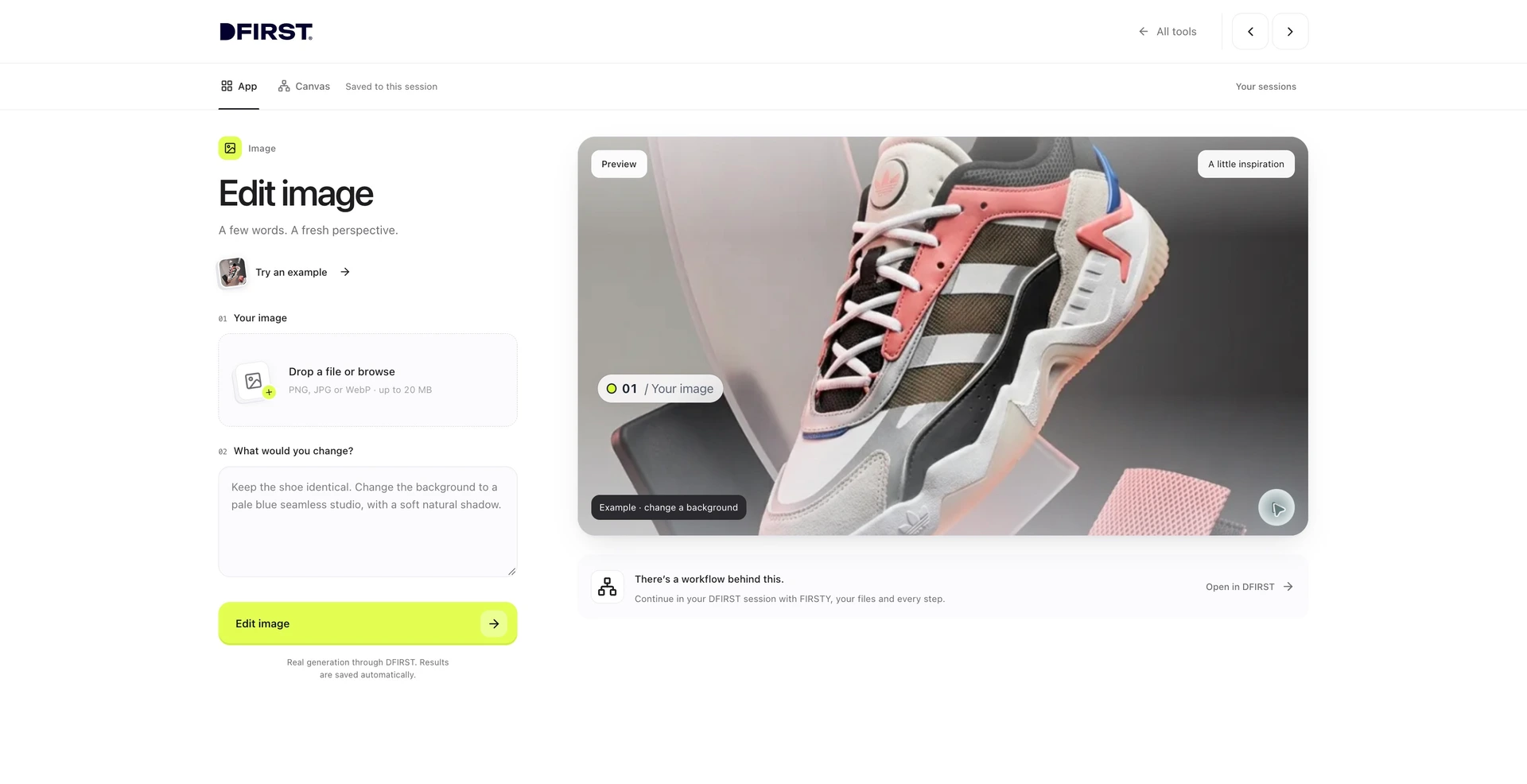
Three steps. The first one starts on this page.
Drop the first screenshot into the box above, write the steps one per line, and pick the style, length and format. In DFIRST you can add up to four more screenshots.
An agent reads your screens and steps, moves the cursor to the real controls, types and clicks in order, and shows what each step leads to before a closing hold.
The animated film is saved to your Data Room with an HTML version and the composition file. Download it for a launch post, a help page or a sales deck.
The cursor, typing and clicks are simulated on your screenshots. It is not a screen recording, and the agent is told never to invent a screen or claim a task was completed.
No screen recorder and no tidying up a messy browser. When the interface changes, replace the screenshots and make the film again.
The steps appear as you wrote them, so the words on screen match your help centre and your product's own labels. Each film is kept on the board of a session with the rest of the launch.
Feature launch clips and short product walkthroughs for the website, social and email.
How-to clips for help pages and onboarding, one task per film.
A short walkthrough for a pitch deck or a sales email, made from the current build.
The facts about App demo, as it works in DFIRST today.
About App demo and how it fits the rest of DFIRST.
Upload a screenshot above, write the steps one per line, and continue in DFIRST, where you can add up to four more screens. It animates a cursor, typing and clicks across your screenshots into a film of 12 to 20 seconds.
No. The actions are simulated on top of your screenshots: the cursor moves to controls you can see, text is typed and buttons are pressed in the animation. Nothing happens in your app, and no screen is invented.
Up to five screenshots and one to five steps, one per line, each up to 180 characters. Fewer, clearer steps make a film that is easier to follow, and each step needs a control that is visible on one of the screenshots.
Yes. Choose 9:16 for Stories and Reels, 1:1 for feeds or 16:9 for the website and YouTube. For a longer walkthrough, make one film per task and keep them together on a session board.
Full, sharp screenshots at the size people use the app, with the controls named in your steps visible. The animation can only point at what is on the screen. Crop out any personal data before you upload.
No, it is recorded without sound. Add a soundtrack with Add music to video once the walkthrough is right. For narration, write the words first and record them with the Voiceover tool in DFIRST.
Your app demo draft waits on this device until your access starts. DFIRST opens to people on the waitlist first.
Updated