It starts from what you approved
A text prompt invents a scene. Here the first frame is your own picture, so the colours, the set and the product you signed off are where the film begins.
DFIRST Image to video is an AI tool that animates a still picture. Upload a PNG, JPG, WebP or HEIC image up to 20 MB, describe the movement, and DFIRST uses your photo as the first frame of a five-second video without sound, in wide 16:9, vertical 9:16 or square 1:1.
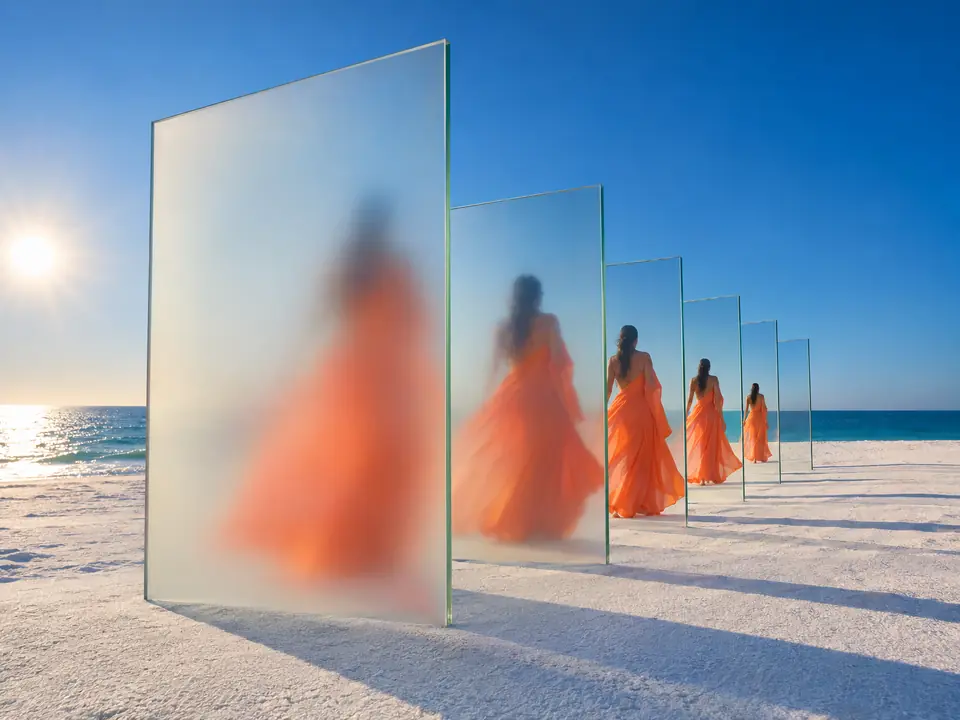
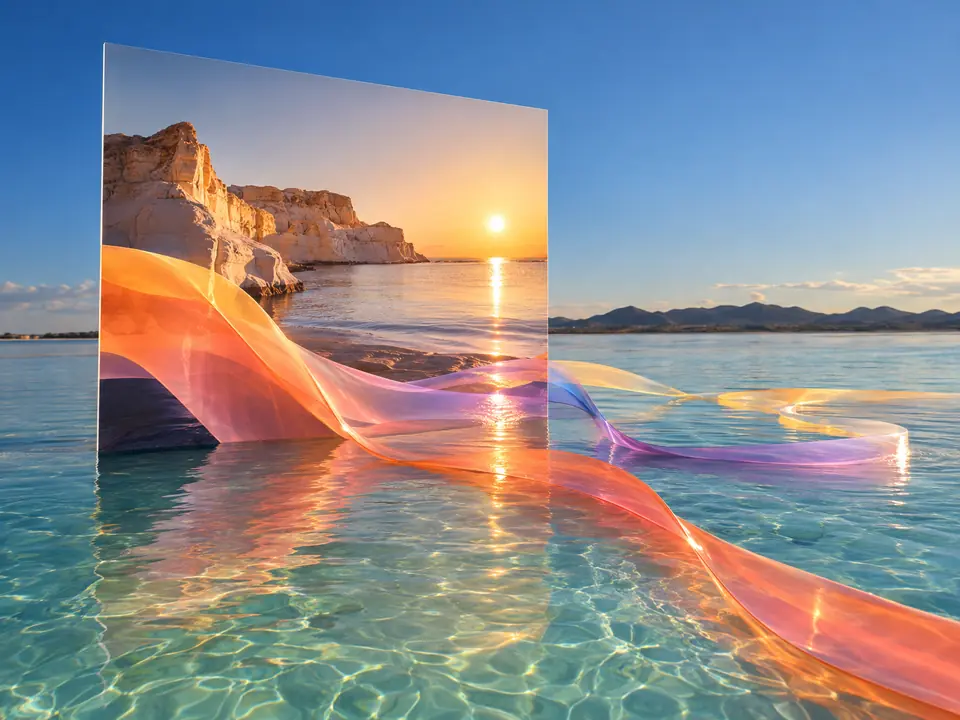
The picture on the left is the first frame. The film on the right is what happened next.
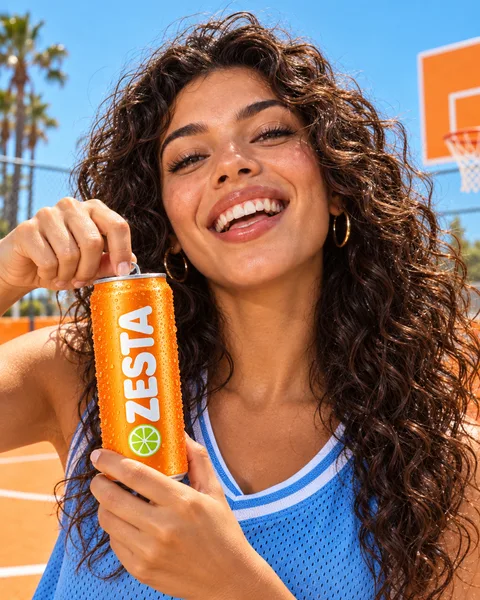
Three steps. The first one starts on this page.
Drop a picture into the box above and write how it should move: the camera, the subject, the air around it. Wide is selected; switch to vertical or square if you need to.
Your photo becomes the first frame and Seedance 2.0 Fast carries it on for five seconds. If the model refuses the picture, Kling 3 Pro gets one more try with the same photo and words.
The video is saved to your Data Room. Download it, generate again for a different take, or make it sharper, add sound and place it on a session's board with the rest of the campaign.
A text prompt invents a scene. Here the first frame is your own picture, so the colours, the set and the product you signed off are where the film begins.
Any saved product, character, place or look in References can be the starting picture, so the photo you already use in ads is the one that moves.
The model draws every frame after the first, so small print on a label can soften as the camera moves. Ask for subtle motion on packshots, and check the clip before it goes anywhere.
A product photo that moves, for a listing, a product page or a feed, from a shot you already have.
Still campaign images turned into short motion posts and Stories in 9:16.
A key visual or a generated image given a camera move, to feel how it plays before a full film.
The facts about Image to video, as it works in DFIRST today.
About Image to video and how it fits the rest of DFIRST.
Upload the picture in the box above, write how it should move, choose a format and continue in DFIRST. Your image becomes the first frame of a five-second clip that you can download, make again or keep working on.
The product starts exactly as in your photo, because the photo is the first frame. As the camera moves, the model draws the frames that follow, so small text and fine details can drift. Ask for subtle motion and check the label before you use the clip.
Yes. Choose vertical 9:16 for Reels, TikTok and Stories, square 1:1 for feeds or wide 16:9 for websites and YouTube. Wide is selected unless you change it, and each run makes one format.
No, the clip is silent, so the sound is your choice. Add effects and atmosphere with Add sound to video, or a soundtrack with Add music to video, once you are happy with the picture.
Image to video moves your picture as it is. Product commercial first builds a new campaign scene around your packshot and then films it, which suits a product photographed on a plain background.
Some video models turn down pictures they read as a real person, even a plain packshot. DFIRST then sends the same image and description to Kling 3 Pro once. If that also fails, you see why and can try another picture.
Your picture and its movement wait on this device until your access starts. DFIRST opens to people on the waitlist first.
Updated