Your two pictures, untouched
The tool never edits or regenerates either image. Viewers see your real before and your real after, which is the whole point of a comparison.
DFIRST Before & after is a before and after video maker that animates the comparison of your own two pictures. Upload the before and the after image, write one line about the change, and DFIRST records a 12, 16 or 20 second film in which the line is typed and a moving divider reveals the after. Neither image is edited.
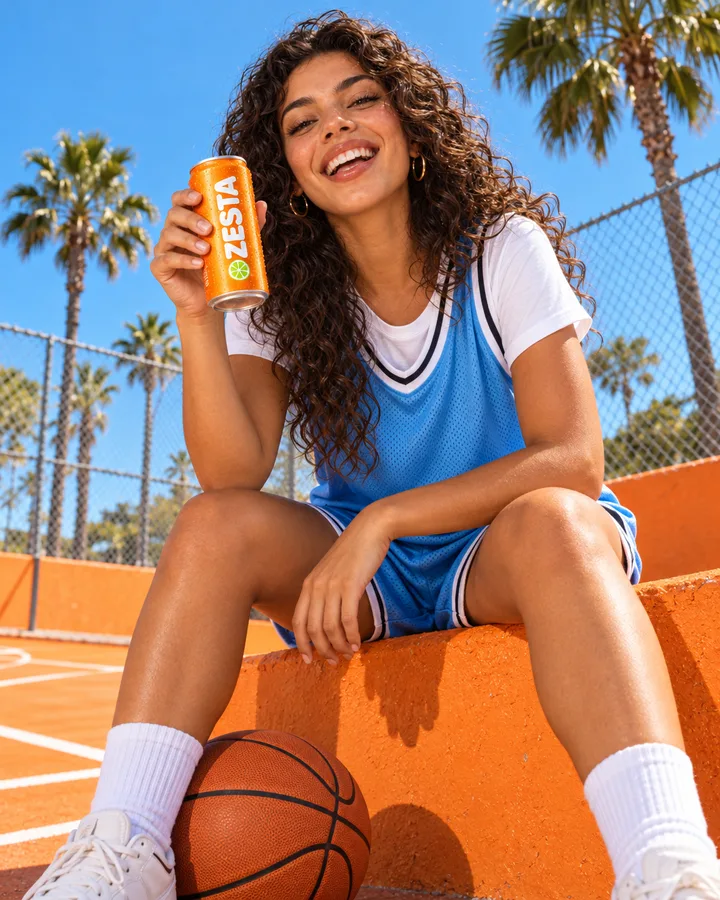
Your before and after, animated as a reveal. The pictures are never redrawn.
 After
After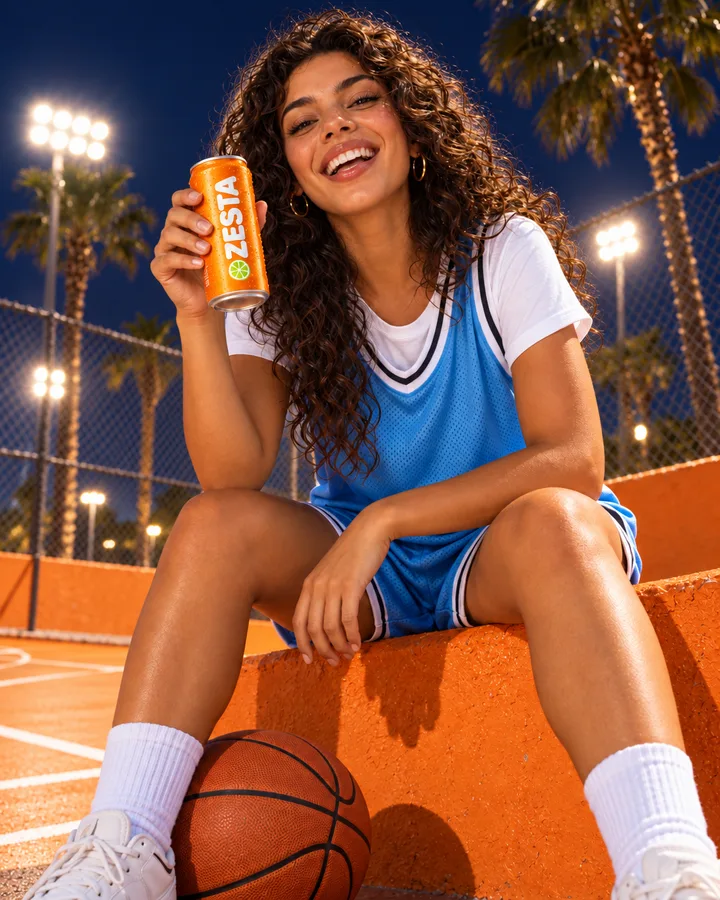
Three steps. The first one starts on this page.
Drop the before picture into the box above, write the change in one line, and choose the style, length and format. In DFIRST you then add the after picture.
The film shows the before, types your line, clicks, and a moving divider reveals the after. It holds on the result, then returns softly to the start.
The video, an HTML version and the composition file are saved to your Data Room. Download them, or generate again for a different rhythm.
The tool never edits or regenerates either image. Viewers see your real before and your real after, which is the whole point of a comparison.
Typing the change and then revealing the result reads like an edit happening live, which suits photo edits, redesigns and makeovers.
Made the after picture with one of DFIRST's image tools? Both files are already in your Data Room; put the original and the result here to show what changed.
Raw product shots next to the finished images, to show the quality of the work.
Redesigns, rebrands and campaign edits shown as one clear change for a case study or a pitch.
Room makeovers, restorations and styling, told with real photos.
What an editing feature does to a picture, shown in a short film for the website.
The facts about Before & after, as it works in DFIRST today.
About Before & after and how it fits the rest of DFIRST.
Upload the before picture above, write the change in one line, and continue in DFIRST to add the after picture. Choose a style, a length and a format, and you get an animated comparison to download.
No. Both pictures are used exactly as you upload them. The tool does not edit, retouch or regenerate either one; it only animates the reveal from one to the other. To make the after picture, use an image tool first.
Two pictures of the same subject, taken or cropped the same way, so the divider lines them up. The before goes in the first field and the after in the second; DFIRST never swaps them.
The change in a few words, the way someone would ask for it, such as “Change the background to pale blue”. It is typed on screen during the film, so keep it short and exact.
Yes. Choose 9:16 for Reels, TikTok and Stories, 1:1 for feeds or 16:9 for websites; each run makes one format. The film has no sound, so add a soundtrack with Add music to video.
12, 16 or 20 seconds, recorded at 30 frames per second. Twelve seconds is selected unless you change it, which is enough for the before, the reveal and a hold on the result.
Your before & after draft waits on this device until your access starts. DFIRST opens to people on the waitlist first.
Updated