No prompt, no new scene
Upscaling here is not image generation from words. The model enlarges what is already in the file, so the composition, the colours and your product stay as they were.
DFIRST Image upscale is an AI tool that increases the resolution of an image. Upload one PNG, JPG, WebP or HEIC file up to 20 MB, and the Aura SR v2 upscaling model returns a larger version of the same picture with crisper detail, ready for big screens, zoomable product pages and print layouts.
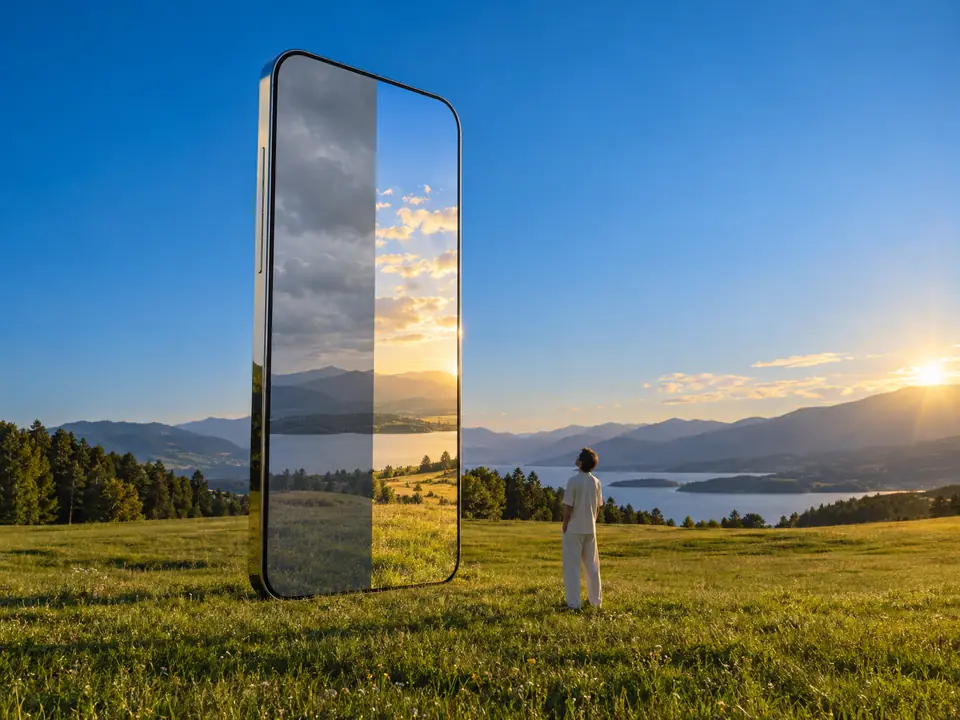
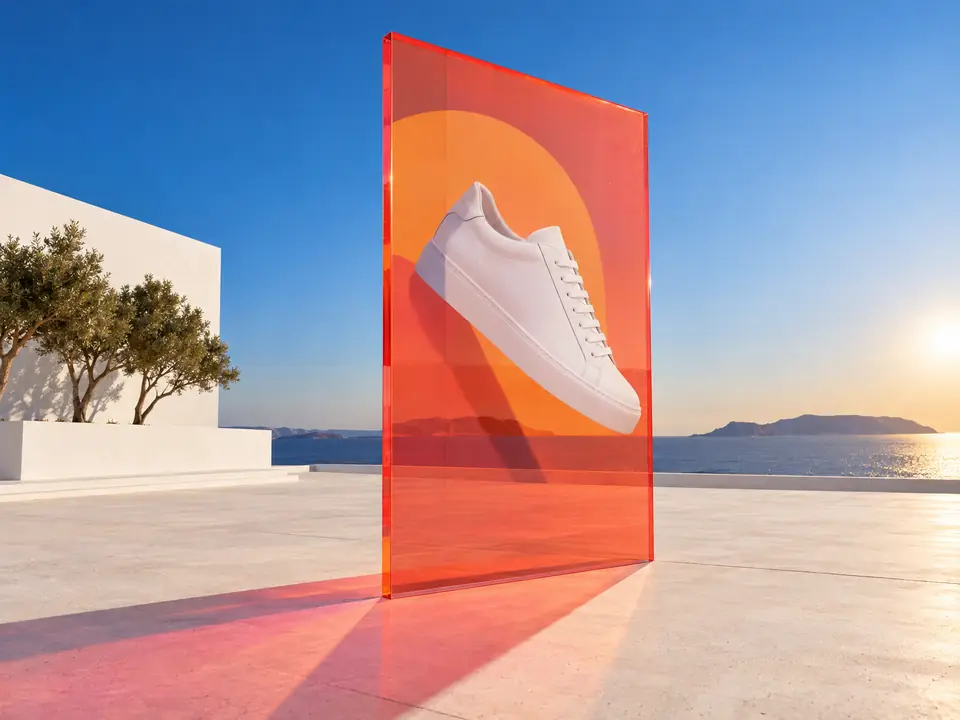
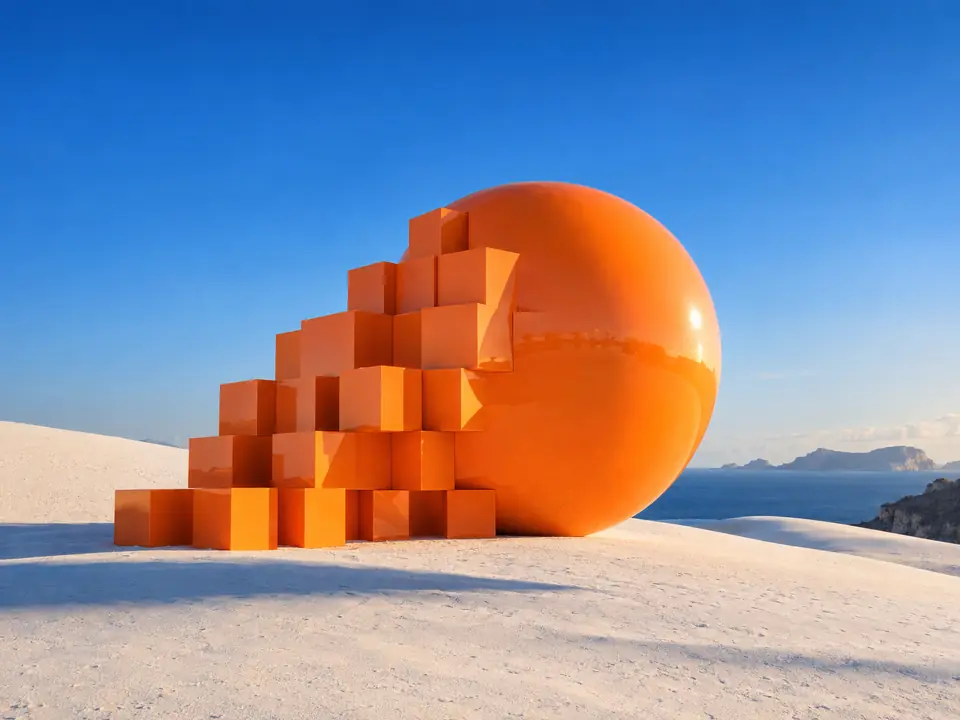
Each pair is the same crop: a 256-pixel picture enlarged as it is, and the same picture after a 4× upscale.
 Upscaled 4×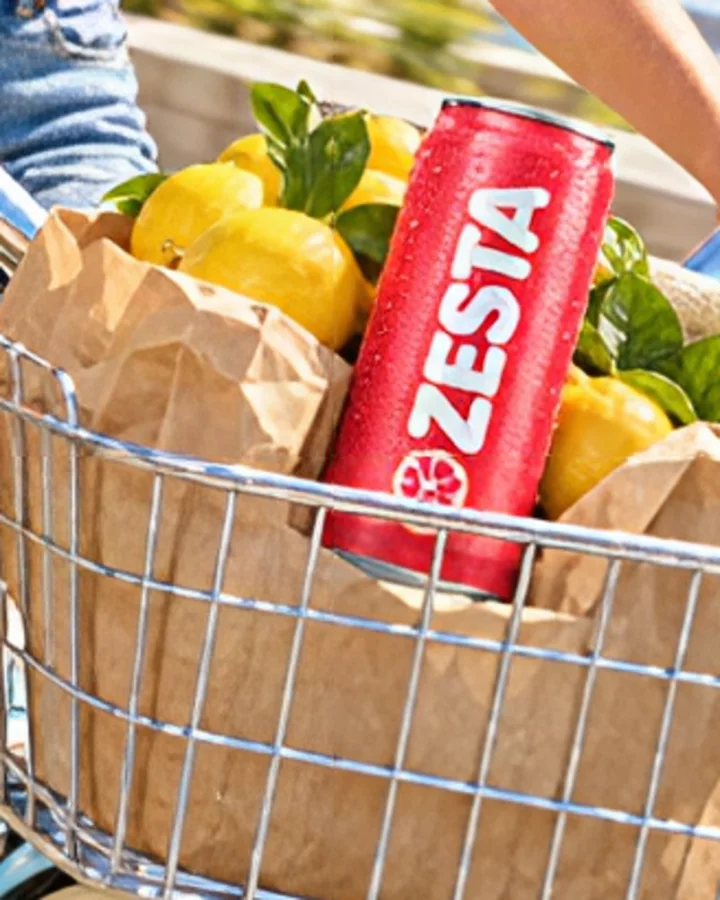
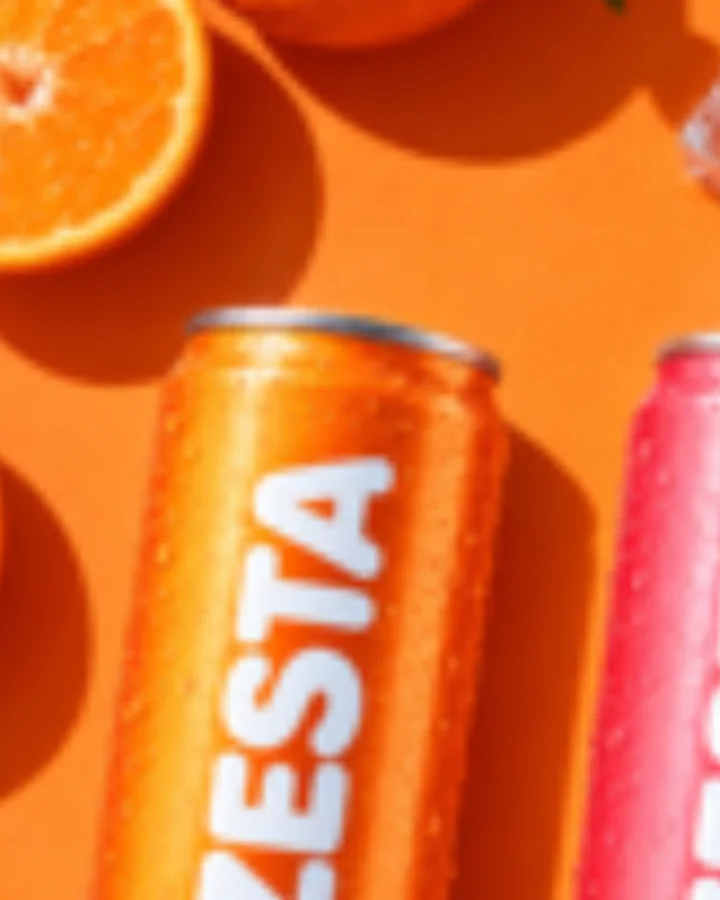 Upscaled 4×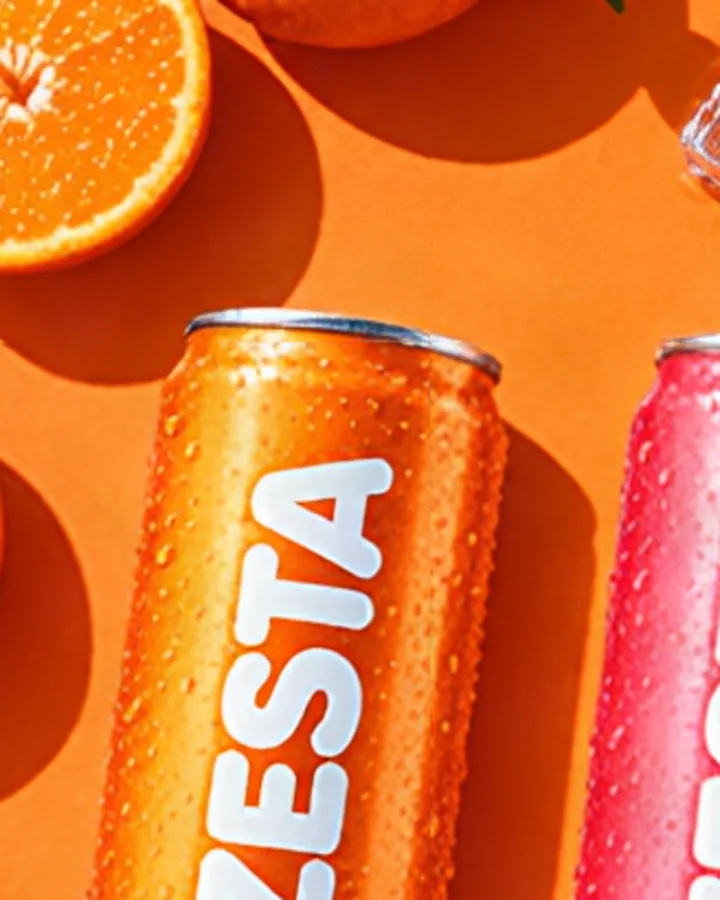
Three steps. The first one starts on this page.
Drop the picture you want bigger into the box above: a supplier packshot, a crop from a campaign, or an image another tool made.
Aura SR v2 rebuilds the image at a higher resolution. It works from the pixels you uploaded and does not repaint the scene from a description.
Download the result, or keep it in your Data Room for a banner, a print layout or the board of a session.
Upscaling here is not image generation from words. The model enlarges what is already in the file, so the composition, the colours and your product stay as they were.
There are no settings: one image in, one larger image out. It is the quick answer when a supplier photo is too small for a hero banner or a zoom view.
Upscale a picture from Product shots or Create image before it goes to print, or after you remove the background.
Upscale product photos from suppliers for zoom views and large product galleries.
Low-resolution pictures brought up to size for posters, print layouts and displays.
Older campaign images and generated visuals made big enough for hero banners.
The facts about Image upscale, as it works in DFIRST today.
About Image upscale and how it fits the rest of DFIRST.
Drop the photo into the box above and continue in DFIRST. The image upscaler returns a larger, sharper copy that you can download or pass straight to another tool, such as a banner or a print campaign visual.
It should not change what is in it. There is no prompt and no new scene: Aura SR v2 increases the image resolution of the picture you upload, so the product, the framing and the colours stay. Edges and textures come out crisper.
It makes a picture larger and crisper, but it cannot bring back detail that a badly blurred or shaken photo never had. For a dull, dark or messy phone photo, Fix a phone photo is the better tool.
PNG, JPG, WebP and HEIC images up to 20 MB, one image per run. You can also pick a picture from your References instead of uploading it again. The result is a new file, so the original stays exactly as it was.
No. The form has no scale or size setting: you upload one image and get one larger image back. If a layout needs an exact pixel size, upscale first and then scale the larger file down in your design tool, which keeps the edges crisp.
Yes. Pictures from Product shots, Create image and the other tools are saved in your Data Room. Bring one to this tool, or open it on the board of a session and choose Upscale on its card.
Your image upscale draft waits on this device until your access starts. DFIRST opens to people on the waitlist first.
Updated