Made for type, not covered in it
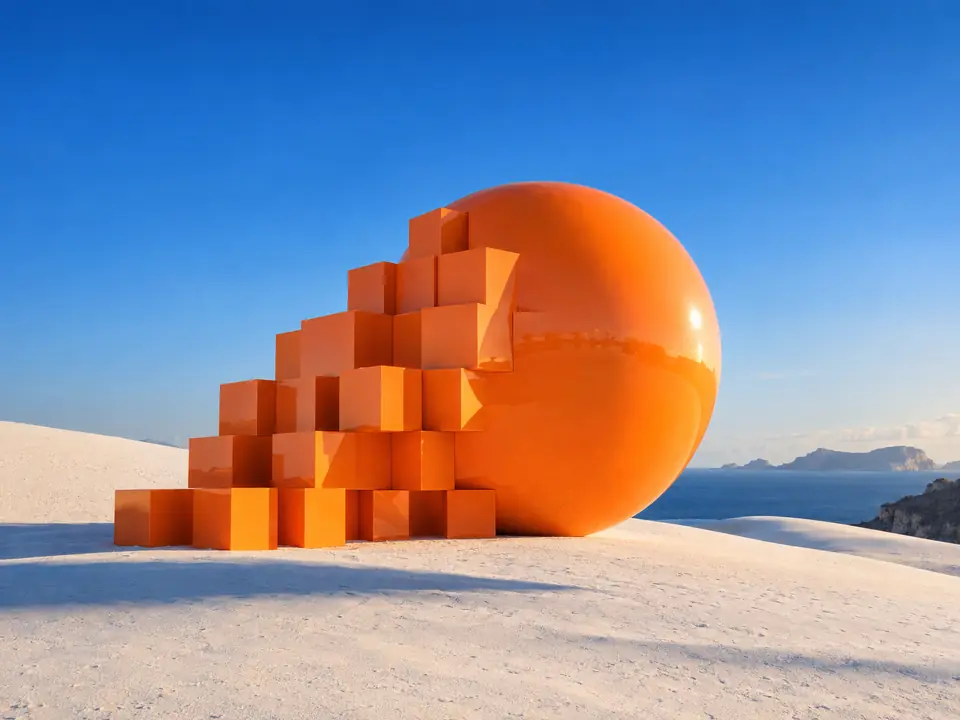
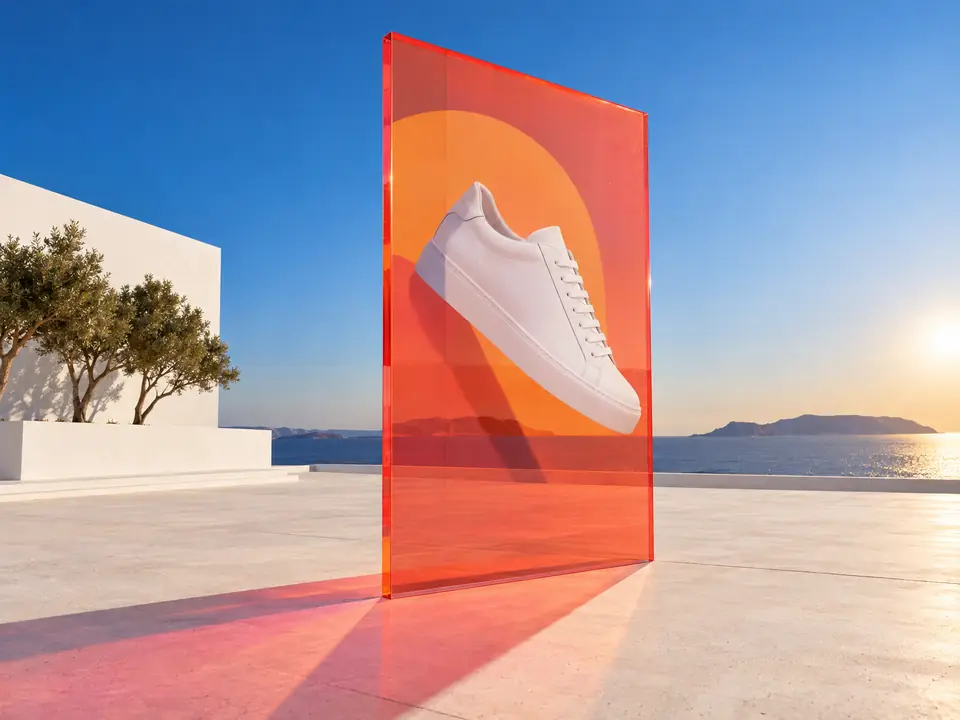
A poster image with space for text is hard to find in a stock library. Here the composition is planned around your copy, so the headline has somewhere to live.
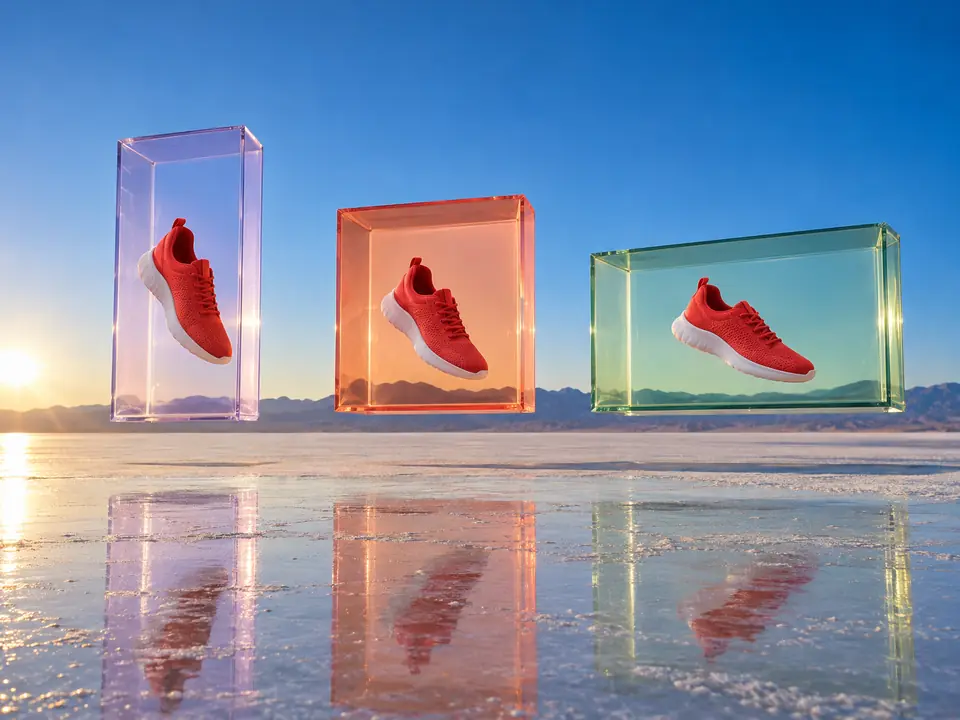
DFIRST Print campaign visual is an AI tool that creates the artwork for a print ad, poster or billboard. Upload your product, add up to three more, describe the campaign direction and pick a format, and you get one campaign key visual with your products in it and clean space left for the headline.
No words are drawn into the picture: the space for the headline is left clear on purpose, so your designer sets the type.
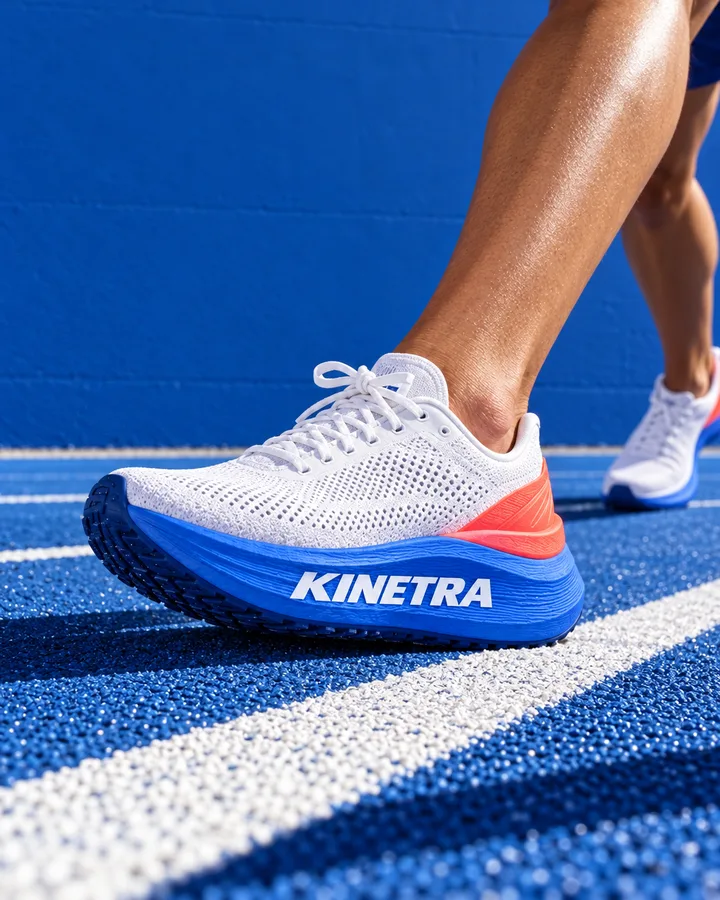
Three steps. The first one starts on this page.
Upload the product, add the rest of the range if it belongs in the picture, and describe the campaign: the world, the light, where the product sits and where the headline will go.
It creates the campaign image with every product from your photos, follows the composition you asked for and keeps the space clear for typography, without extra text, watermarks or made-up branding.
Download the visual and set the headline in your own layout, or ask for another take. For large print sizes, send it to Image upscale first.
A poster image with space for text is hard to find in a stock library. Here the composition is planned around your copy, so the headline has somewhere to live.
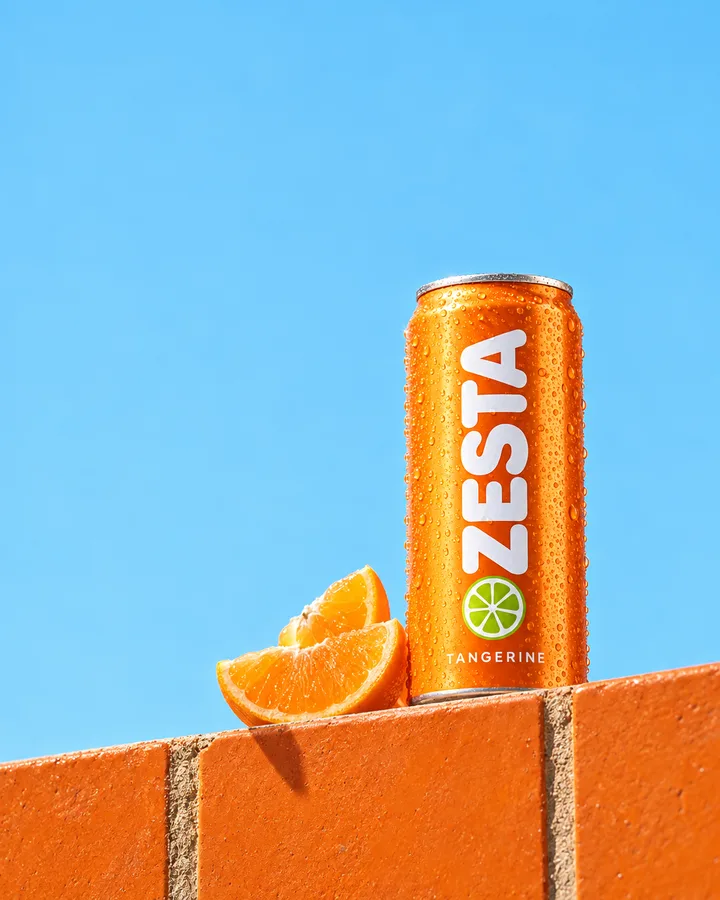
The visual is built from your product photos, so the bottle, can or box on the poster is the one on the shelf. Look closely at labels, because the picture is newly drawn.
Carry the same image into a banner or a vertical reformat, and give it more pixels with Image upscale before it goes to the printer.
Key visuals for posters, magazine ads and in-store displays.
Campaign key visual routes to present, each with a clear place for the line.
Window posters, shelf cards and point-of-sale images for a seasonal push.
The facts about Print campaign visual, as it works in DFIRST today.
About Print campaign visual and how it fits the rest of DFIRST.
Upload your product photo above, describe the campaign direction and say where the headline should sit. DFIRST creates one print campaign visual with your product in it and clean space for type. Add the headline and logo in your own layout.
No text is asked for. The tool tells the model to leave space for final typography and to add no extra text, watermarks or invented branding. If stray lettering ever appears in a take, ask for another one.
Yes. Describe the campaign idea, the setting and the mood, and the result works as a key visual you can carry into banners, social posts and a short film. Keep the same direction text for every format so the campaign stays recognisable.
Square 1:1, wide 16:9 and tall 9:16. A 9:16 image is a good start for a portrait poster or a digital screen; for other proportions, crop it in your layout tool and keep the product clear of the edges.
It depends on the size you print. For posters and large formats, send the visual to Image upscale first to get a larger file with crisper detail, then place it in your layout. Check the final size with your printer before you send the file.
Yes. Add up to three more product photos and the visual features every one of them. Describe how they are arranged, for example side by side on a table or one in front of the other.
Your print campaign visual draft waits on this device until your access starts. DFIRST opens to people on the waitlist first.
Updated