References, not guesswork
An AI image generator with reference images stays closer to what you mean. Show it your can, a model's face or a photo whose light you love, and the result follows it instead of a stock idea of your category.
DFIRST Create image is an AI tool that turns a written description into a new picture. Describe the idea, add up to four reference photos of a product, a person or a look the picture should follow, choose 1:1, 16:9 or 9:16, and you get one image saved in your workspace.
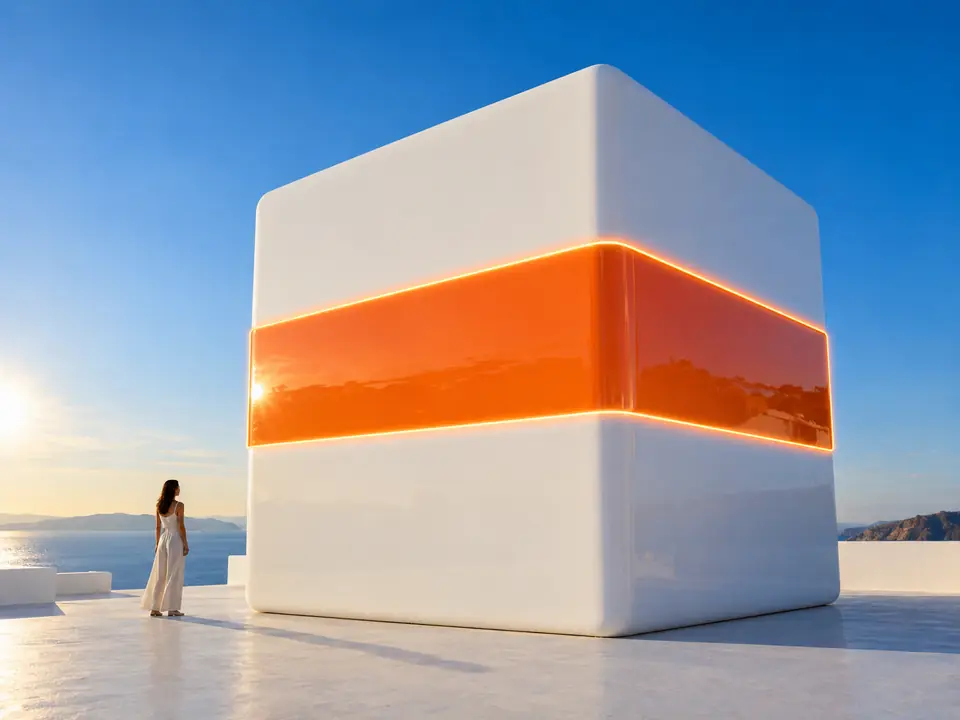
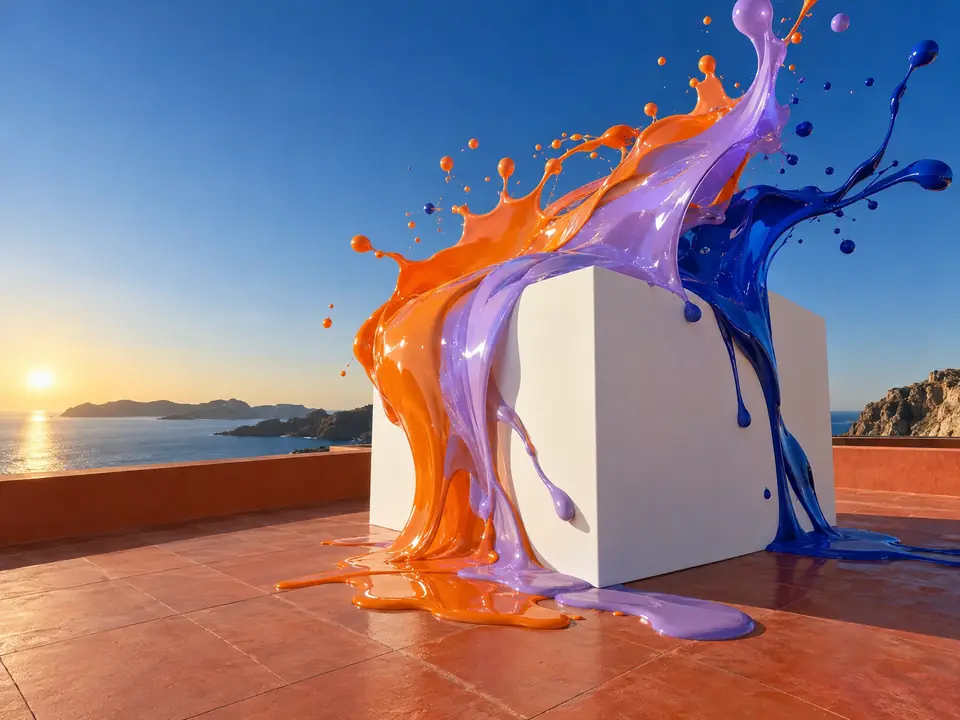
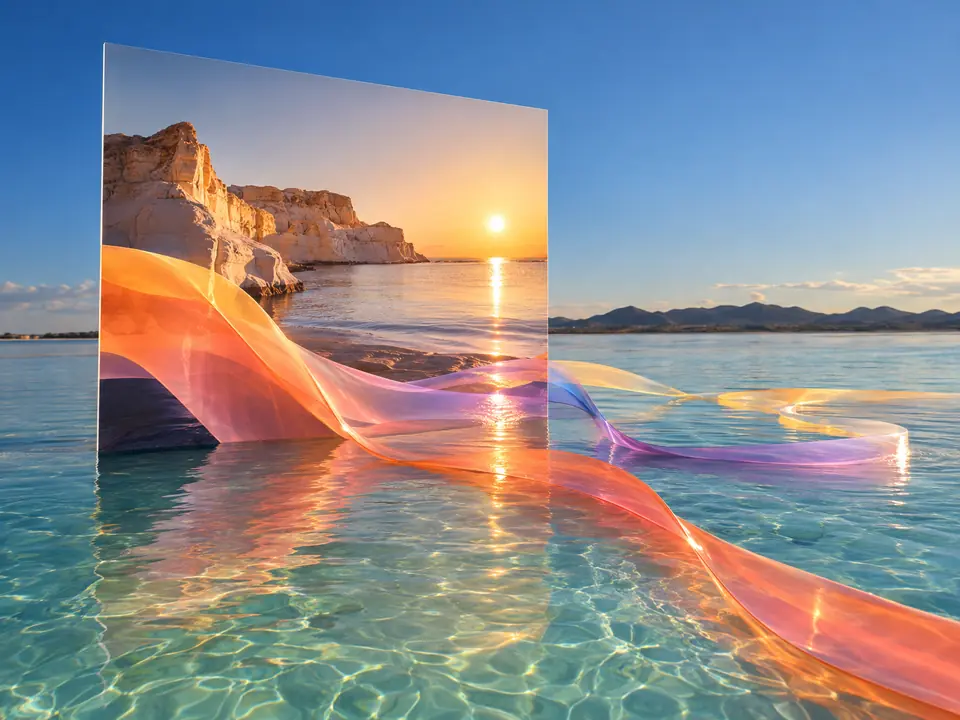
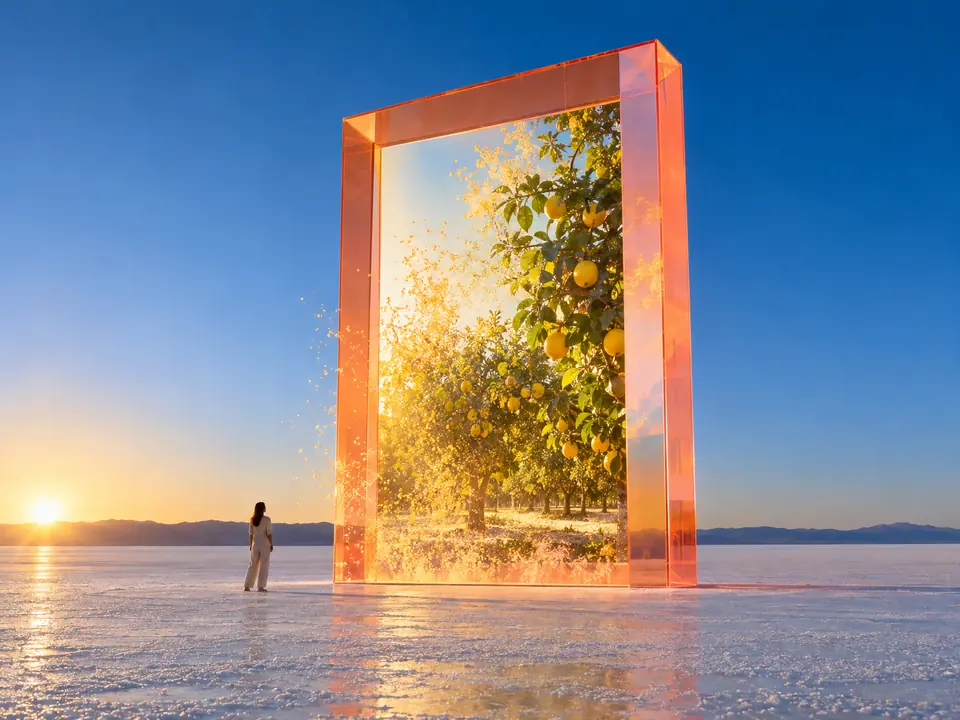
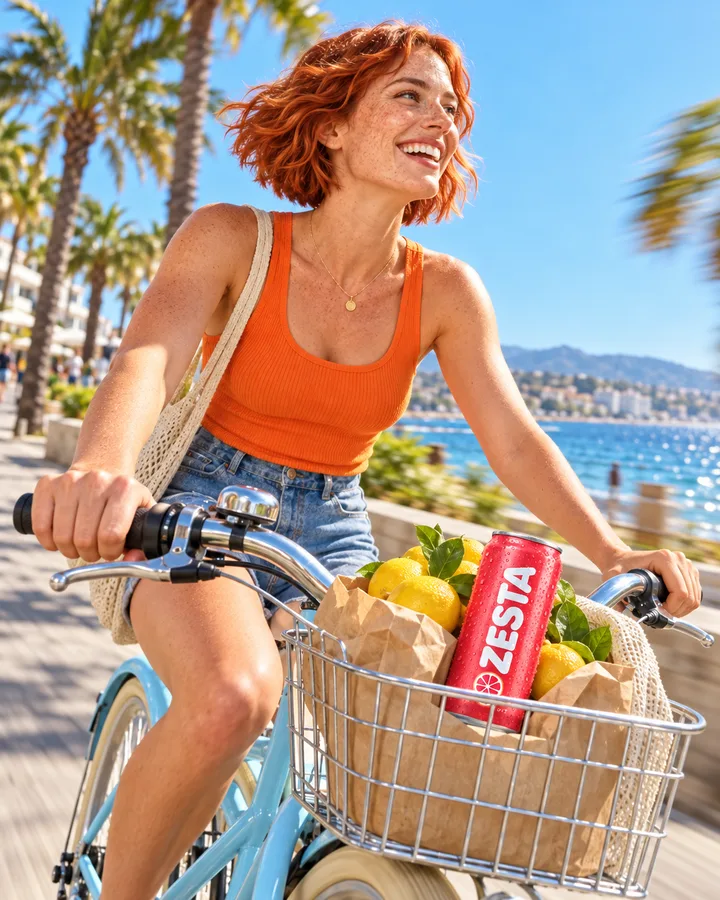
Made in DFIRST for the example brand ZESTA, each from a short description. With Brand DNA and References in the workspace, the colours, the products and the faces stay yours.
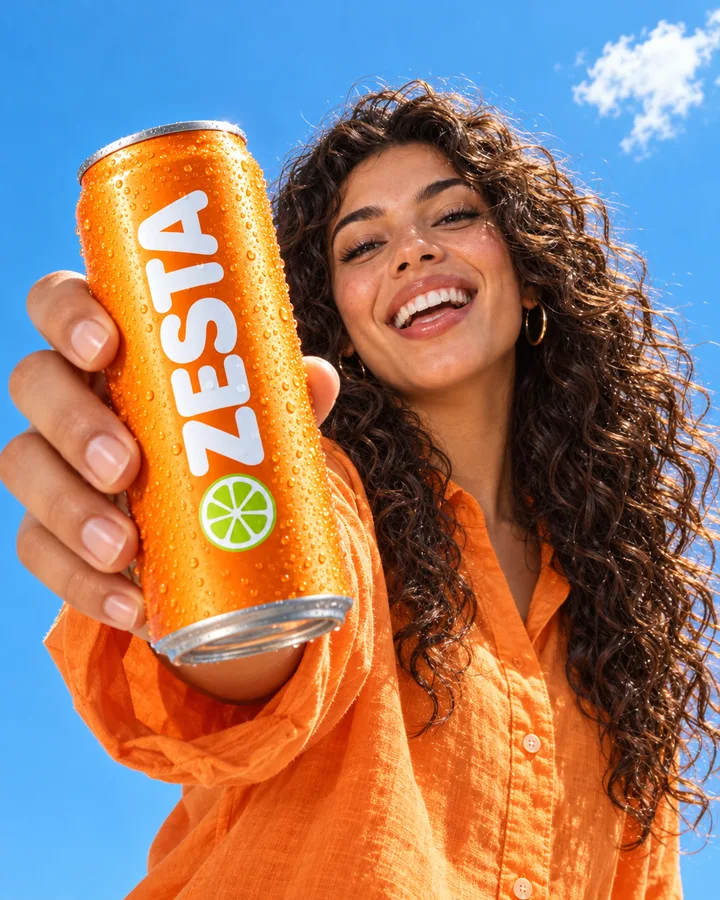

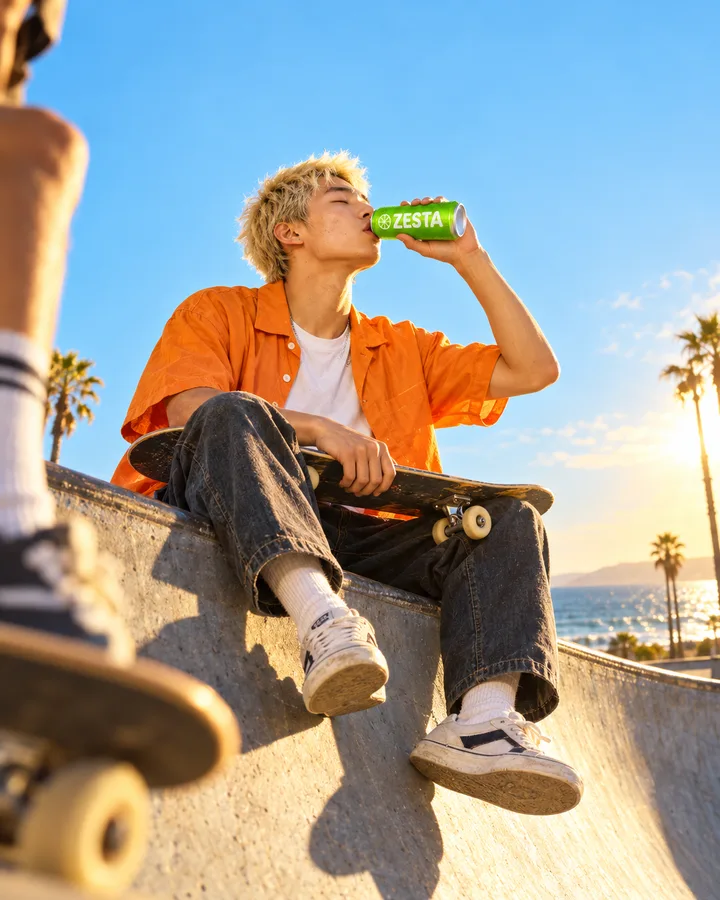
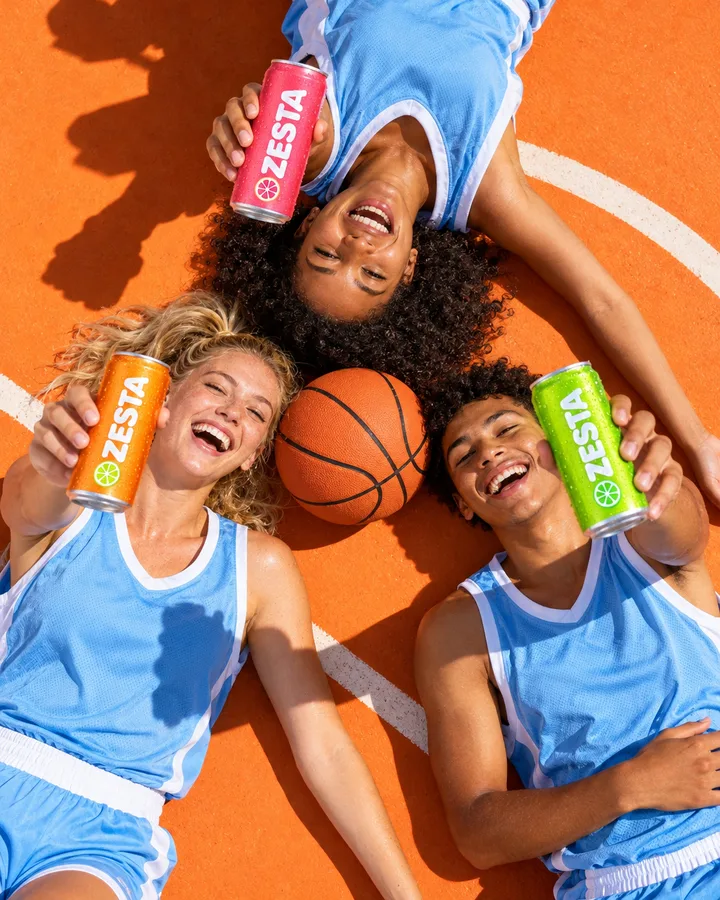
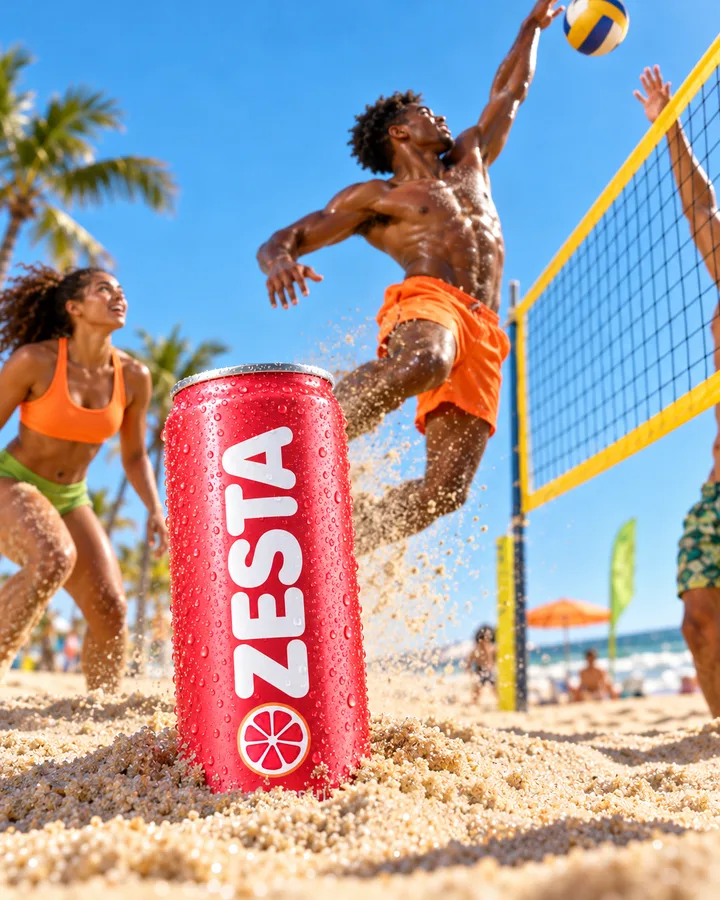
Three steps. The first one starts on this page.
Write what is in the frame, where it is and how it should feel. Add reference photos if the picture should follow a product, a face or a style, and pick the format.
Your words and any reference photos go to the image model together. The references steer what the product looks like or how the light falls, and the words decide the rest.
Download the image or ask for a new take. On the board of a session you can switch the model, the format or the quality of the card and build the next picture from this one.
An AI image generator with reference images stays closer to what you mean. Show it your can, a model's face or a photo whose light you love, and the result follows it instead of a stock idea of your category.
Pick pictures straight from References instead of uploading them again: the people, products and places your brand keeps coming back to.
On the board of a session, the same image card can be redrawn with another model or a higher quality setting, so you can compare styles before you choose.
Post images in the brand's look, made on the day they are needed.
Concept images and key visual ideas before anything is shot or illustrated.
Header images for articles, newsletters and landing pages in the right shape.
Quick visuals for a pitch, built around the client's own product photos.
The facts about Create image, as it works in DFIRST today.
About Create image and how it fits the rest of DFIRST.
Describe the picture in the box above and add reference photos of what must stay true: your product, a face, a colour world. DFIRST sends the words and the photos to the image model together, so the result follows your references rather than a generic look.
Yes, up to four. Upload them or pick them from References. Use one for the product, one for a person and one for the light or style, and say in your description what each one is for.
Say what is in the frame, where it is, the light and the mood, in plain sentences. Add the framing too: close-up, wide shot or flat lay. Short, concrete descriptions work better than long lists of adjectives.
Square 1:1, wide 16:9 and vertical 9:16. Each run makes one picture. To see the same idea in another shape, run it again with a different format or change the format of the card on the board.
Yes, on the board. Open the result in a session and the image card lets you pick another model, format and quality, then draw it again. The first take stays, so you can compare the two.
No. The image is saved in your workspace and stays there until you download it, open it on a board or use it in another tool. DFIRST makes drafts: nothing is published, posted or sent anywhere without you.
Your create image draft waits on this device until your access starts. DFIRST opens to people on the waitlist first.
Updated