A direction, not a search
Collecting a moodboard from image searches takes an afternoon and mixes styles. Here the whole board is made for your direction, so every tile belongs with the others.
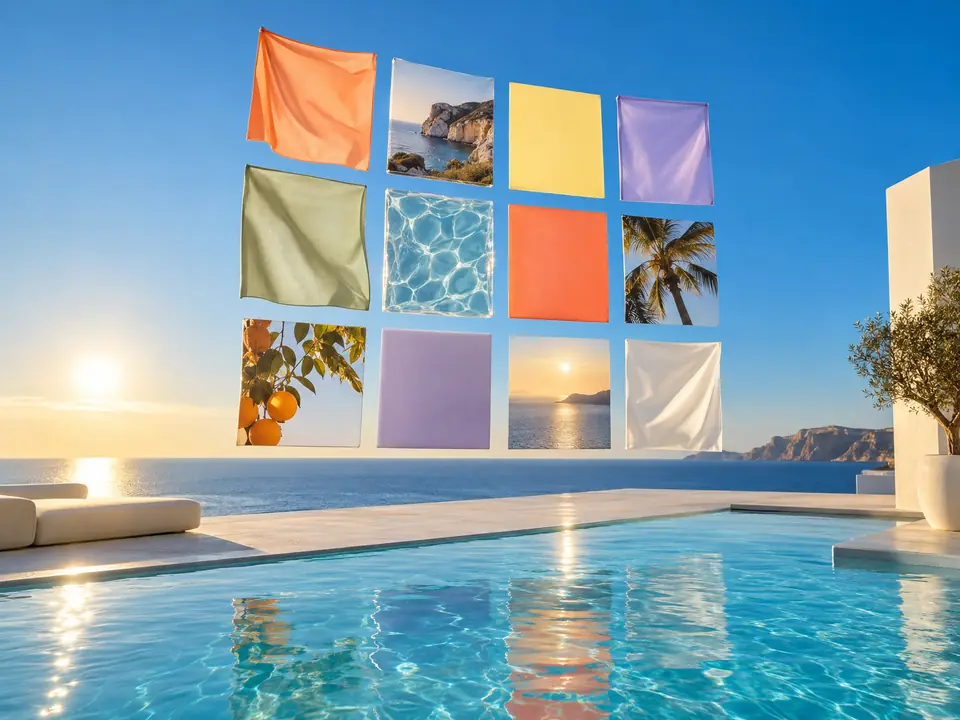
DFIRST Moodboard is an AI tool that turns a written creative direction into one art-directed moodboard. Describe the season, the materials, the light and the colours, choose square, wide or vertical, and you get a single collage image of textures, materials, lighting and colour to share with your team or a client.
Nine pictures that set the light, the colour and the attitude before anything is shot or made.
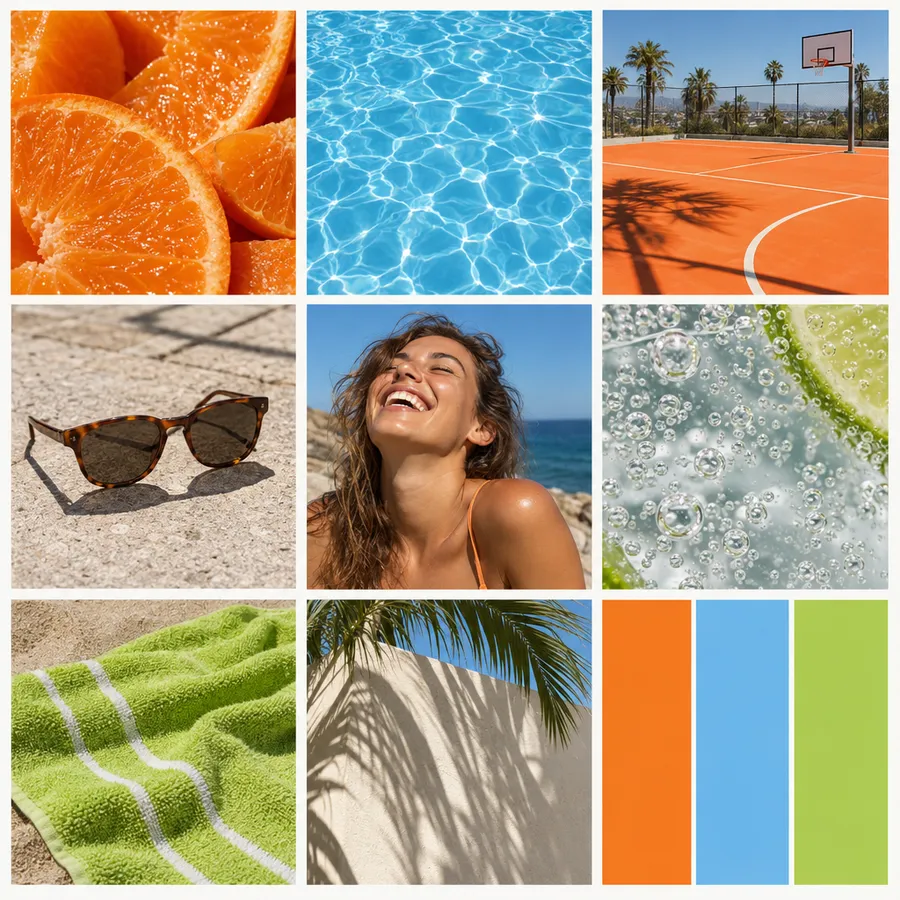

Three steps. The first one starts on this page.
Write the world in a few sentences: the season, the materials, the light, the colours, the feeling. Ask for swatches or a number of studies if you want them.
The image model makes one cohesive collage, a deliberate mix of textures, materials, lighting and colour that reads as one direction rather than a pile of stock photos.
Download the moodboard for a deck or a client chat, ask for another reading, or open it on the board of a session next to the brief.
Collecting a moodboard from image searches takes an afternoon and mixes styles. Here the whole board is made for your direction, so every tile belongs with the others.
The moodboard is saved in your Data Room. Save a look you love as a reference in References and later pictures can follow it.
A generated moodboard is a direction, not a library of licensed photos. Use it to agree on the look, then make the real pictures with your product in them.
Two or three directions side by side before a campaign or a shoot.
A visual language to put in front of a client at the first meeting.
A shared picture of a season, a launch or a new product line, before anyone briefs a photographer.
The facts about Moodboard, as it works in DFIRST today.
About Moodboard and how it fits the rest of DFIRST.
You describe a creative direction in words. DFIRST asks the image model for one cohesive, art-directed moodboard and returns it as a single collage image, with textures, materials, lighting and colour chosen to fit what you wrote.
Not in this tool: it works from your words alone. To build on a picture you already have, use Create from a style, or open a session, add your photos and ask for a board around them.
Ask for them in the direction, for example 'three colour swatches along the bottom'. The model works from your description, so say how many studies and swatches you want and where they should sit. Ask for another take for a different reading of the same words.
Wide 16:9 fits a slide and stays readable on a projector. Square suits chats and documents, and vertical 9:16 works on phone screens and in stories. For the same direction in two shapes, run the tool twice.
The tool tells the model not to invent brand logos. Keep real brand names out of your direction too, and add your own logo later, once the look is agreed. That keeps the board about the look, not about anyone else's identity.
Yes. Run the tool once per direction and keep the boards side by side, or ask for another take of the same words. To see four directions for a real product on one sheet, use Creative variations with your product photo.
Your moodboard draft waits on this device until your access starts. DFIRST opens to people on the waitlist first.
Updated