A style you can point at
Describing a look in words is hard; showing it is easy. One reference carries the palette, the grain and the light that a paragraph would miss.
DFIRST Create from a style is an AI tool that makes a new image in the look of a picture you choose. Upload one style reference, add up to three photos of your own products, describe what to create, and you get one picture with the reference's colour, lighting and materials, but not its subject, text or logo.
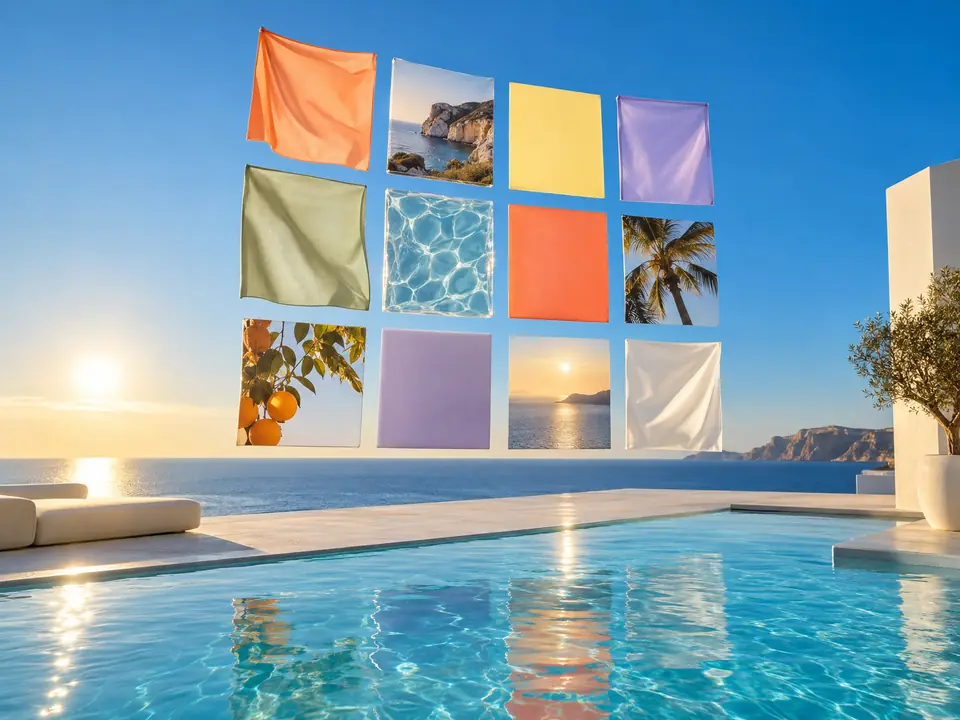
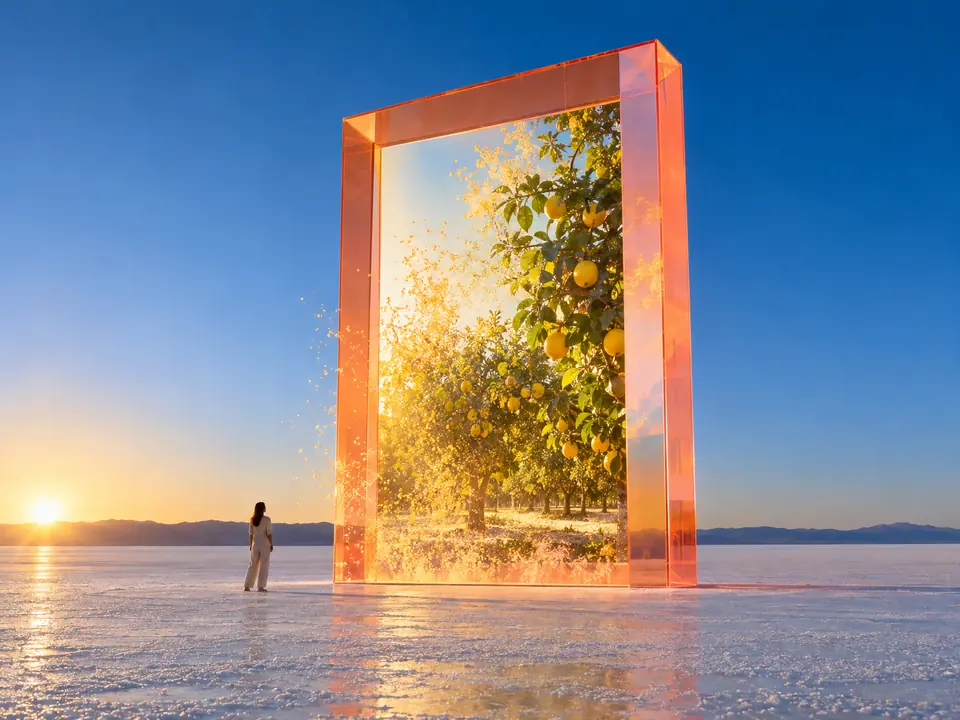
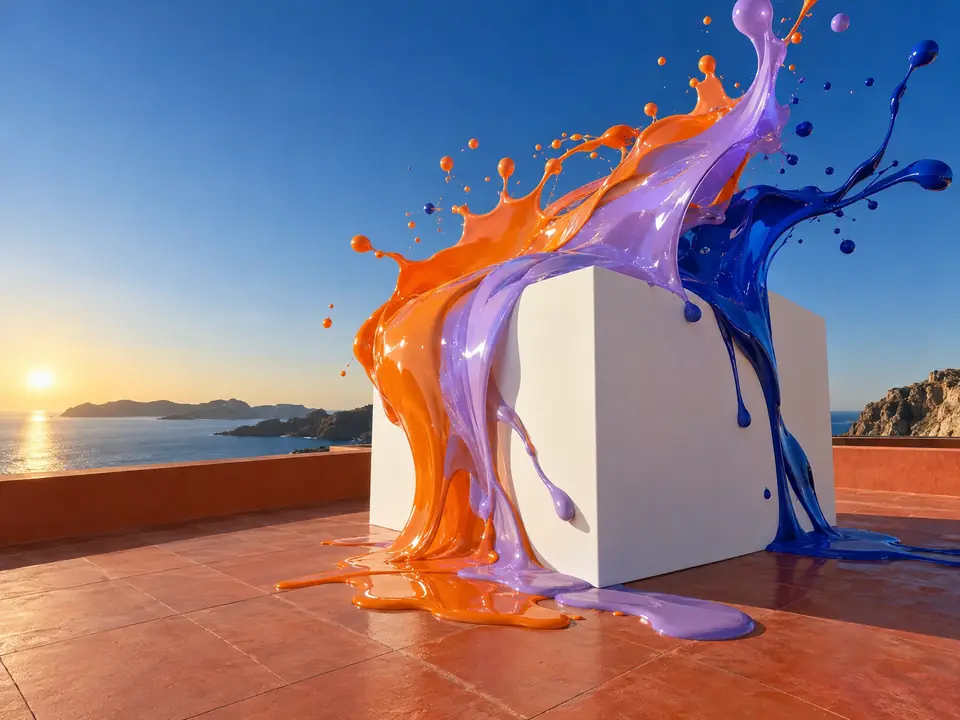
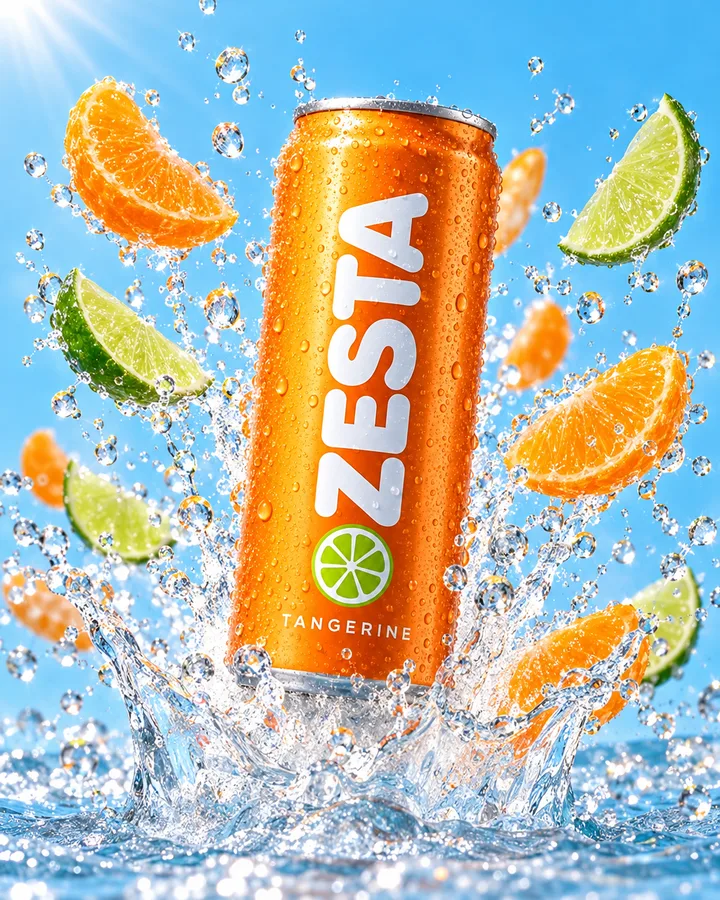
The picture on the left sets the light, colour and camera. The new image follows it with your own product.
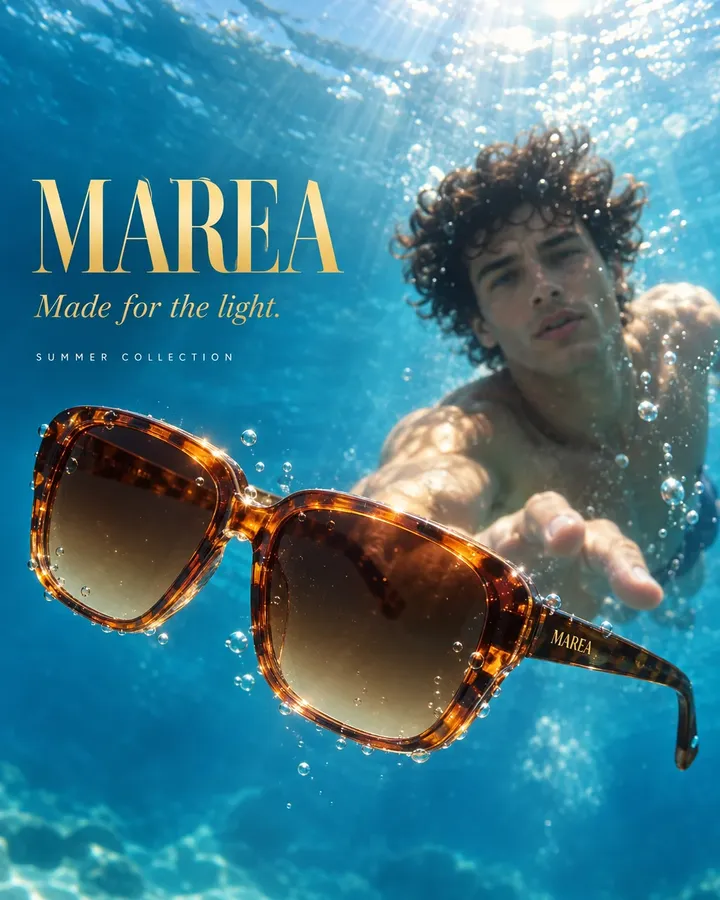 New image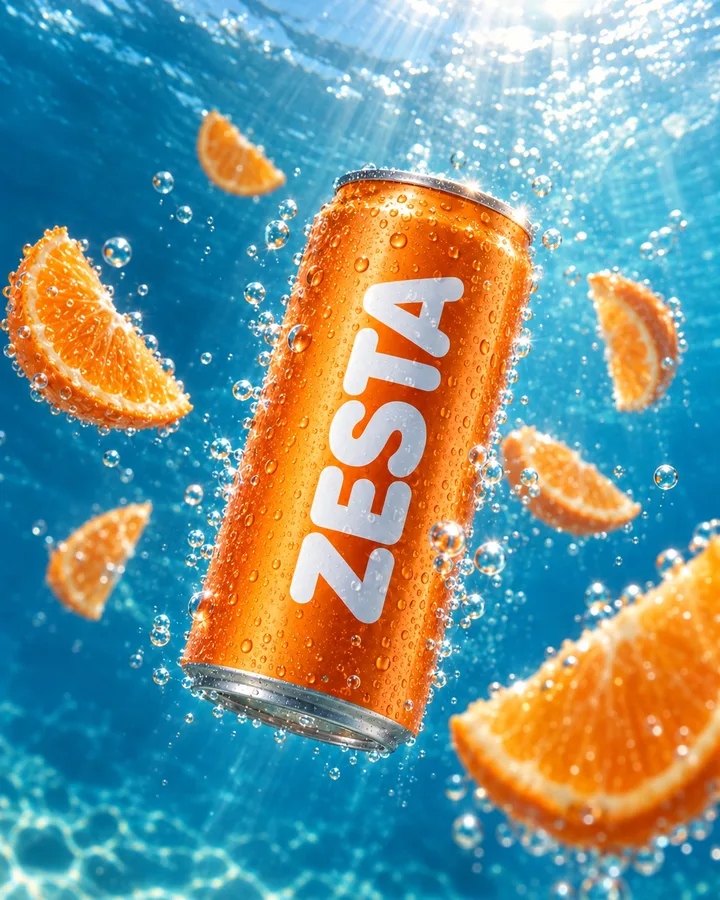
Three steps. The first one starts on this page.
Upload a picture whose look you want: a campaign you admire, a film still, your own best shoot. Add your product photos and describe the new picture.
The first image is used only for colour, light, materials and composition. Your products are placed in the new picture, and nothing is copied from the reference's subject, text or logo.
Download the image or ask for another take. Use the same style reference for the next pictures and the whole series shares one look.
Describing a look in words is hard; showing it is easy. One reference carries the palette, the grain and the light that a paragraph would miss.
Products from the extra photos are asked to appear exactly as they are, so a brand can borrow a mood without borrowing someone else's product. The picture is newly drawn, so check small print.
Save the style reference in References and pick it for every picture of a campaign, so posts made weeks apart still belong together.
New product images that match the look of the last campaign.
Concepts that show a client their product in the mood of a reference they shared.
A recognisable visual style across posts, products and seasons.
The facts about Create from a style, as it works in DFIRST today.
About Create from a style and how it fits the rest of DFIRST.
Upload the picture whose look you want as the style reference, add your product photos if you have them, and describe the new image. DFIRST uses the reference only for colour, light, materials and composition, and creates a new picture from your description.
The model is told not to. The first image is used only for its look, and its subject, text and logo stay out. If too much of the original comes through, describe your new subject more precisely and ask for another take.
Use pictures you have the right to use, such as your own shoots, your agency's work or licensed images. The tool takes only colour, light, materials and composition from them, but the choice of source is yours.
Yes, up to three. They go in after the style reference and are featured in the new picture as they are. Clear packshots on a plain background are the easiest for the model to read. Look closely at labels, because the image is newly drawn.
Use the same style reference for every image. Save it in References so it is one click away, and keep your descriptions similar in length and detail. When a picture comes out right, save that one as a reference too and use it for the next round.
Your create from a style draft waits on this device until your access starts. DFIRST opens to people on the waitlist first.
Updated