A sentence instead of a toolbar
An AI photo editor that works from words. Write 'change the background to a pale blue studio' and the edit is made, without selecting pixels or learning an editing app.
DFIRST Edit image is an AI tool that changes a photo from a text prompt. Upload one image and write what should change, such as a new background, softer light or a prop taken out. You get the edited picture back, with everything you did not mention kept as close to the original as the model can.
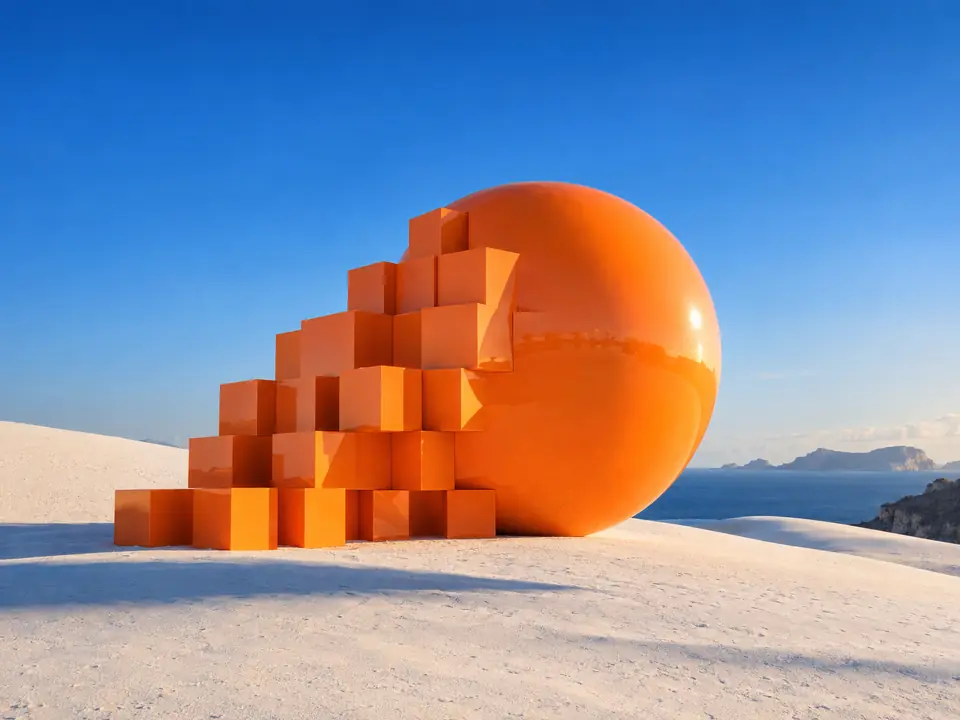
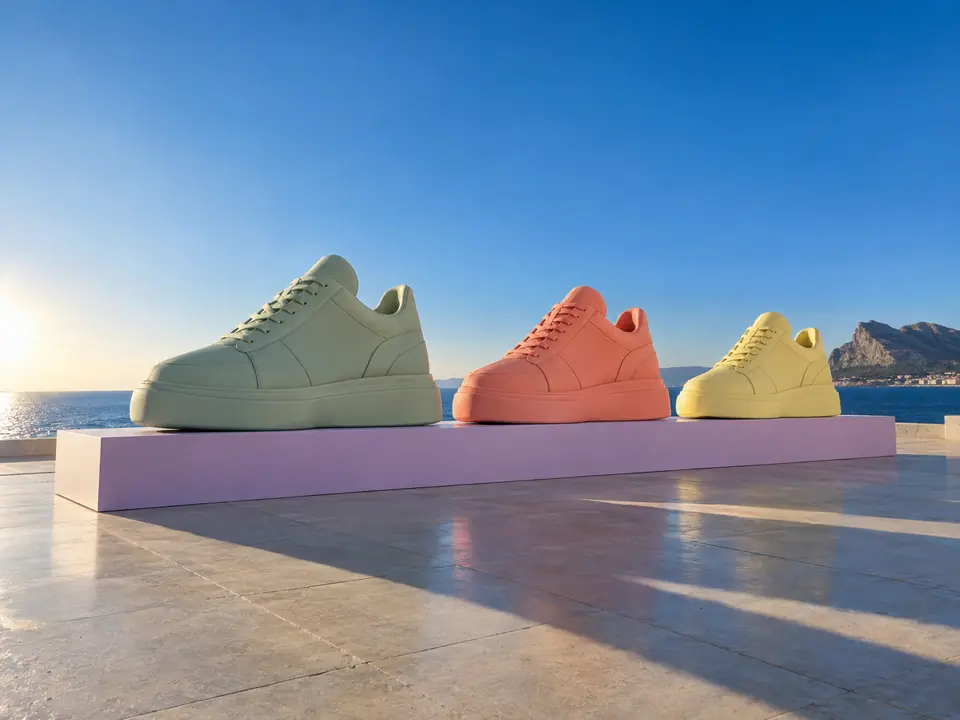
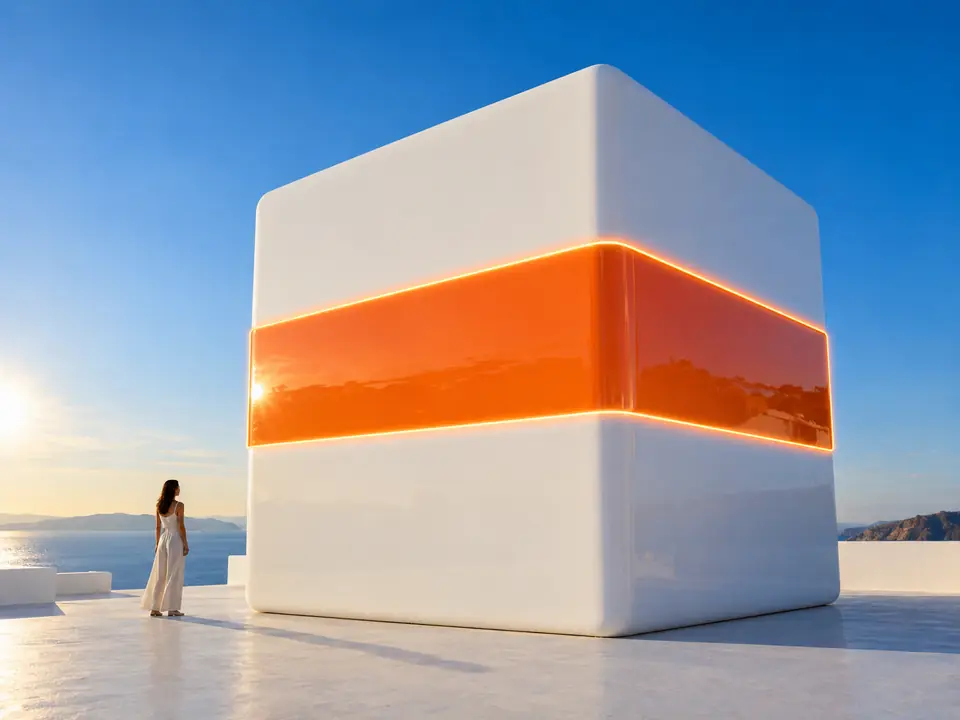
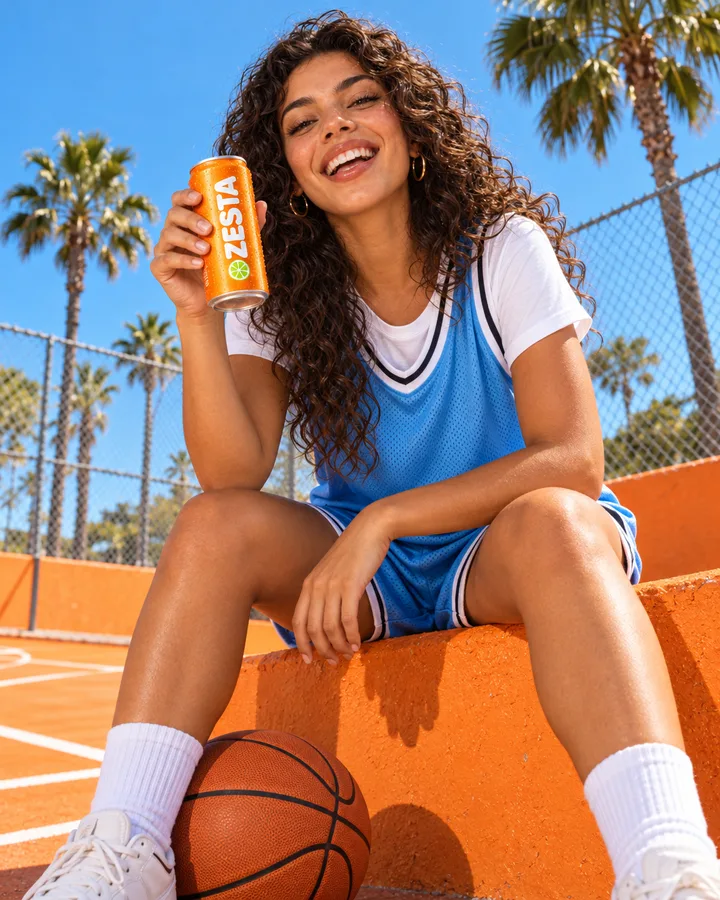
One sentence each. The person, the product and the set stay; only what you asked for changes.
 After
After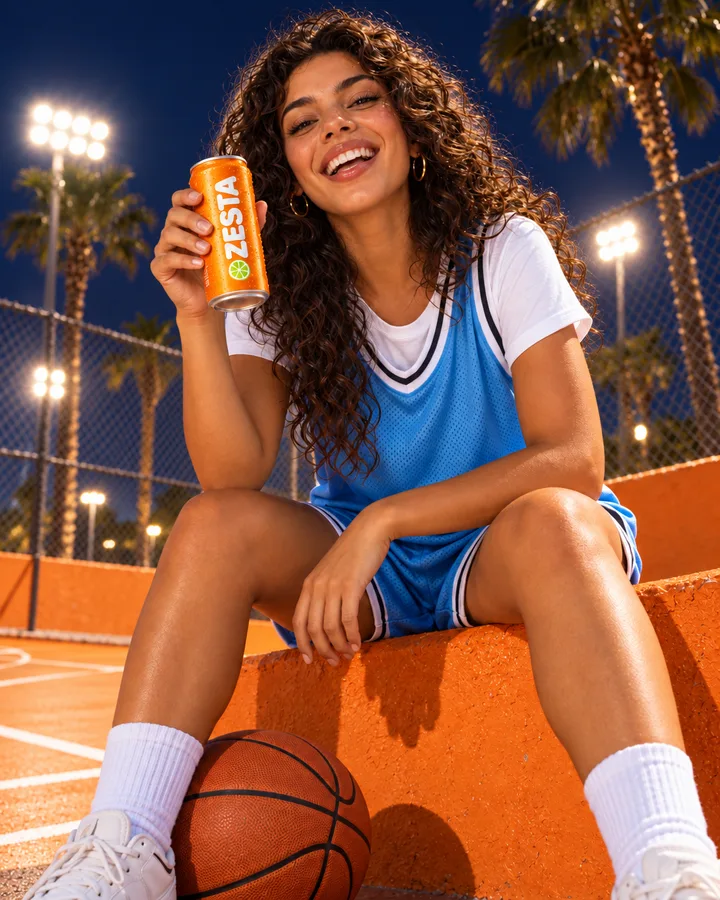
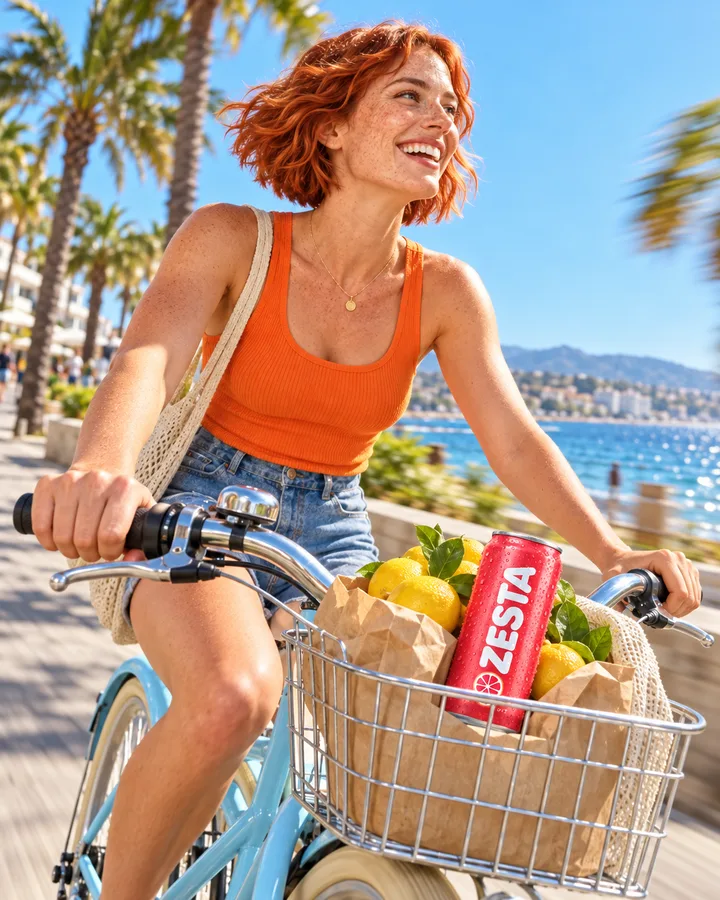 After
After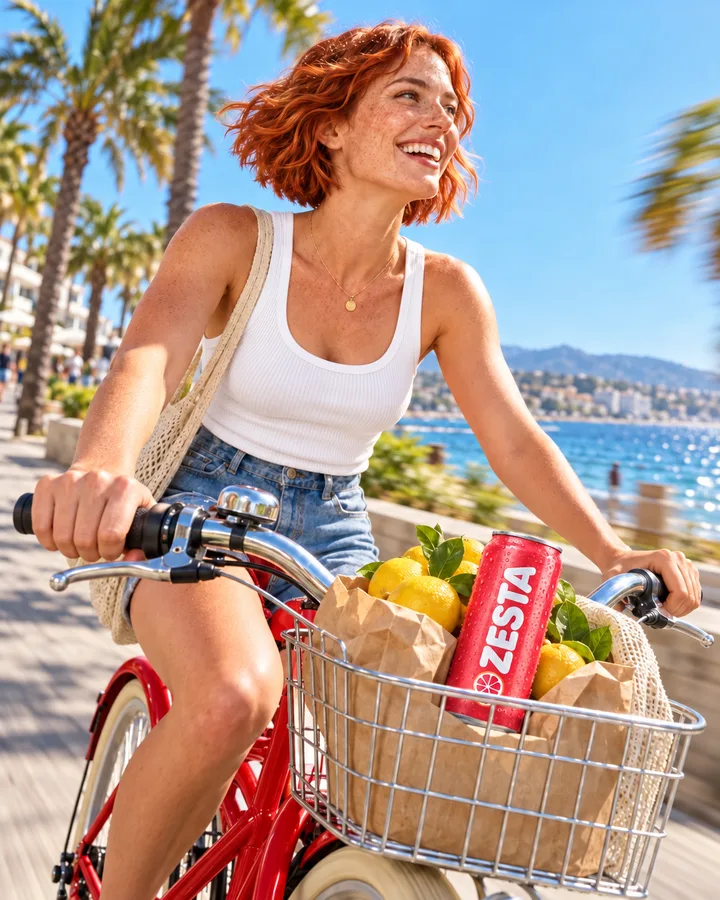
Three steps. The first one starts on this page.
Add the photo in the box above and write the change: what goes, what comes in, and what must stay. One clear instruction works better than five at once.
The photo and your words go to an image editing model. It makes the change you asked for and keeps the rest of the scene in place.
Download the edit, ask for another take, or open it on the board of a session and describe the next change on top of this one.
An AI photo editor that works from words. Write 'change the background to a pale blue studio' and the edit is made, without selecting pixels or learning an editing app.
Editing models follow the words they are given. Naming what must not change, such as the product, the label or the face, keeps the edit close to your original.
On the board of a session, takes of a card sit together to flip between, and the one you keep can go on to Image upscale.
Change the background with AI for a consistent catalogue look, one product photo at a time.
Small fixes on a campaign picture: a tidier table, warmer light, a prop taken out.
Quick variations of a client image to show options before a full retouch.
The facts about Edit image, as it works in DFIRST today.
About Edit image and how it fits the rest of DFIRST.
Upload the photo in the box above and write the change in a sentence, for example 'replace the background with a pale blue studio and keep the shoe identical'. DFIRST edits the image and returns the new version. Your original file is not overwritten.
Yes, it is one of the most common edits. Describe the new background and say what must stay the same. For a clean cut-out on a transparent background instead of a new scene, use Remove background.
Not pixel for pixel. The editing model redraws the picture and keeps what you did not mention as close as it can. Read labels and small print before you use the result, and if it comes back smaller than your original, run it through Image upscale.
You can, but one or two clear changes per run work best. For bigger reworks, edit in steps: open the result on the board of a session and describe the next change on top of the last one.
One PNG, JPG, WebP or HEIC image up to 20 MB per run. You can also pick a picture from your References instead of uploading it. Photos with a clear subject and good light give the editing model the most to work with.
Your edit image draft waits on this device until your access starts. DFIRST opens to people on the waitlist first.
Updated