One shot, written like a director
Text to video works best one shot at a time. Name the subject, the light and a single camera move, and the model has room to get it right, instead of squeezing a whole advert into five seconds.
DFIRST Create video is an AI video generator that turns a written description into a short film. Describe the scene, the light and how the camera moves, choose wide 16:9, vertical 9:16 or square 1:1, and you get one five-second clip without sound, saved to your workspace and ready to download.
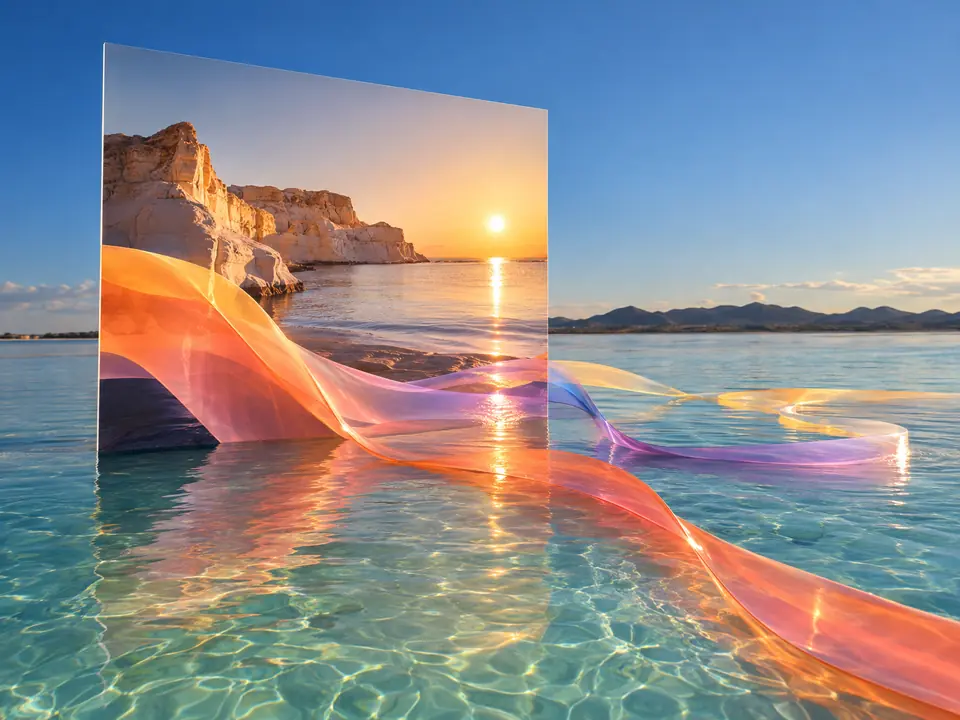
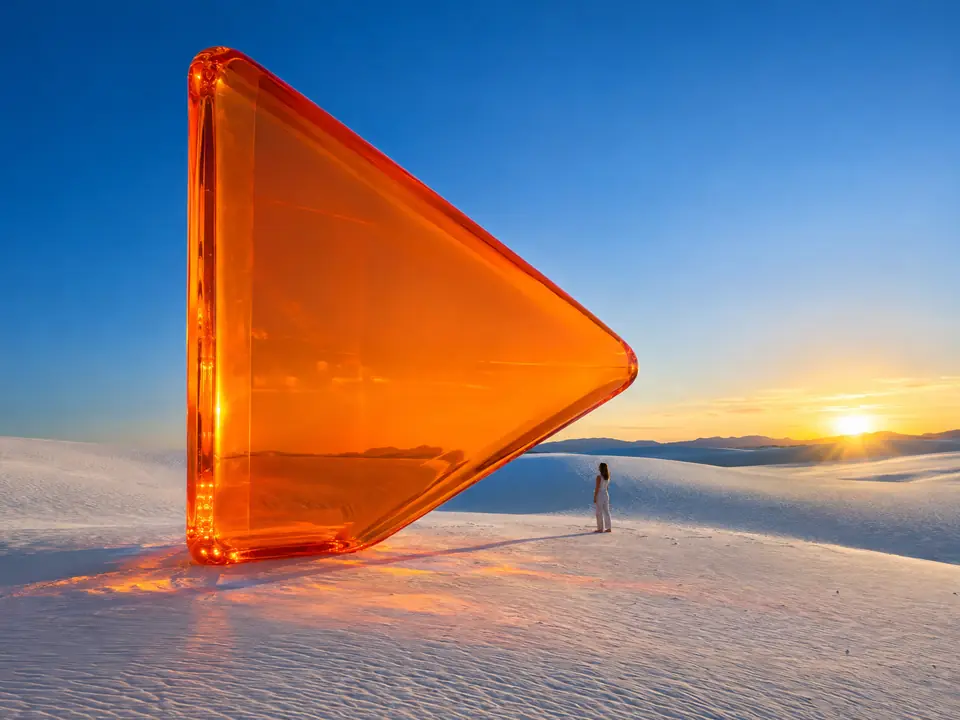
A clip made in DFIRST from one written idea.
Three steps. The first one starts on this page.
Write what the camera sees in the box above: the subject, the place, the light and one movement. Then choose wide, vertical or square.
Your description goes to Seedance 2.0 Fast, which renders a five-second clip. If that model refuses the shot, DFIRST sends it once more to Kling 3 Pro instead of leaving you with nothing.
The film is saved to your Data Room. Download it, generate again for another take, or open it on the board of a session and add sound or more shots next to it.
Text to video works best one shot at a time. Name the subject, the light and a single camera move, and the model has room to get it right, instead of squeezing a whole advert into five seconds.
Video models sometimes refuse ordinary shots, even a plain packshot. When Seedance says no, DFIRST passes the same description and format to Kling 3 Pro once, before it gives up.
Each clip lands in your Data Room and on the board of a session, next to the stills, scripts and sound of the same project.
B-roll, mood shots and short loops for posts, Stories and Reels, without booking a shoot.
A moving sketch of an idea to show the team before any money goes into production.
Several takes of the same shot to put in front of a client, each in the format the channel needs.
The facts about Create video, as it works in DFIRST today.
About Create video and how it fits the rest of DFIRST.
Write a description of the shot in the box at the top of this page, choose wide, vertical or square, and continue in DFIRST. It films your words into a five-second clip that you can download, make again or keep working on in a session.
Every run makes one clip of five seconds. For a longer film with several shots, start from Storyboard to video, which plans and films 10 to 30 seconds from one idea.
Describe one shot: what the camera sees, where it is, the light and one movement, such as a slow push in or a drift to the side. Five seconds is enough for one clear moment, so keep the story for a storyboard.
Not from words alone: a description cannot show your exact product. Start from a photo instead. Image to video animates your picture, and Product commercial builds a scene around your packshot.
No, the clip is silent, which leaves it free to cut into any edit. Once you like the picture, add effects and atmosphere with Add sound to video or a soundtrack with Add music to video.
DFIRST tries once more with a second model, Kling 3 Pro, using the same description and format. If that also fails, you see the reason instead of a clip, and you can change the wording and run it again.
Your film description waits on this device until your access starts. DFIRST opens to people on the waitlist first.
Updated