 Storyboard to video
 Add sound to video
 Image
Image Banner Creator
 Image editor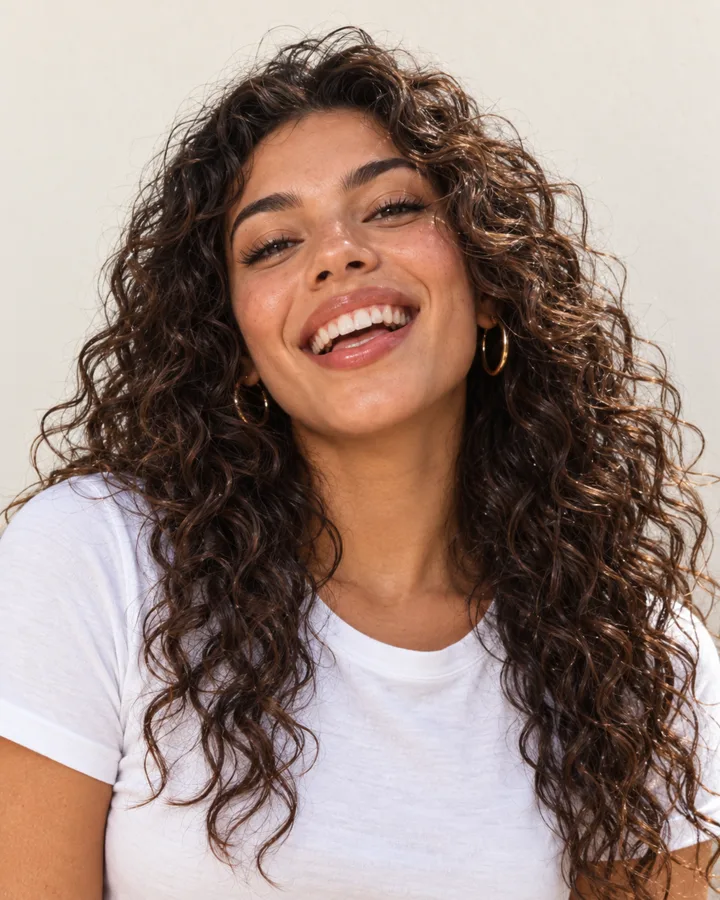
It knows your brand before you type
Every session starts with your Brand DNA, products, references and files, so you never brief the brand twice.
ModulesSessions
A session is where the work happens. Describe the goal, bring a file or a reference, and Firsty, your agent, asks what it needs, lays the plan out as cards and makes every piece. You choose, change and approve.
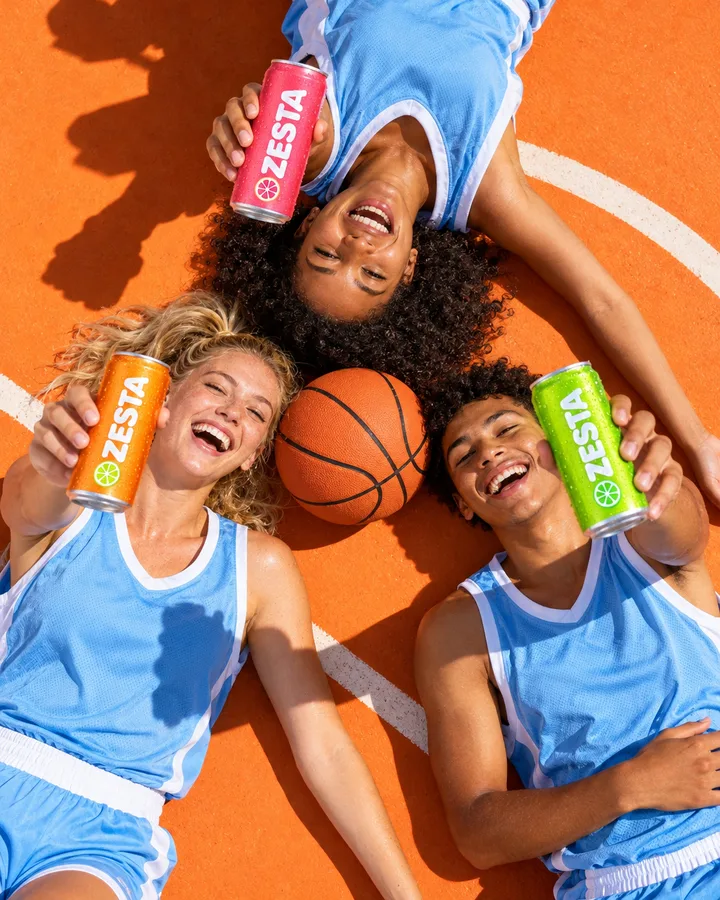
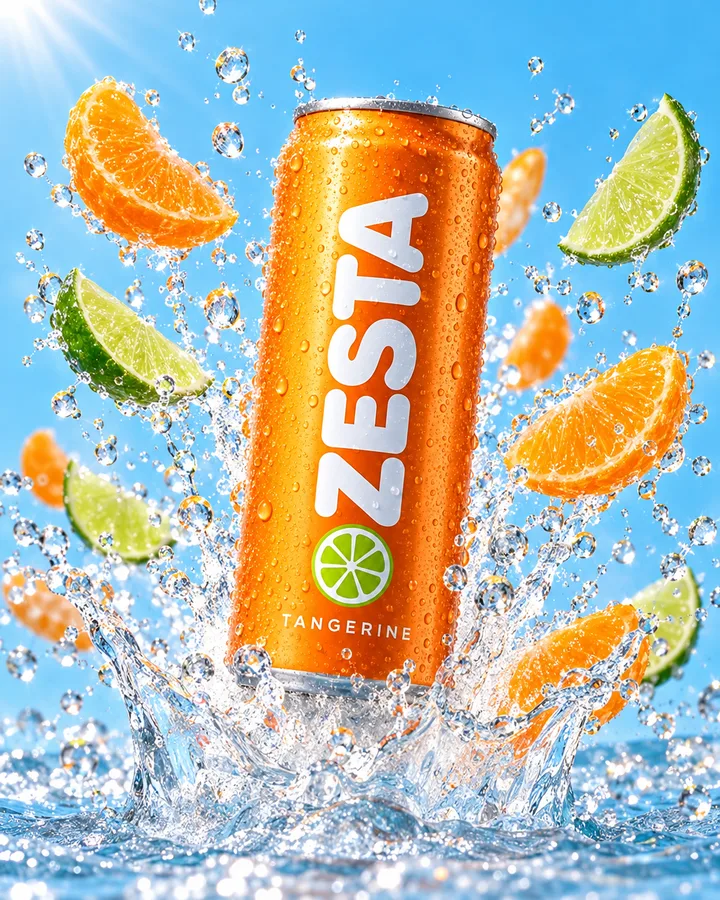
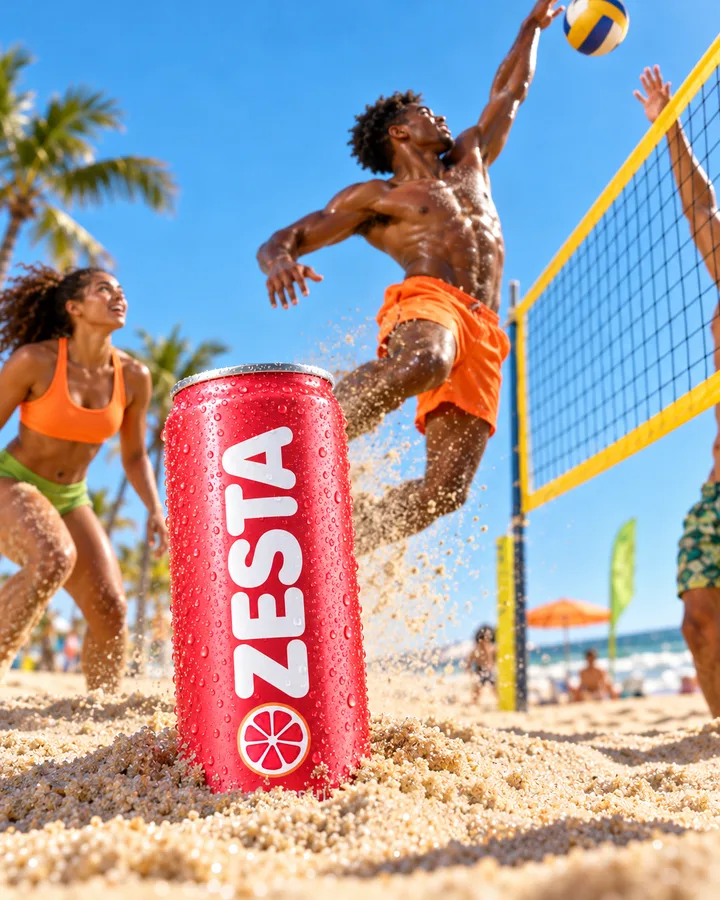
ZESTA’s summer launch from one request: a question, a board of four pieces, a teammate’s mark.
Every session starts with your Brand DNA, products, references and files, so you never brief the brand twice.
When the brief is open, you get a few short questions with options to click. Then it gets to work.
Images, films, sound and documents arrive as cards you can change, connect and run again.
Write the goal the way you’d tell a colleague. Drop in the brief, paste a screenshot or just talk. Firsty works out what kind of job it is.
Type, paste or dictate. Dictation writes as you speak.
Drop files in. Briefs, photos, screenshots and spreadsheets join the conversation.
Type @ for your references. A person, product, place or look brings its pictures along.
Type / for a saved prompt. Reuse one that worked, with its model and settings.
Use the + menu. Pull in anything from your Data Room, Brand DNA or products.
Open briefs get one short round of questions first: two or three clear options to click, and room for your own comment. Anything expensive, like a long film render, shows its estimate and waits for you to allow it.
Up to three questions, then it works without more back and forth.
Two or three real directions to choose from when the brief leaves room.
Nothing costly runs until you press Allow.
Step away if you like. You get a notification when it needs your answer.
For bigger jobs Firsty lays the work out as connected cards: the brief feeds the key visual, the key visual feeds every format, the copy sits next to it. Open any card, change it, and run that part again without starting over.
See how the pieces connect, and where each one came from.
Run one card or a selection, up to four at a time, without a new conversation.
One undo takes back a whole multi-step build.
A session in DFIRST, recorded as it runs. The first film briefs a campaign in one sentence. The second compares the results, asks for a change and stacks the versions.
A live line tells you what Firsty is doing right now and for how long. The steps read like a colleague’s notes, every card shows its own timer, and a green cursor points at the piece in progress. Bigger jobs split across several helpers working at once.
Plain-language steps: reading your files, searching the web, working on an image.
Several helpers at once, each with its own lane.
Interrupt at any time with Esc, or type to change direction.
Images, films, sound, documents and pages sit side by side as cards. Each card has its own model and settings, so you can change one piece without touching the rest.

Campaign photos, product shots and ads on the leading image models. Pick the model per card, or let Firsty choose.
Turn a still into a film or describe a scene. It plays right on the card.
Write one idea. Approve the storyboard first, then it films the shots you signed off.






Effects, music and a voice-over for any film, with a mix you can still change.
Briefs, plans and copy that open full screen to read and edit, then download.
Paste a page, a post or a video. It keeps the text and the pictures as a card.
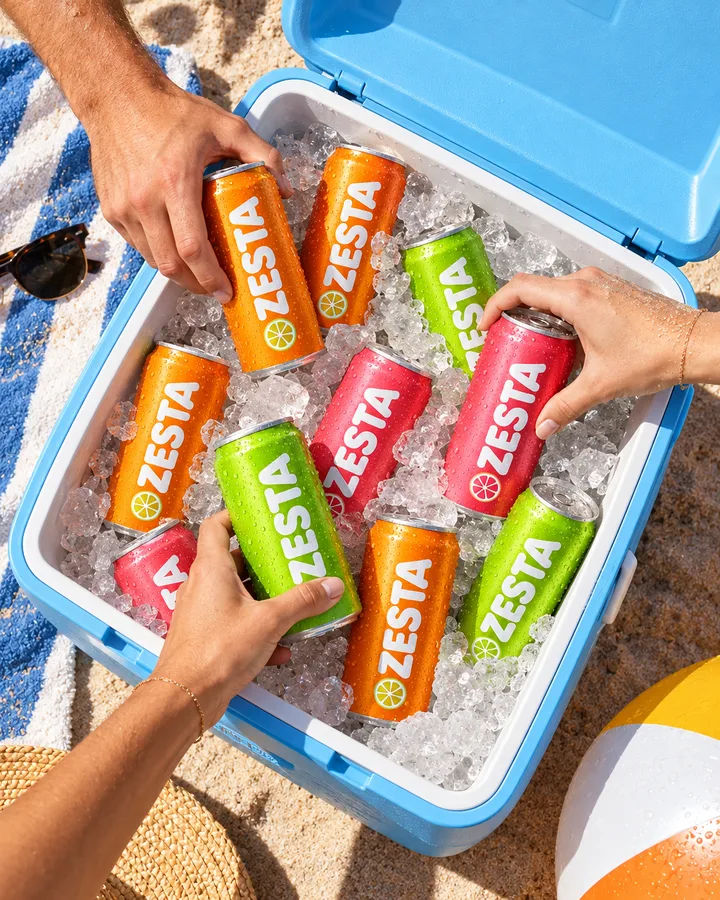
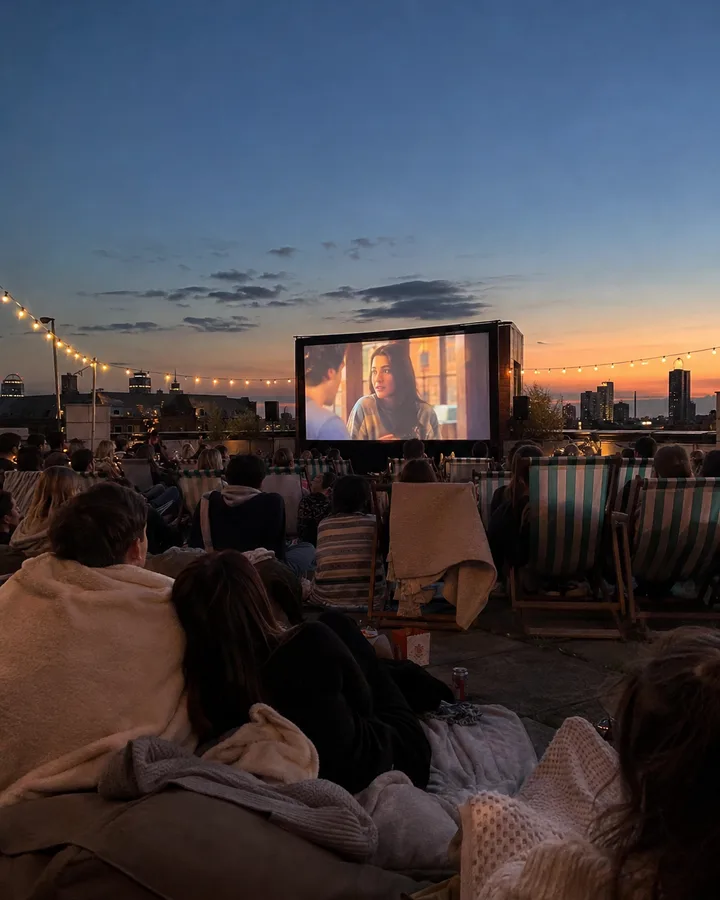 Open-air season
Banner Creator and Reformat turn one design into every size a channel needs.
A voice-over or a sound effect from a line of text, ready to drop onto a film.
Edit, replace, recolour, relight, change the camera angle, remove, extend, add text, translate and upscale. Each change arrives as a take you can compare before you keep it.
 ChangeEditReplaceRecolorRelightCamera angleFinishTranslateFormatsUpscale
Each card keeps its earlier versions, so you can flip back to the one you liked. The + on a card suggests the next step, from turning a picture into a film to saving it as a reference for the next project.
Versions on every card, one click to go back.
Variations fan out into a group of cards.
Its own model and settings per card: size, length, quality.
Connect cards to pass a picture, a product or a voice along.
Bring the people who need to see the work into the room where it’s made, instead of sending screenshots around.
Faces at the top, named cursors on the board. Click a face to follow what that person is looking at.
Add people by email. Each one can view, edit, or also work with Firsty. You decide who talks to the agent.
Circle, point, draw or leave a sticky note on the board. A tick or a thumbs-up becomes a reaction everyone sees.
Send a read-only link anyone can open without signing in, or present the board card by card.
Your Brand DNA goes into every answer unless you switch it off for a session. Products and references come in with @ and files with the + menu. A competitor’s post or a rising trend can start a new session straight from its own page.
Brand DNA shapes the words, the look and the choices.
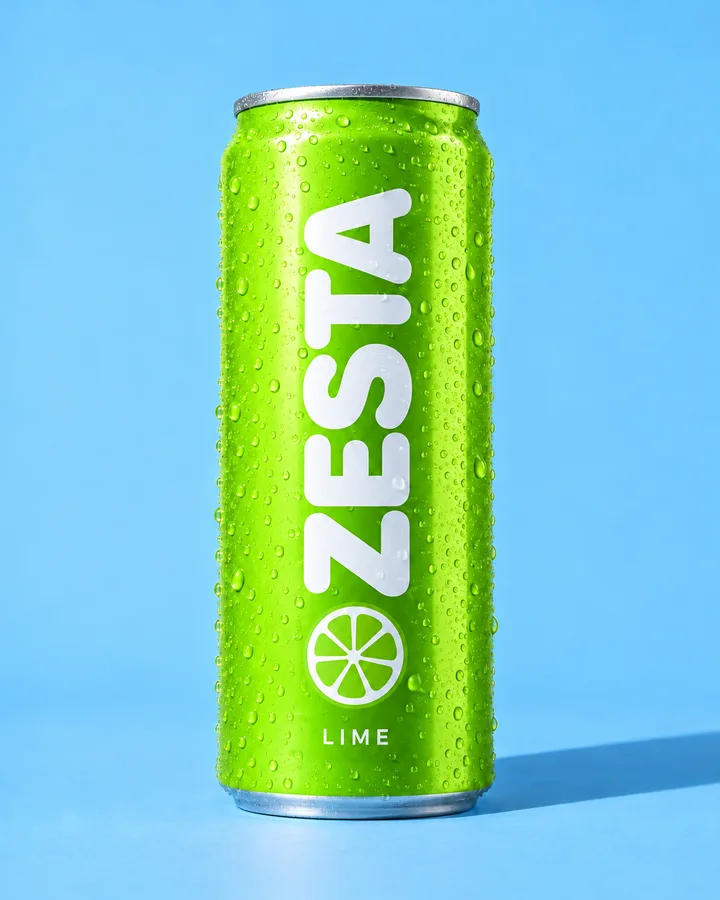
Products and references keep the real can and the same face.
Several brands? It asks which one when the work carries a brand.
I use it in every answer, so you never explain the brand twice.
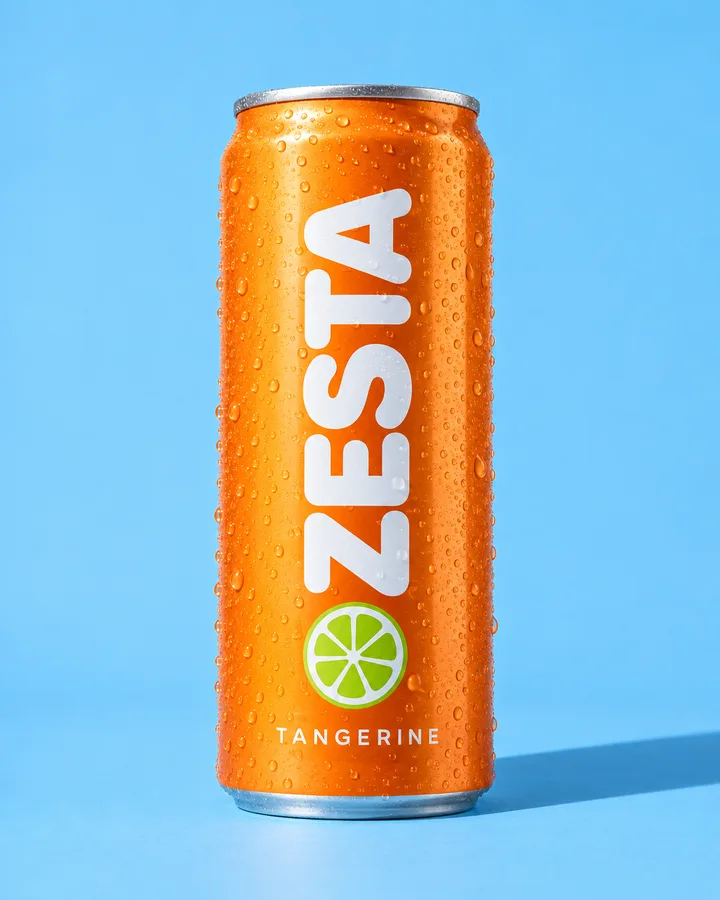
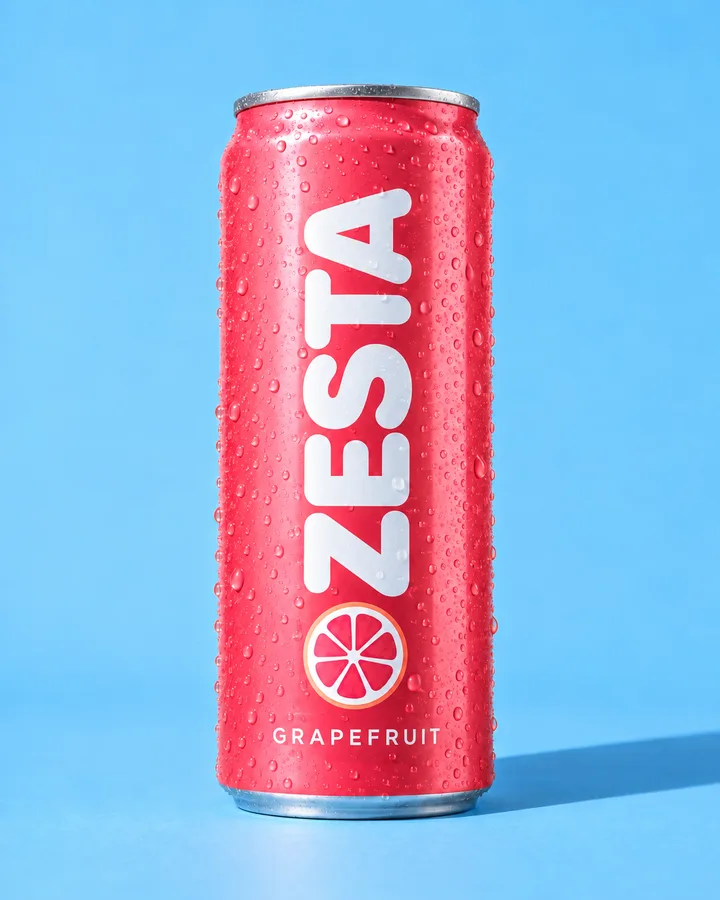 4 products
References
4 products
References

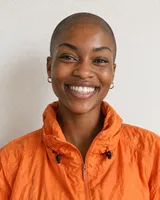 3 people, 4 places
CompetitorsVOLTHOPLAKOMBU4 brands
3 people, 4 places
CompetitorsVOLTHOPLAKOMBU4 brands
Firsty brings tried routines for the jobs marketing teams repeat. You don’t pick them from a menu: describe the job and it uses the right one.
When the brief is open, it asks up to three questions, offers two or three distinct directions, then reviews its own render against your choice before you see it.

The brief, key visual, formats, copy and film laid out as connected cards you can check and run again.

One idea, every channel format, checked by eye and handed over in one download.
Banners that move in your brand’s own rhythm, as MP4, GIF or HTML5.

Shots, a voice-over, captions and music, put together into one finished film.

Several 9:16 cuts with a hook and captions from a long video or a YouTube link.
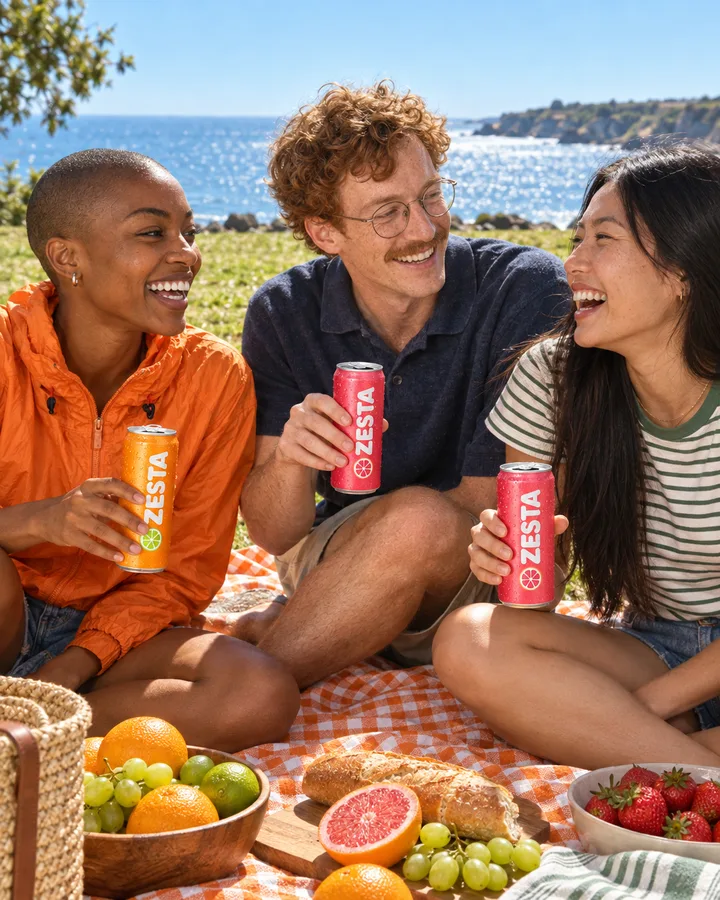
For agencies: a workspace, Brand DNA from the website, competitors, trends and a first brief.
Firsty runs on Claude Code, the AI that engineers trust to do real work: it reads your files, plans the steps and uses tools to finish the job. DFIRST adds what marketing needs around it.
Give a thumbs-up or a thumbs-down with one sentence. It becomes a lesson for the whole team, and you can review or forget it in Agent memory.
Type while it works to interrupt, queue your next request, or stop the run. Undo takes back a whole multi-step build in one go.
A long film or a big batch shows its estimate first. Nothing runs until you allow it, and a session has a spending cap your company sets.
The ZESTA summer launch from the scene above, step by step.
MayaZESTA Tangerine“Plan and make ZESTA’s summer launch: a key visual, a bus-stop poster and a 6-second film.” With @Maya and @ZESTA Tangerine.
Firsty offers three ideas. You pick “City heat, on the court” and it builds the board around it.
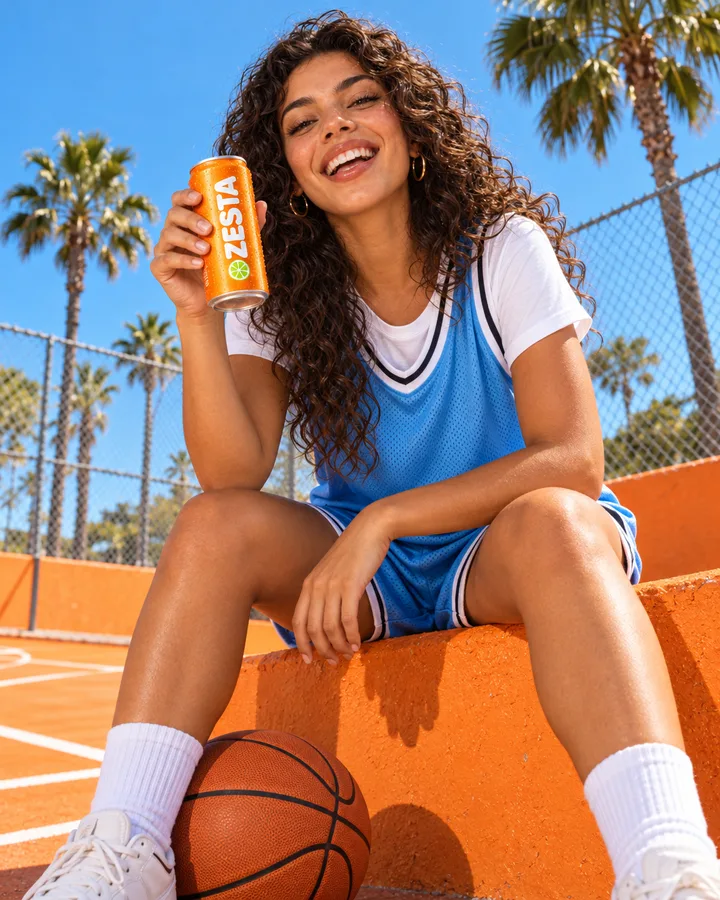

A brief, a key visual, the poster and the film on one board, ready to change, share with the team or download.
Short answers to what people ask before their first session.
No. You can start with a task right away. With Brand DNA in place, the first answer already sounds and looks like your brand, which is why most teams add their website early.
No. The work stays on the board until you download, share or send it. When Firsty would write to a connected app, it asks you to confirm first.
Yes. Invite people by email and choose whether each person can view, edit or also work with Firsty. Everyone sees the same board live, with names on the cursors.
Large jobs show their estimate and wait for your Allow. Each message and each session also has a spending limit your company can set.
Yes. Press Esc or Stop at any time, or simply type: your new message interrupts the run, or queues up for when it finishes.
Yes, in the browser, in portrait and landscape. You can follow the board, answer Firsty’s questions and add work from your phone.
Every module feeds the others, so what one learns, the next one uses.
Start with the next thing on your list: a launch, a week of posts, a poster for Monday. DFIRST opens to people on the waitlist first.
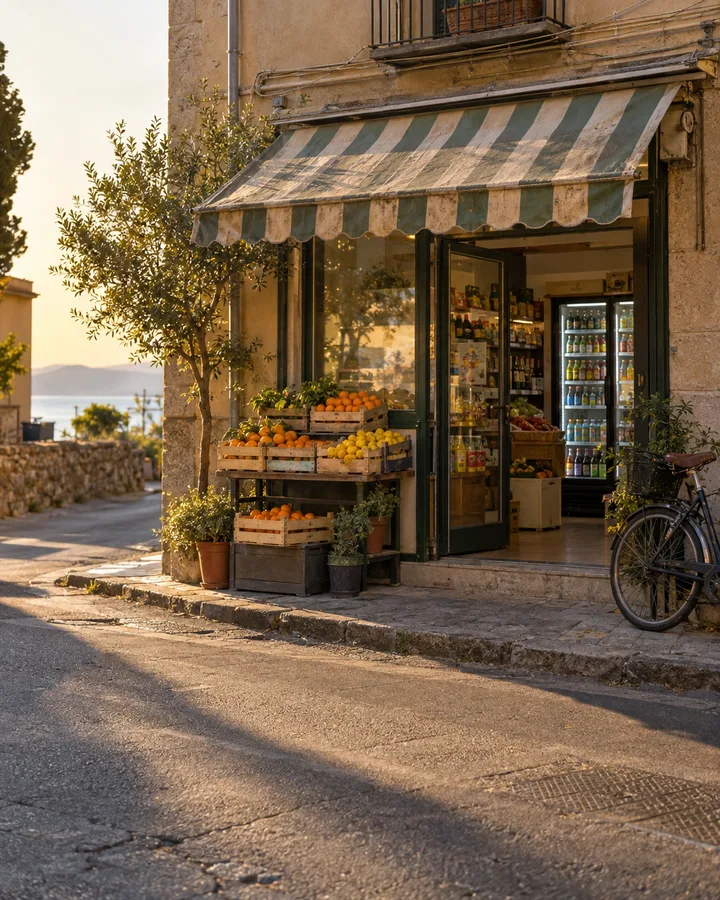 Corner shopPlace