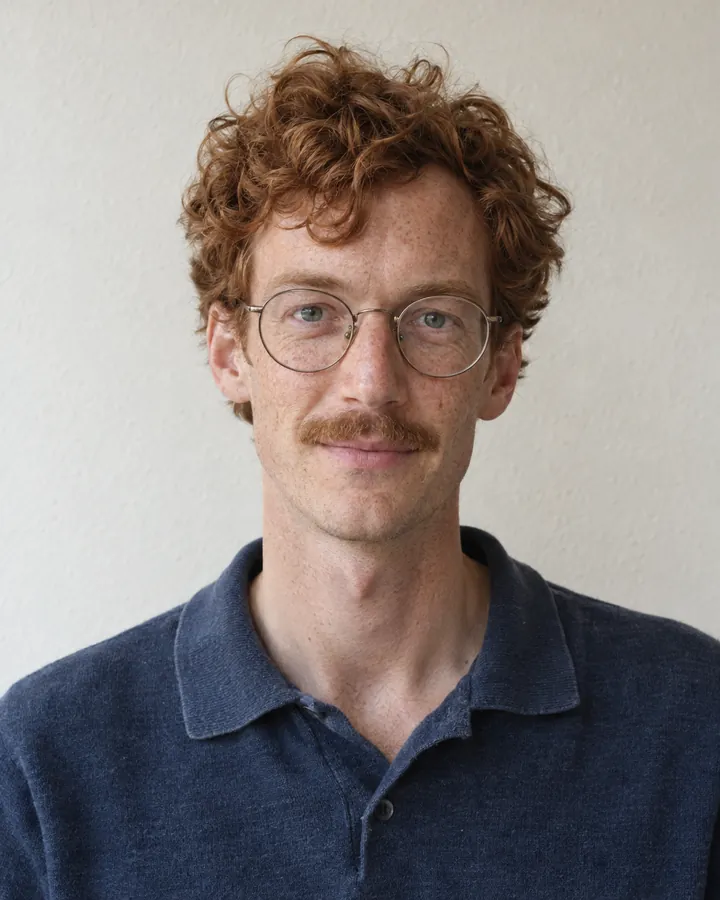
 Jonas
Jonas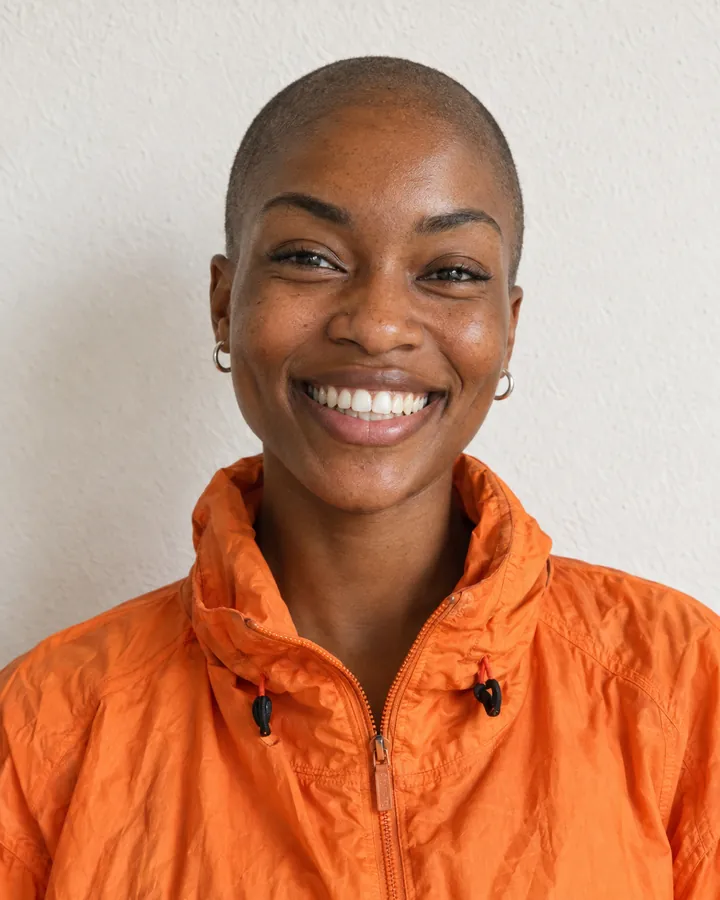 Ama
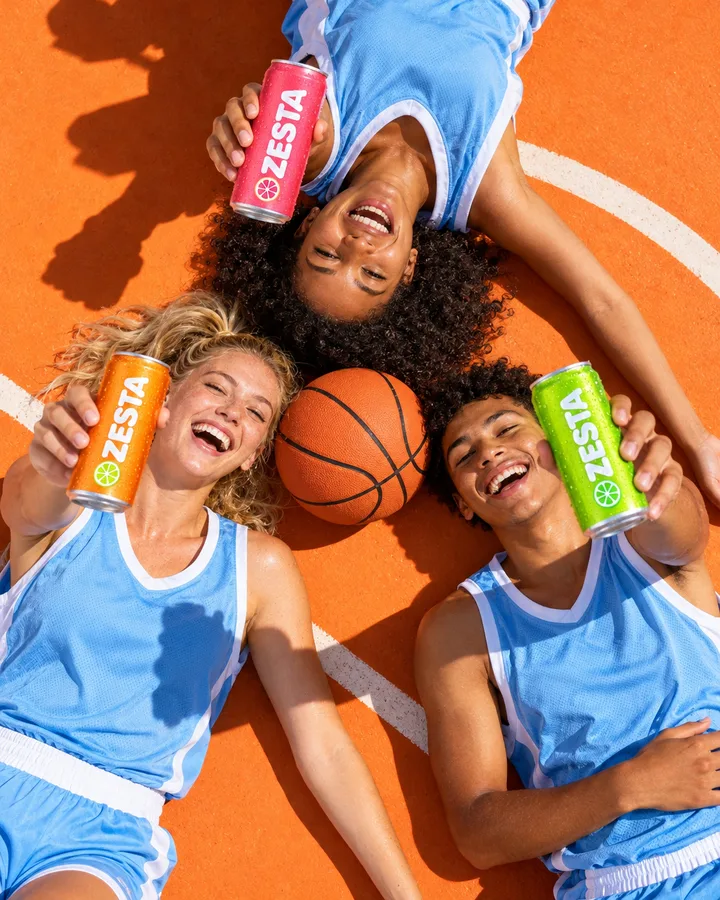
Ama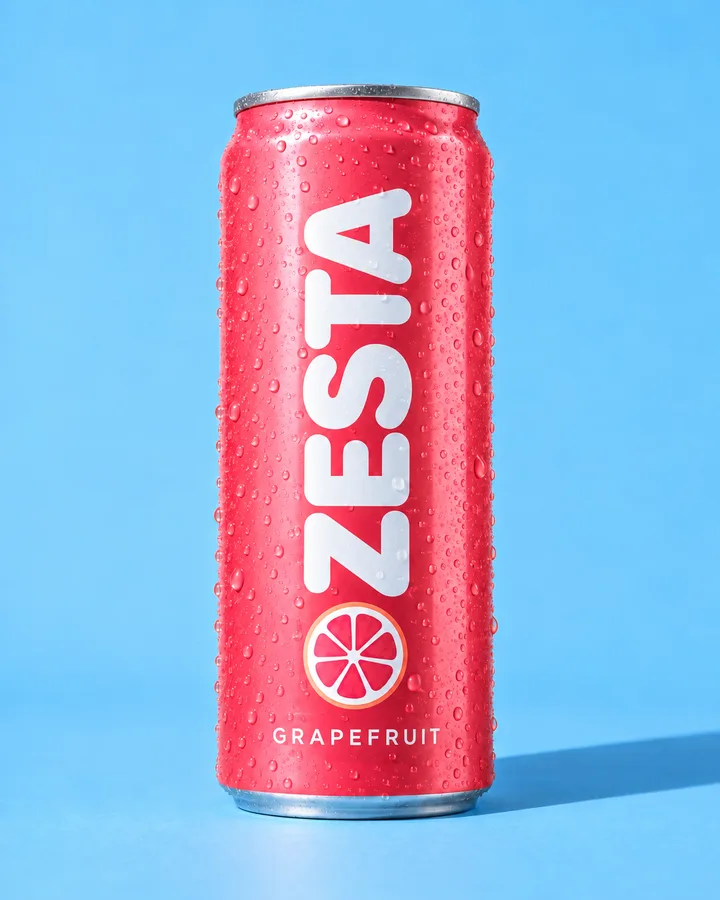 ZESTA Grapefruit
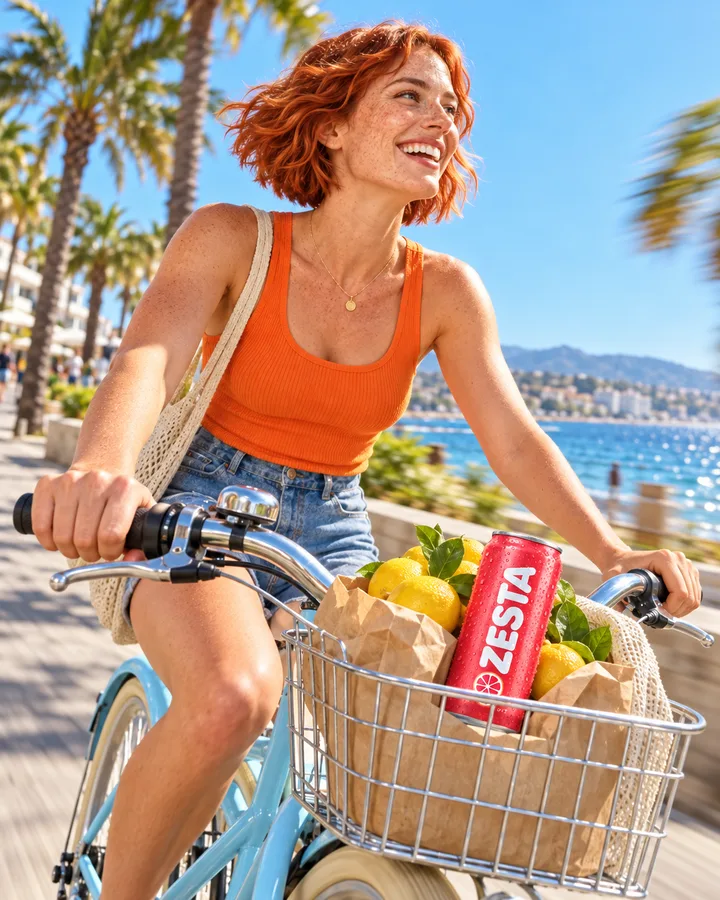
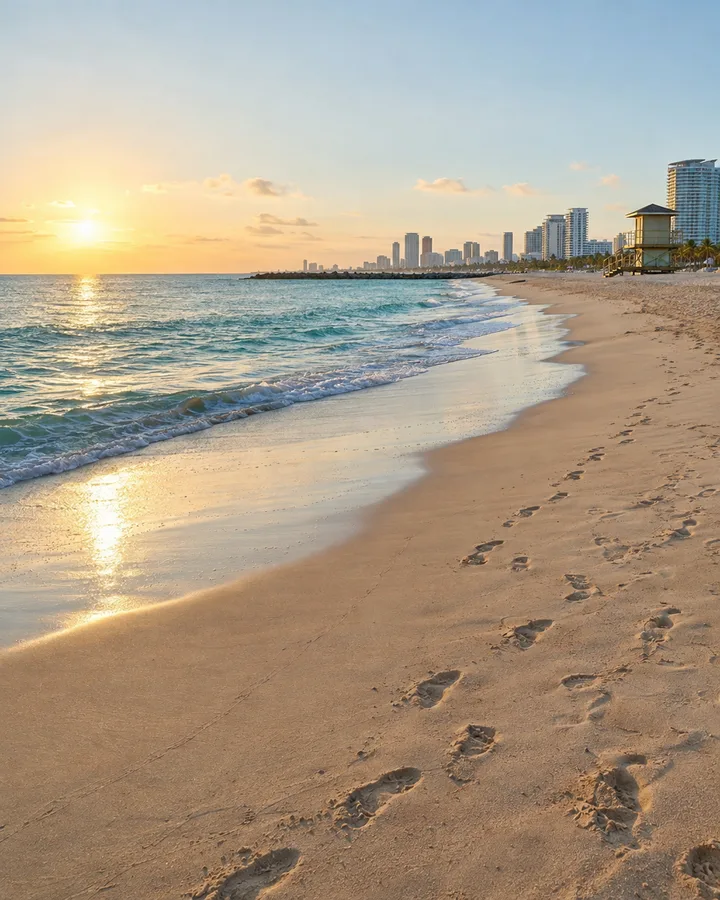 Beach
Beach JonasPerson
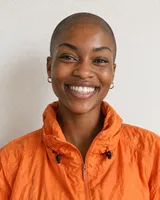 AmaPerson
Save what you reuse
People, products, places, props, looks and boards, each with its own pictures and description.
ModulesReferences
Save the faces, products, places and styles you come back to. Pick one with @ in any prompt and its pictures go with it, so the same face, the same can and the same corner shop show up from one picture to the next.
@Maya, @ZESTA Tangerine and @Corner shop in one prompt. Then the same Maya, on the beach.
People, products, places, props, looks and boards, each with its own pictures and description.
In chat, on a board card or in a tool. The pictures travel with the request, numbered in order.
References help the model keep the same face, product and place from one picture to the next.
Your recurring cast and set: the people in your campaigns, your products, the places you shoot in, the props, and the looks that make it yours, from a photographic style to a mood or a colour palette. Your brand’s logo, palette and type come from Brand DNA.
People, products, places and things send their pictures and description.
Looks set the style, mood, camera or palette.
Voices pick the voice on a speech card.
Boards keep inspiration you want to come back to.
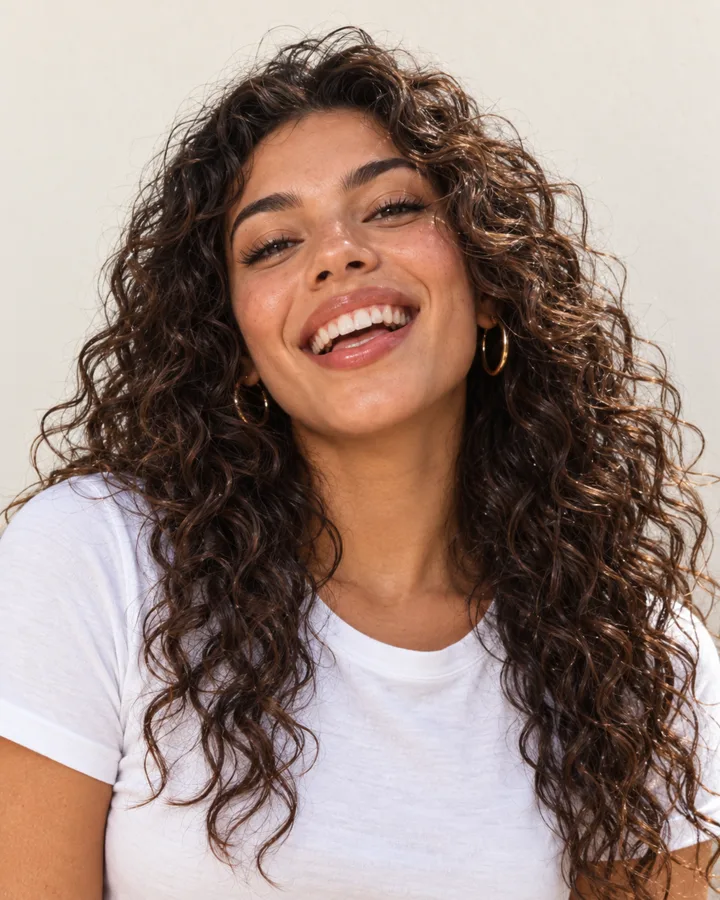 PeopleFaces that stay the same
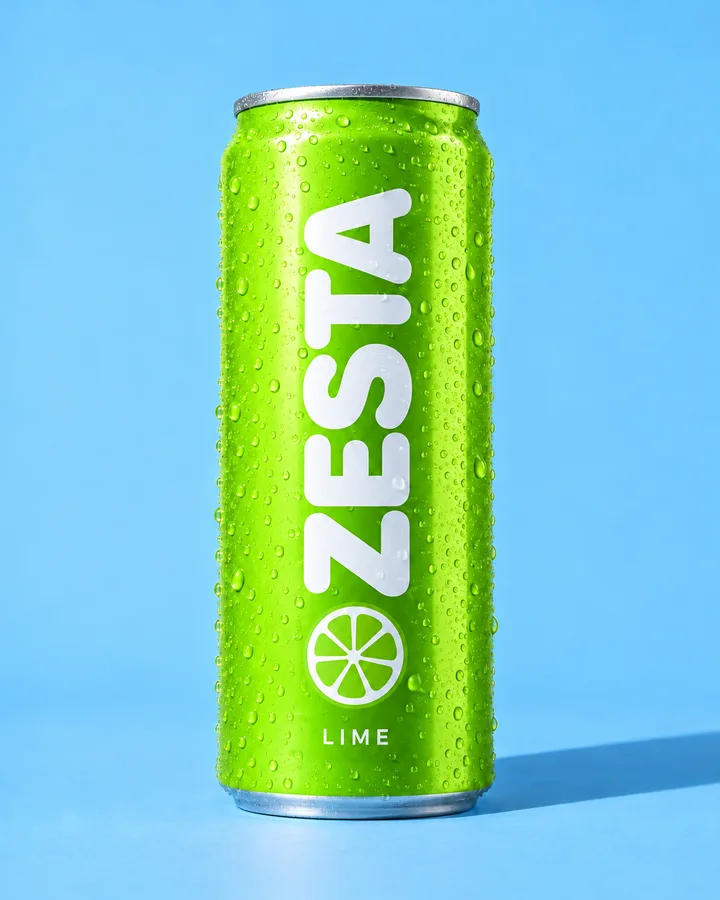 ProductsYour real products
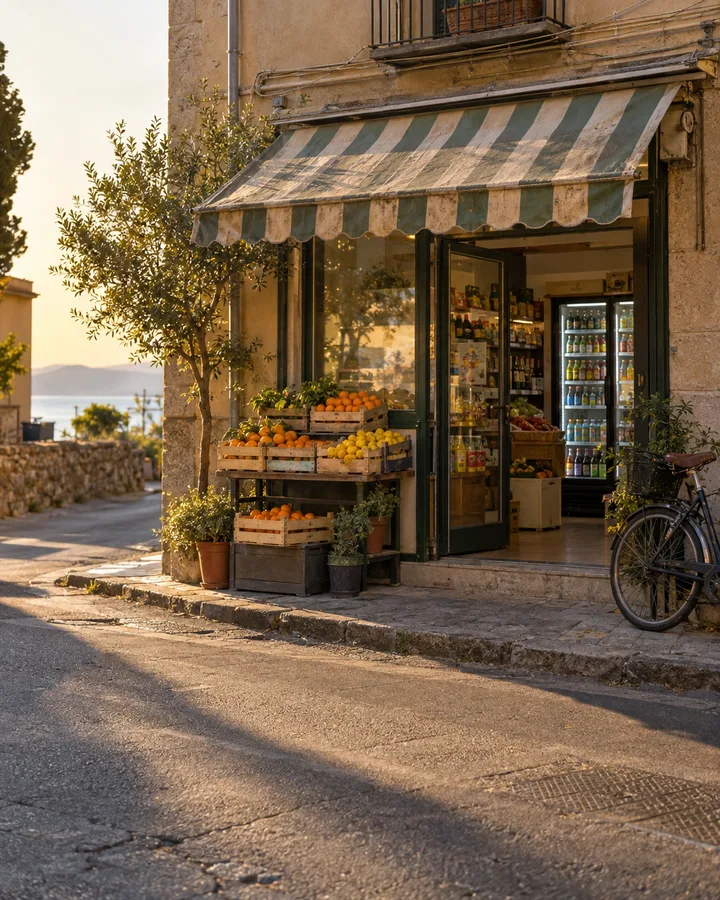 PlacesLocations you shoot in
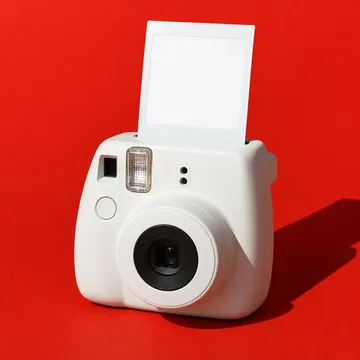 ThingsProps and objects
 LooksStyle, mood, shot, palette
 MoodsLight and atmosphere
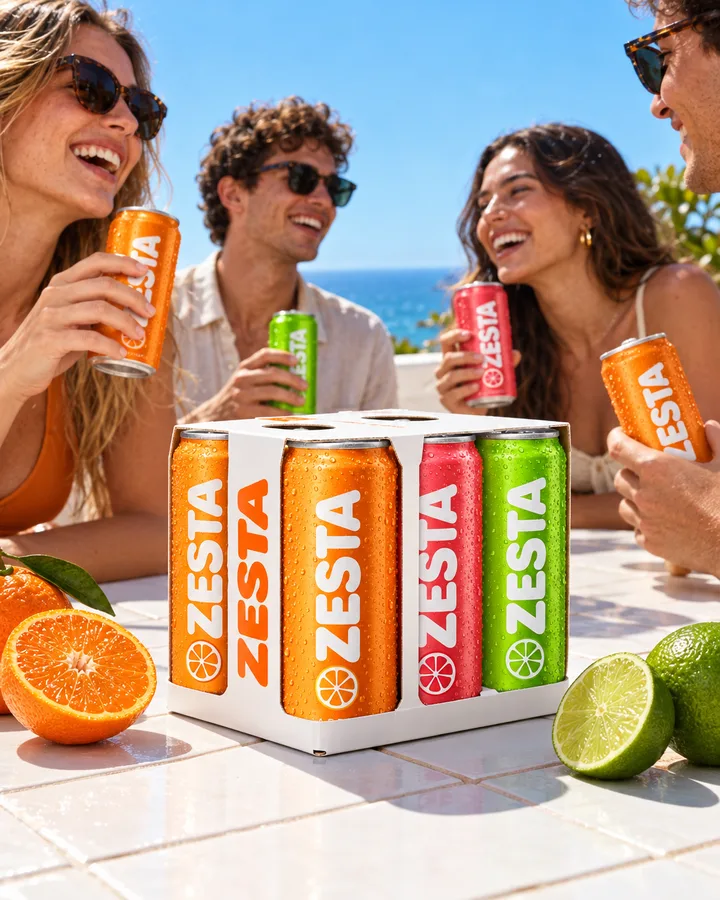 BrandFrom your Brand DNA
 BoardsSaved inspiration
Upload a few photos, save a picture you like from any session, or describe what you need and let DFIRST draw it. It picks the medium for you, a photo, 3D animation, an illustration or a storybook look, and can draw extra views of the same character.
Upload up to twelve photos, two or three angles work best for a face.
Save as reference from any picture on the board.
Brand set: three people, three places and a style drafted from your Brand DNA.
 FrontProfileThree-quarter
Saved once, picked with @. Here are two brands’ faces, each made in different places and on different days.
@Maya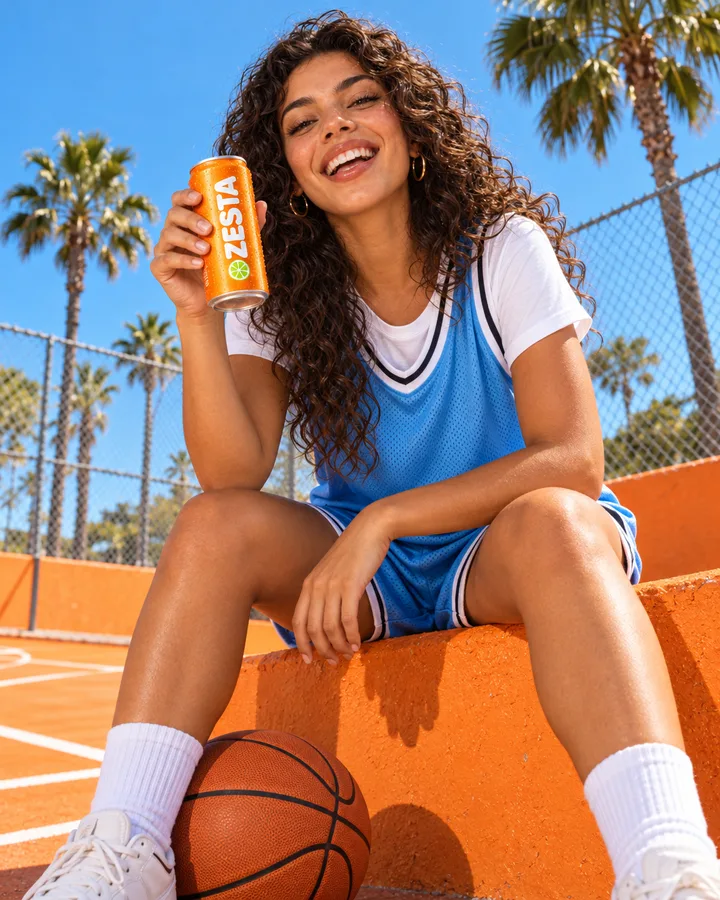
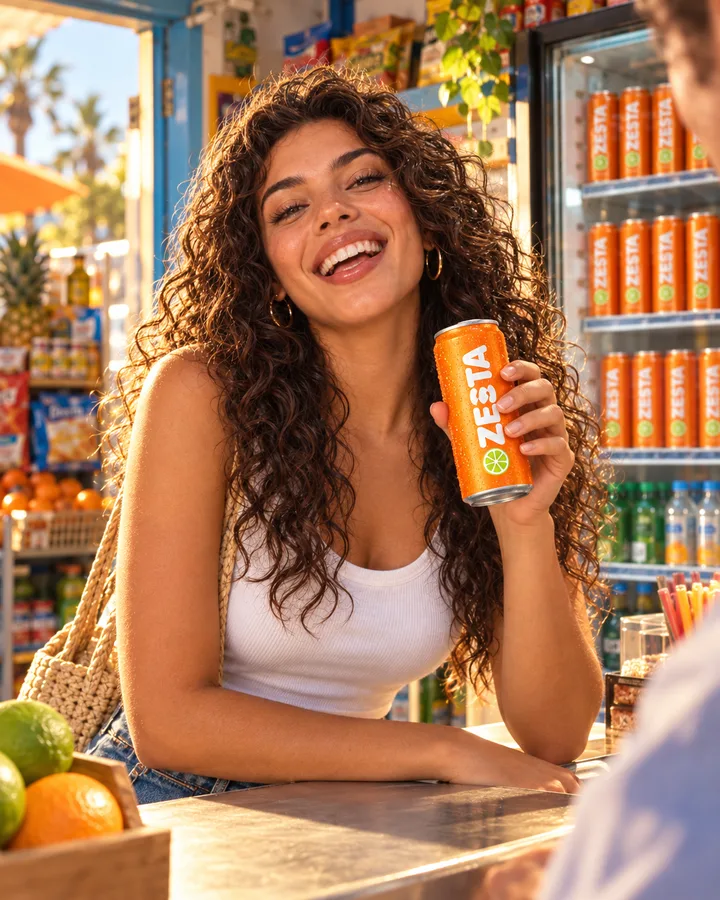
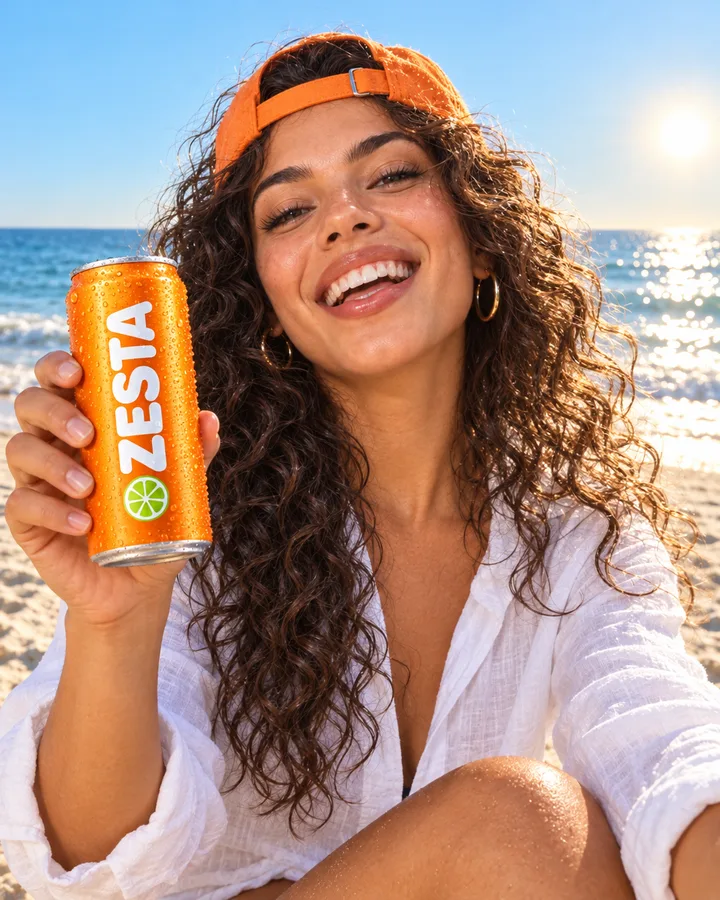
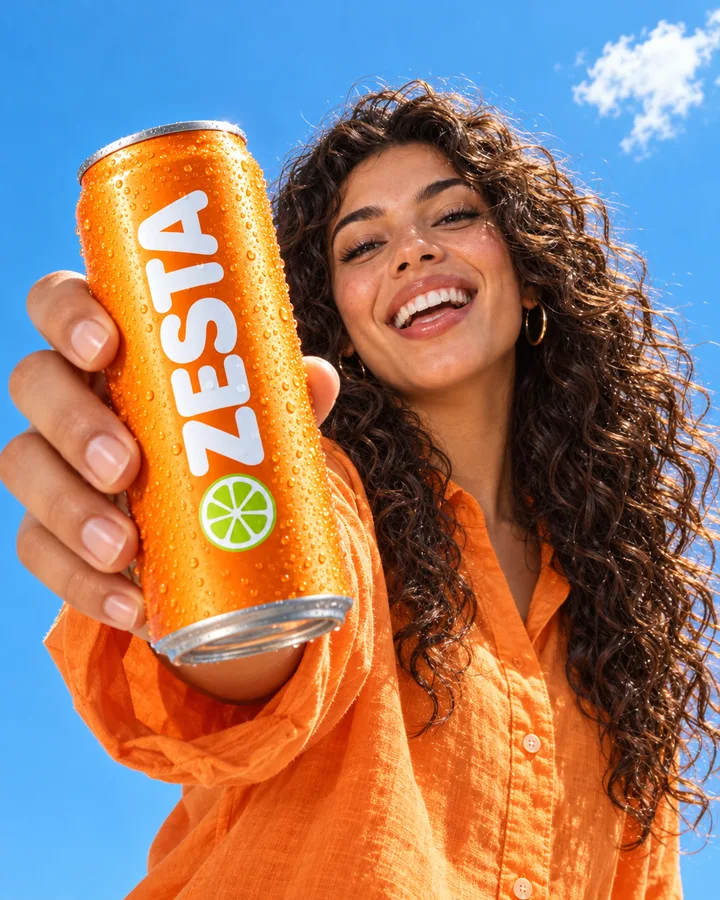
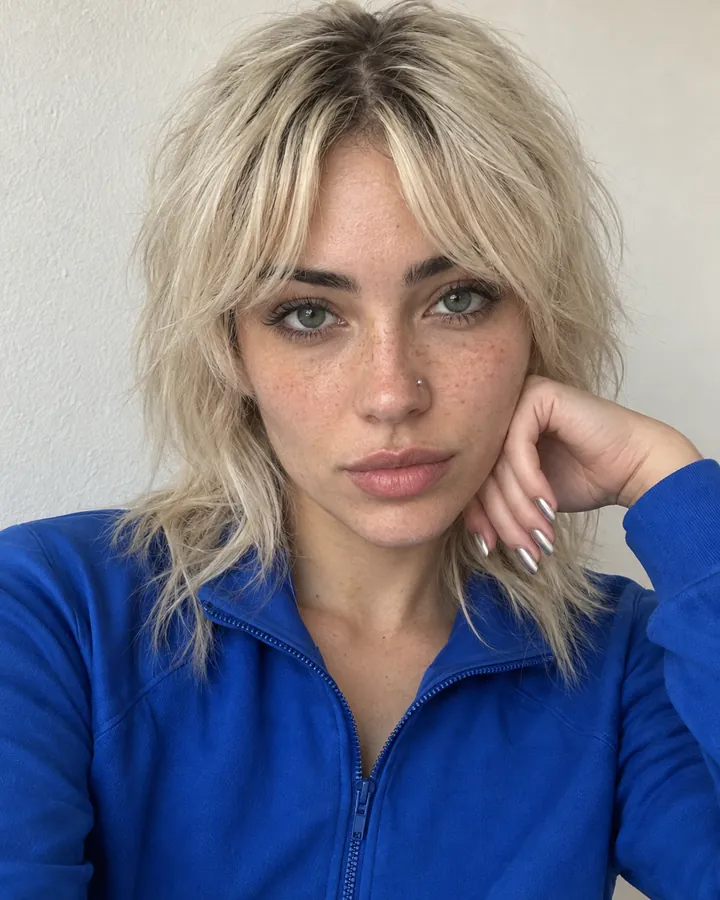 @Dakota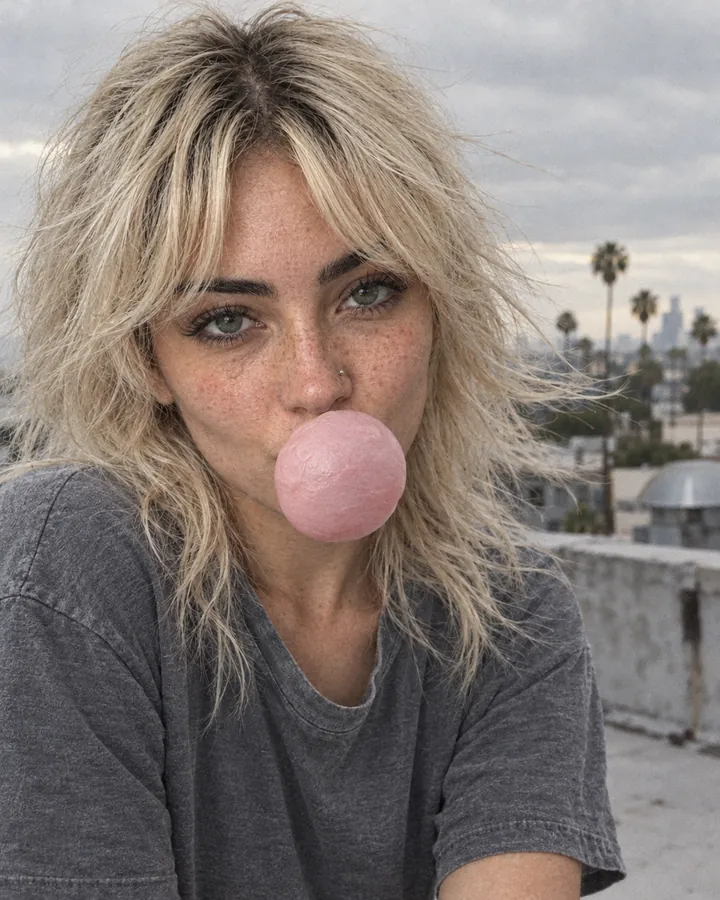
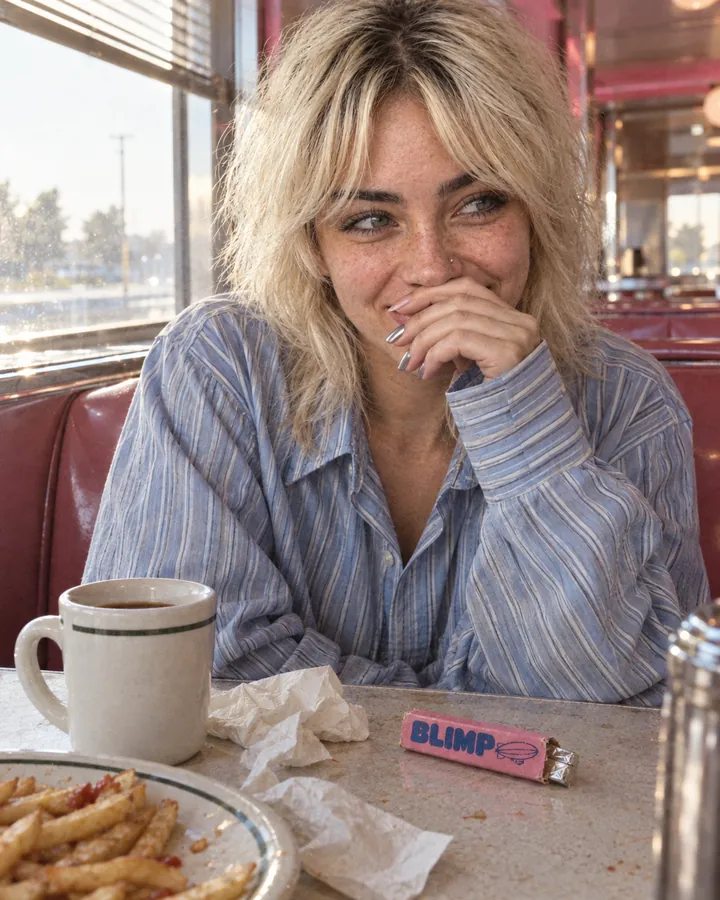
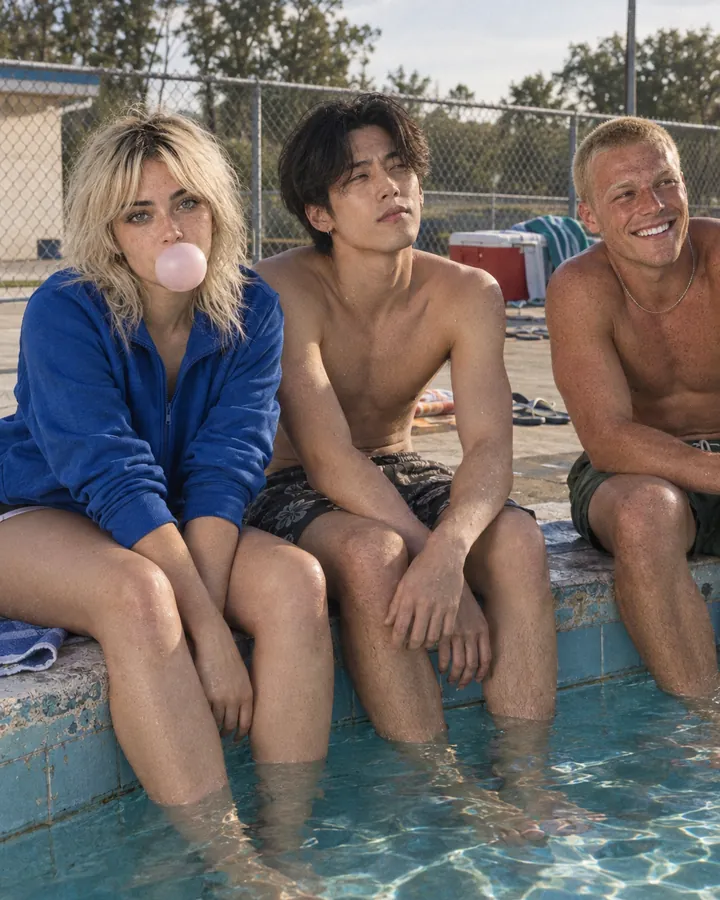
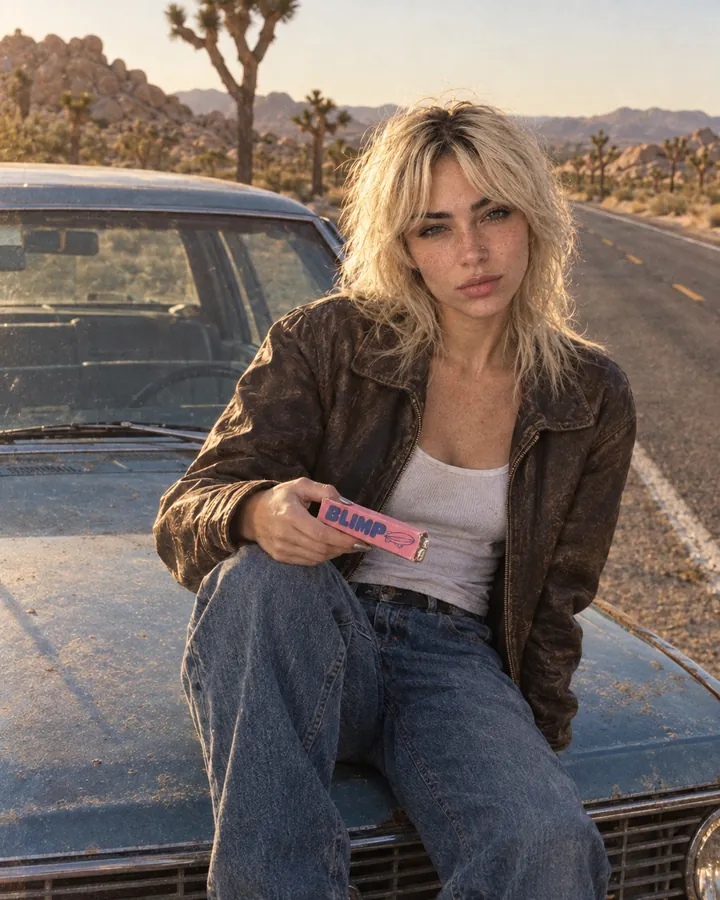
Use @ in the chat, in a card’s prompt or in a tool’s form. Under a card, each picture shows its number and the role it plays: an image to keep, a style to follow, the first or last frame of a film. If a model takes fewer pictures, you see which ones won’t be sent.
Numbered pictures you can drag into a different order.
Roles per model: images, style, first frame, last frame, video and audio.
Delete @Maya from the text and her pictures leave with her.
 Maya opens a
 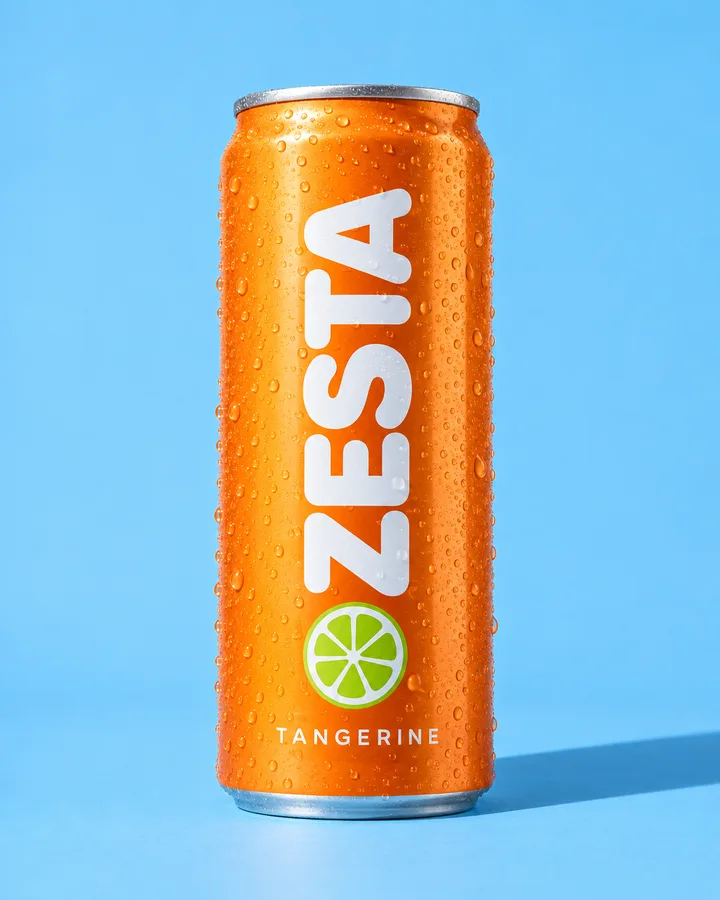 ZESTA Tangerine on the
  Court, shot like Editorial flash1234
Pictures are numbered in the order the model receives them. Drag to reorder.
Save a prompt that worked, with the kind of card, the model and its settings: size, quality, length or voice. Type / to use it in a card or in the chat, or start a new session from it. A set of DFIRST prompts is there to start with.
Filter by image, video, audio or text.
Use it with / anywhere you can type a prompt.
Start a new session from any saved prompt.
Type / in a card or in chat to use one, with its model and settings.
Browse DFIRST’s examples and pictures from the community, add any of them to Yours, or bookmark them to a board for your next project.

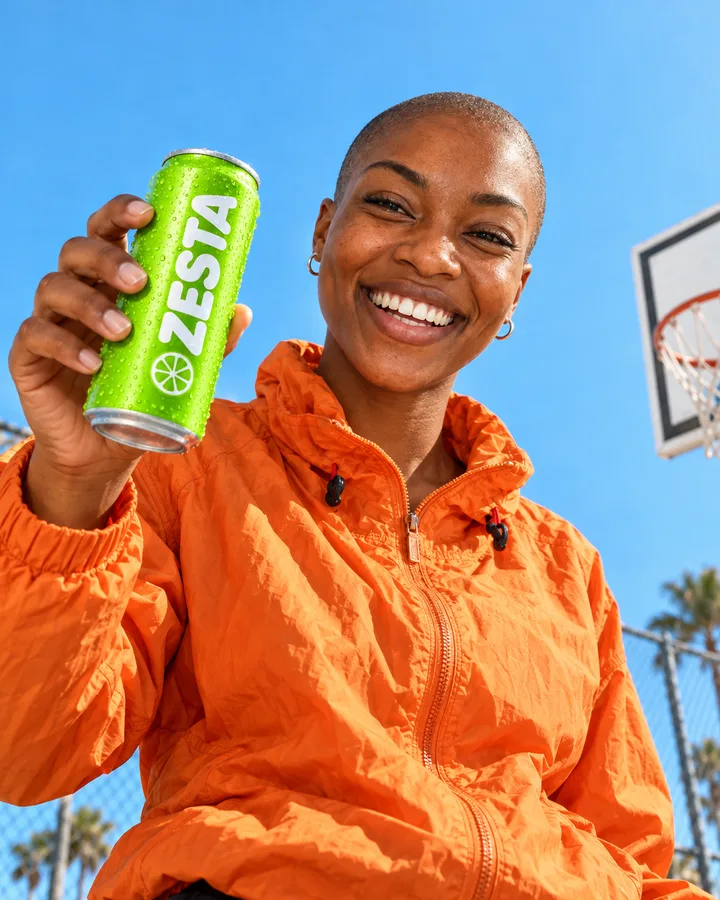
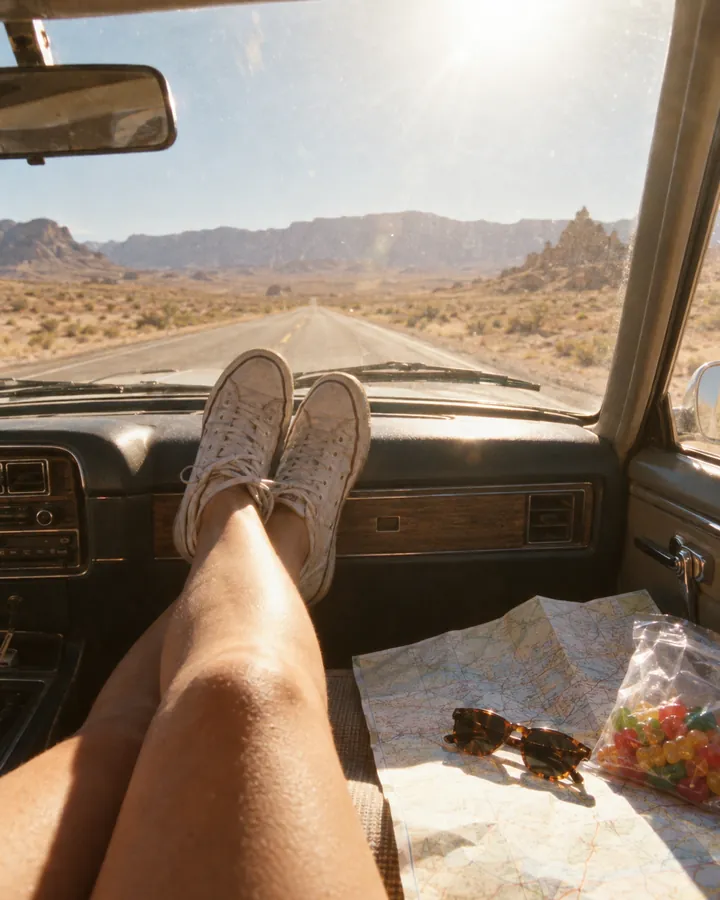
What people ask before they build their library.
References guide the model with real pictures, which keeps faces and products far more consistent than a description alone. Results still vary by model and scene, so two or three good angles of a face make the biggest difference.
No. Every workspace starts with a set of example people, places, styles and voices to try, and you can remove any of them.
Not yet. Voices are a set of ready-made voices you pick on a speech card.
Everyone in your workspace. Each reference lives in your Data Room as a folder with its pictures and description.
Yes, of people who have agreed to it, such as your team, your models or your ambassadors.
Every module feeds the others, so what one learns, the next one uses.
Three photos are enough to start. Then type @ and put them anywhere your next campaign needs. DFIRST opens to people on the waitlist first.